Class party RSVPs without the spreadsheet chase
Know who's coming, whether an adult is staying, and which families need a nudge. Parents reply through their family's private link, no account needed.
Free · No ads · No guest accounts
- 3 attendingThe JohnsonsAlex, Maya, Leo
Alex is staying for the party
- MaybeThe PatelsAsha
- No replyThe CartersNora, Ben
- 1 attendingThe NguyensMinh
How do you collect class party RSVPs without a group-chat mess?
Add each family with the people invited, then send each family its own private link. A parent answers for the household, and your dashboard shows who's coming and who hasn't replied. It works for classroom parties, preschool celebrations, and daycare events.
From the daycare picnic to the end-of-year party
Before you share the invite, say who's invited and whether adults should stay. A preschool picnic needs room for parents, while an end-of-year classroom party might be students only.
Add the invited people under each family, then send the family's link to a parent. They answer for each person, and you see the headcount without piecing it together from the class chat.
Ask one optional RSVP question, such as who's staying. For snacks and supplies, add a free sign-up list, and each family claims what it's bringing when it says yes.
Planning a Halloween or holiday class party? The free Room Parent RSVP Kit has invitation wording that asks for a count, reminder texts, and a headcount sheet.
What breaks when class RSVPs stay in chat
- Family counts are unclear
- A parent says yes, but not whether a sibling is coming or whether an adult is staying.
- Maybes go stale
- Maybes sit in the thread until you chase each family again.
- Notes get buried
- Who's staying and what each family is bringing land in separate messages, away from the RSVP.
- Co-hosts lose context
- The other parent helping you can't see the latest count unless you keep forwarding updates.
Three steps from invite to headcount
It works the way parents already coordinate.
Add the class list
Add each family. List the children and any adults you're inviting, then decide whether extra guests are welcome.
Share private links
Send each family's link directly by text, WhatsApp, or email. Parents answer for their household without creating an account.
Nudge only the gaps
Check the confirmed count, read family notes, and copy nudges for families who haven't replied or are still a maybe.
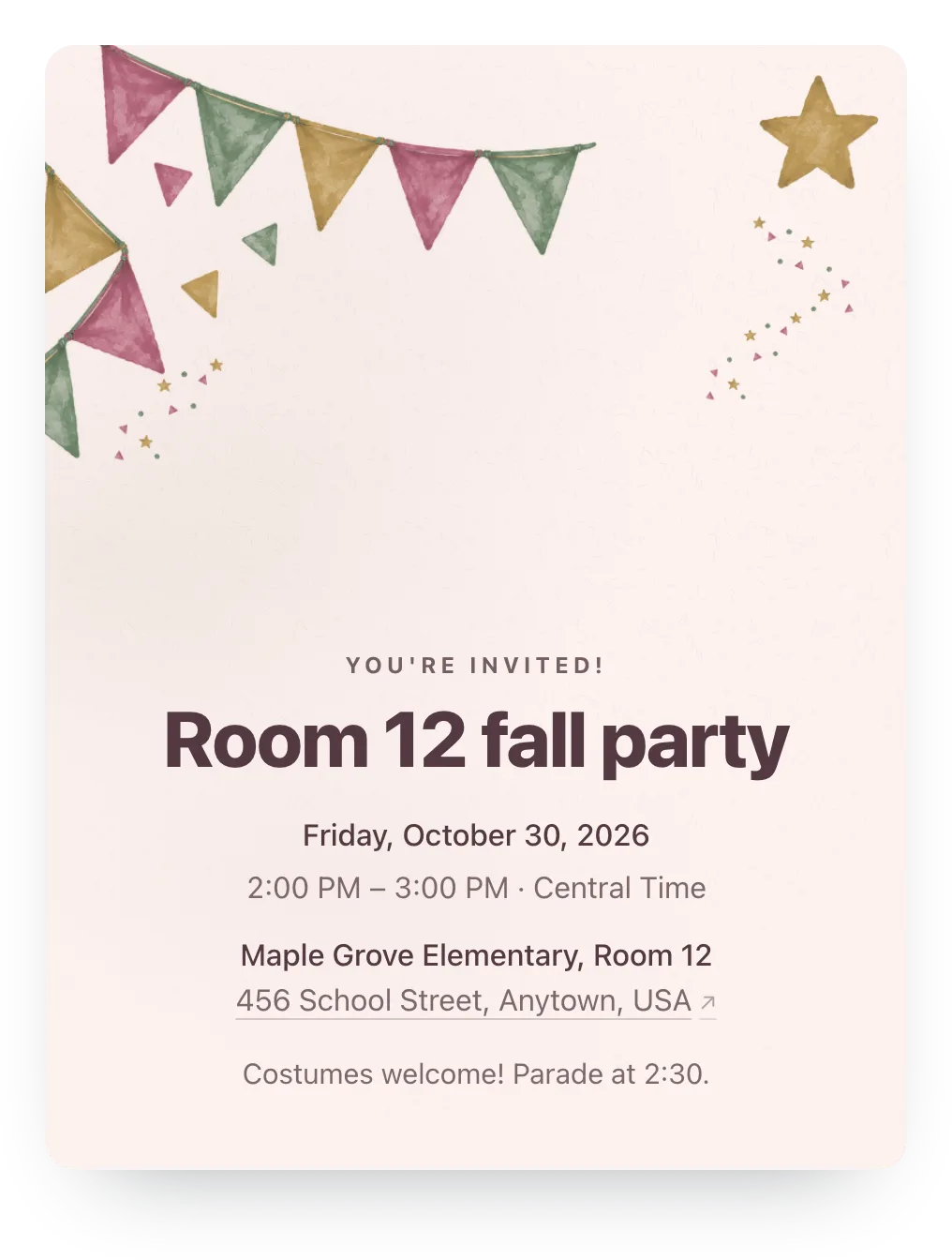
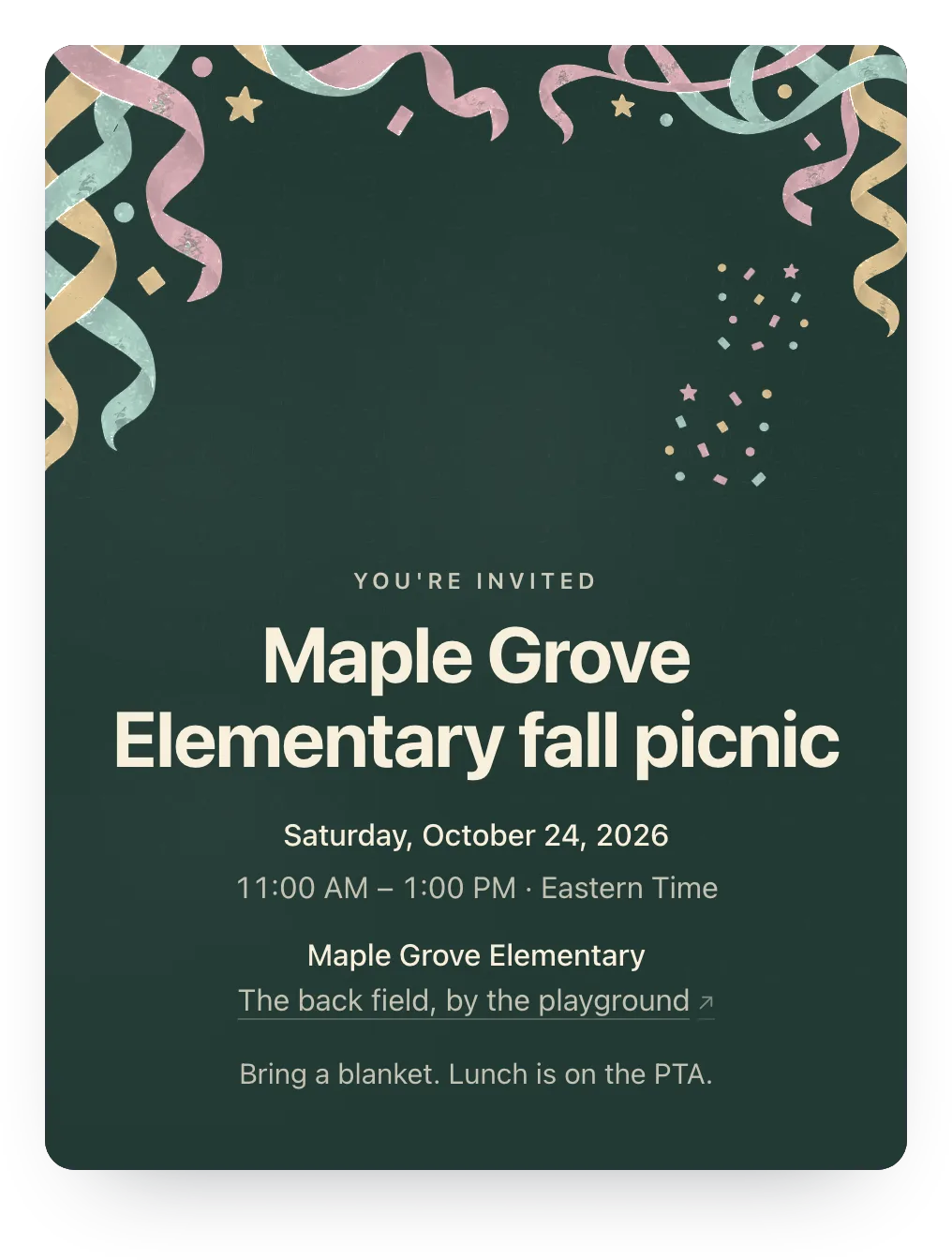
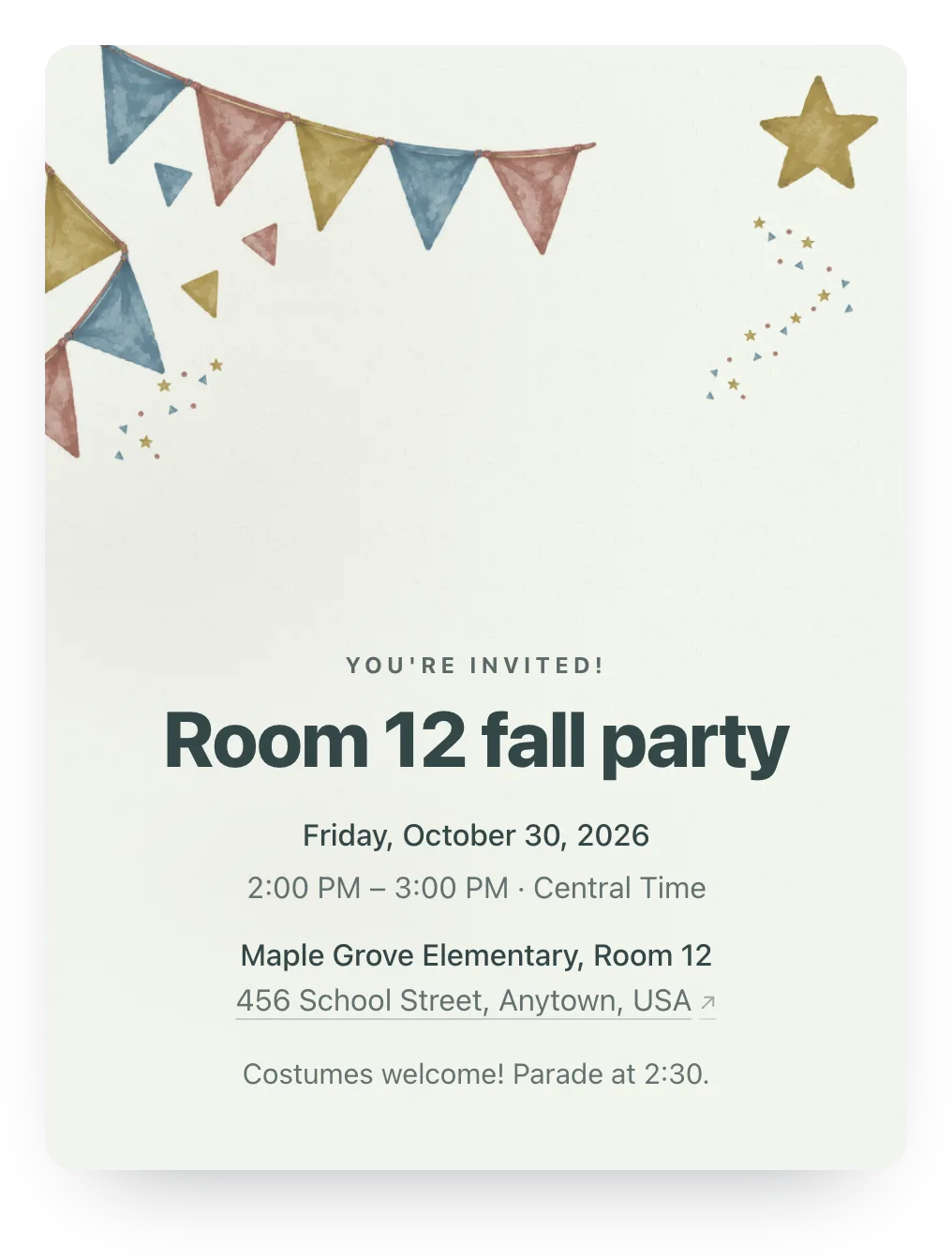
Class party designs
Try party flags, confetti, or any other painted design free; families see it once the event has Plus ($12).
Made for the parent doing the organizing
Family replies, ready-to-send nudges, and reusable guest lists. No guest accounts.
- A reply for each invited person
- One parent answers for the whole family. Every named child or adult, plus any extra guests you allow, counts toward the headcount.
- Ready-to-send nudges
- Copy the message and send it wherever the class already talks. You never upload your contacts.
- Private by default
- Each family link shows that family's invite, not the class roster. Parents don't need an account or phone verification.
Ask who's staying with the class
Under RSVP planning, add a question that families answer in their optional note. It helps at a preschool celebration, when you need to know which adults plan to stay.
One RSVP question is free. Families can answer or skip it.
Will an adult be staying? Let us know who.
Optional
A family's answer
Alex will stay for the party and help with cleanup.
Paste this in the class thread
The class chat is where parents already are. Use it to send the invite, not to tally replies.
Hi all! I'll send each family their own RSVP link for the class party. Please answer for everyone listed and check the invite for sibling and adult details. There's an optional note if you need to add anything. Thanks!
Questions
Common questions from parents and school organizers.
Can this work if I only have a class WhatsApp or text thread?
Yes. Announce the party in the thread, then send each family's link to a parent so you can track who hasn't replied. Or post the shared link once, and families add their own names.
Can parents add siblings?
Yes, if you allow extra guests for the event or that family. For a students-only party, list only the invited children, keep the extra guest limit at zero, and say so in the invite.
Can I use this for preschool or daycare events?
Yes. It works for a daycare picnic, preschool holiday celebration, or end-of-year family party. Use the optional RSVP question to ask who's staying, and a free sign-up list for snacks and supplies.
Can I ask about food needs with the RSVP?
Yes. Under RSVP planning, add a question such as "Anything we should know when planning the food?" One question is free and Plus allows up to five; keep sensitive details for a direct conversation with the family.
Can another parent help manage the list?
Yes. Add a co-host so another parent can update details, manage guests, and see responses.
Run this event, then reuse the guest list for the next one
Free for unlimited events. Plus is $12 per event, or if you host often, Host Pass puts Plus on every event you create for $19/year.
Free · No ads · No guest accounts