Beautiful invitations
for family gatherings.
One link for the group chat, or a private link for each family. Each family answers once, and you see exactly who’s coming.
Free · No ads · No guest accounts
Park picnic crew
Picnic Sunday! Here’s the invite.

You’re invited: Sunday picnic in the park
hejmo.app
Moving invites play in iMessage when you text the link from an iPhone. Other apps show a still.
How it works
Add your families.
One line per household, and each gets its own private link. Or skip it and share one link.
Adding four families, one line each. Add guestsMaya, Leo, PriyaAsha, RaviNora, BenMinh, Linh, Kai4 invite links · 10 peopleShare the link.
Send each family its own, or text one link to the group chat. It opens as a preview card.
Sending the Johnsons their private link by text. Jen JohnsonPicnic on Sunday, May 16! Here’s your RSVP link.You’re invitedSunday picnic in the parkSunday, May 16, 2027 · 12:00 PM EDThejmoYou’re invited: Sunday picnic in the park
hejmo.app
Done. All three of us!See exactly who’s coming.
Names, not just numbers. Hejmo drafts the nudge for anyone quiet.
A drafted reminder for a family that hasn’t replied. Coming 31Maybe 2Can’t come 4No reply 8Copy nudgeThe NguyensLink opened · no replyHi Linh, just checking if you can make it to Sunday picnic in the park on Sun, May 16, 12:00 PM at Maple Park. Here's your RSVP link: https://hejmo.app/sunday-picnic/k3xQ9tR2 Thanks!
Want to try it first? Open a sample headcount, no account needed.
Easy on guests. Private by default.
- No account, no app.
- Guests just open the link. No sign-up or phone number.
- Two taps, done.
- Yes for everyone, then Send RSVP. A note is optional.
- Nobody sees the guest list.
- Each family sees the event and its own names only.
- No ads, no spam.
- Hejmo never uploads your contacts, and only emails guests when you ask it to.

A painted design, or your own photo.
Reunions, milestone birthdays, housewarmings, and dinners. Pick a design, or put a favorite photo on the cover. Painted designs, photo covers, and moving previews come with Plus, at $12 per event.
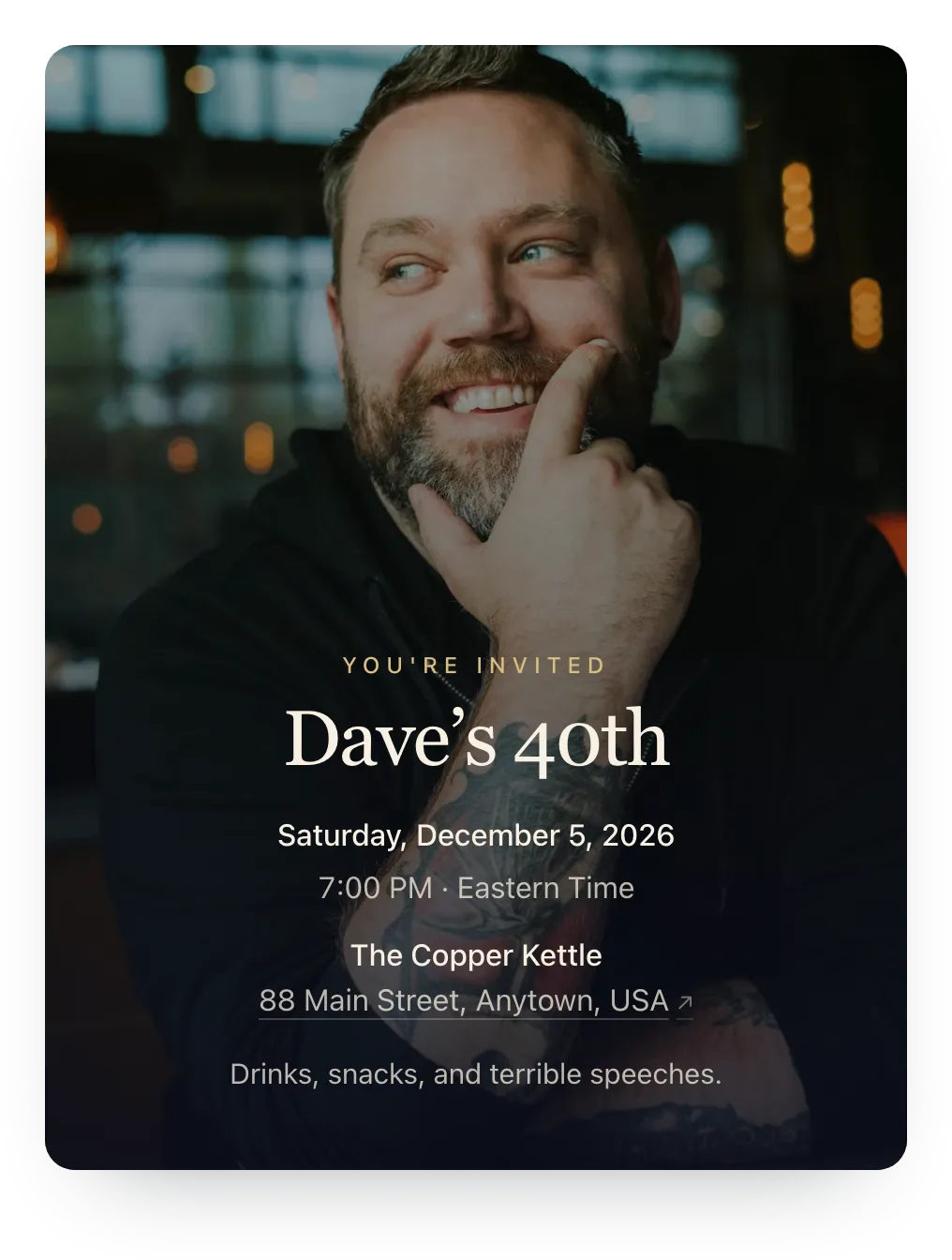 40th birthdayYour photo
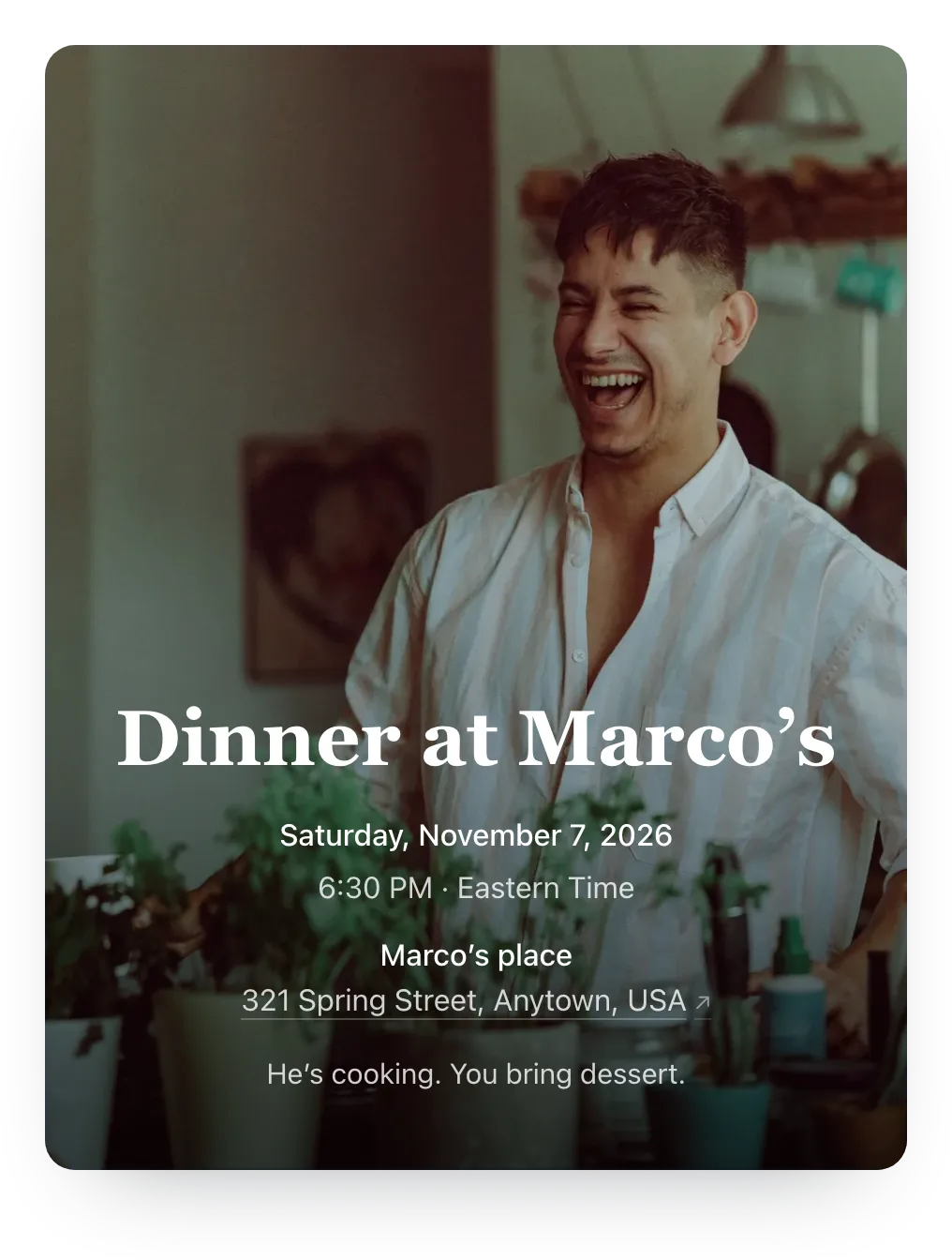 Dinner partyYour photo
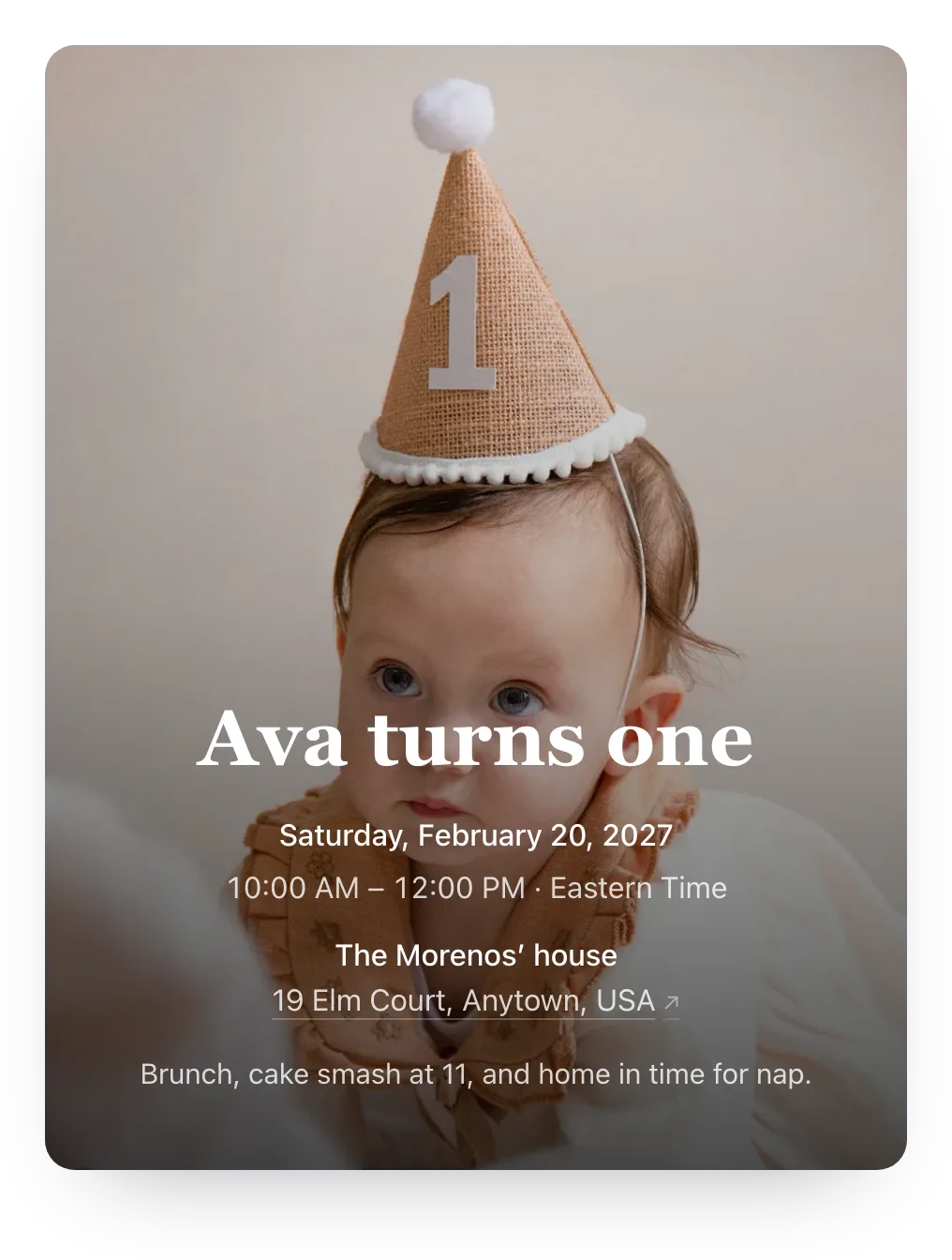 First birthdayYour photo
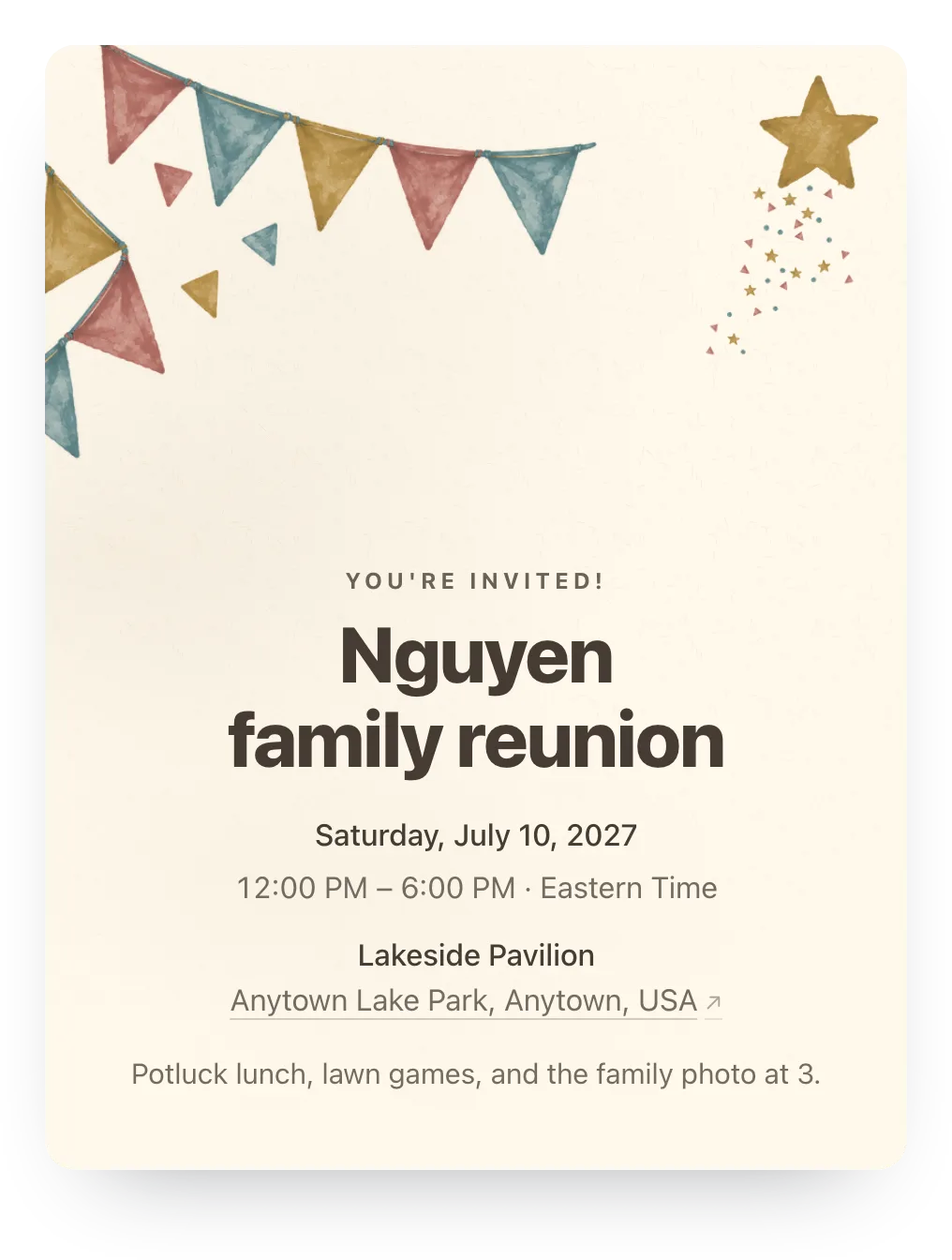 Family reunionPainted
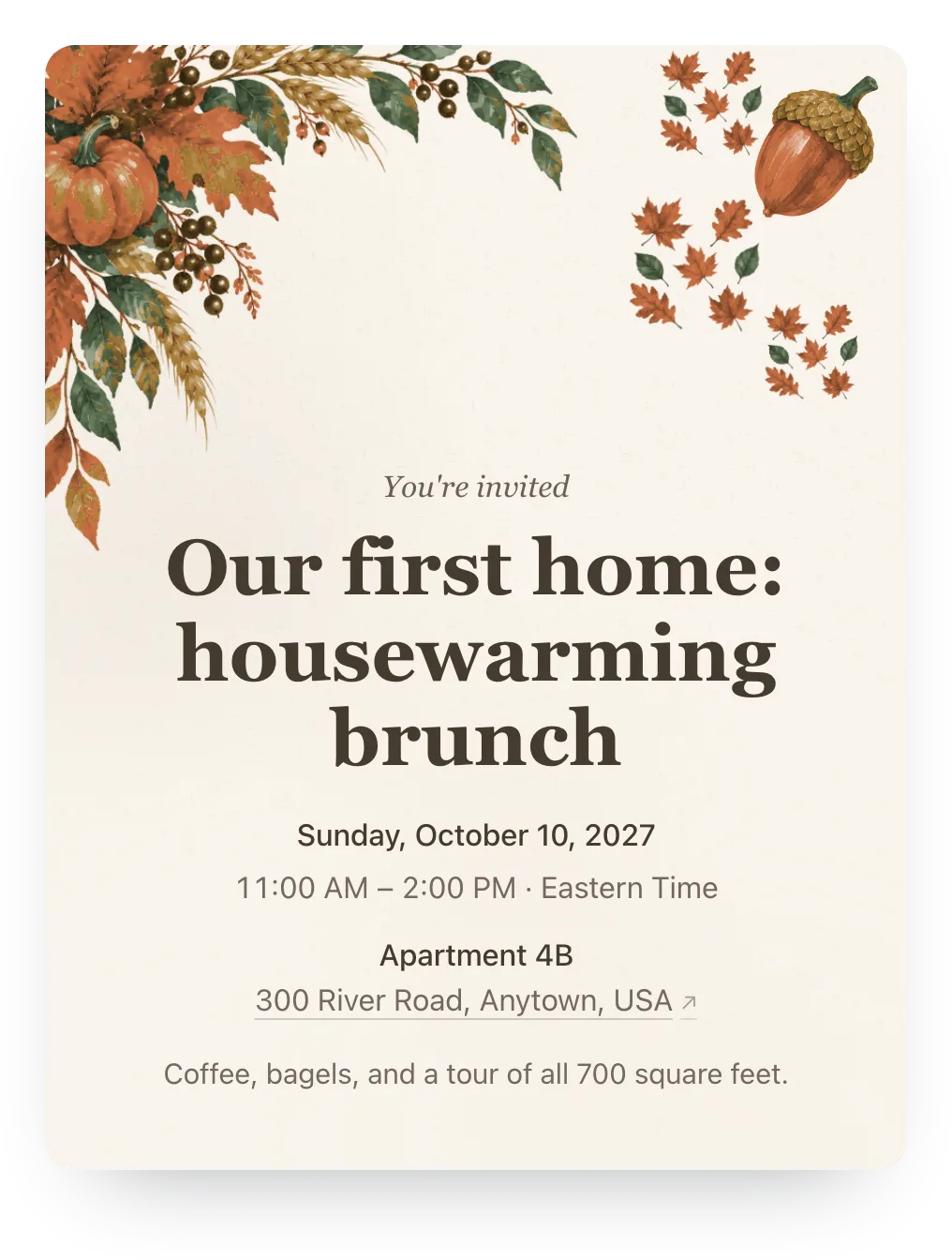 HousewarmingPainted
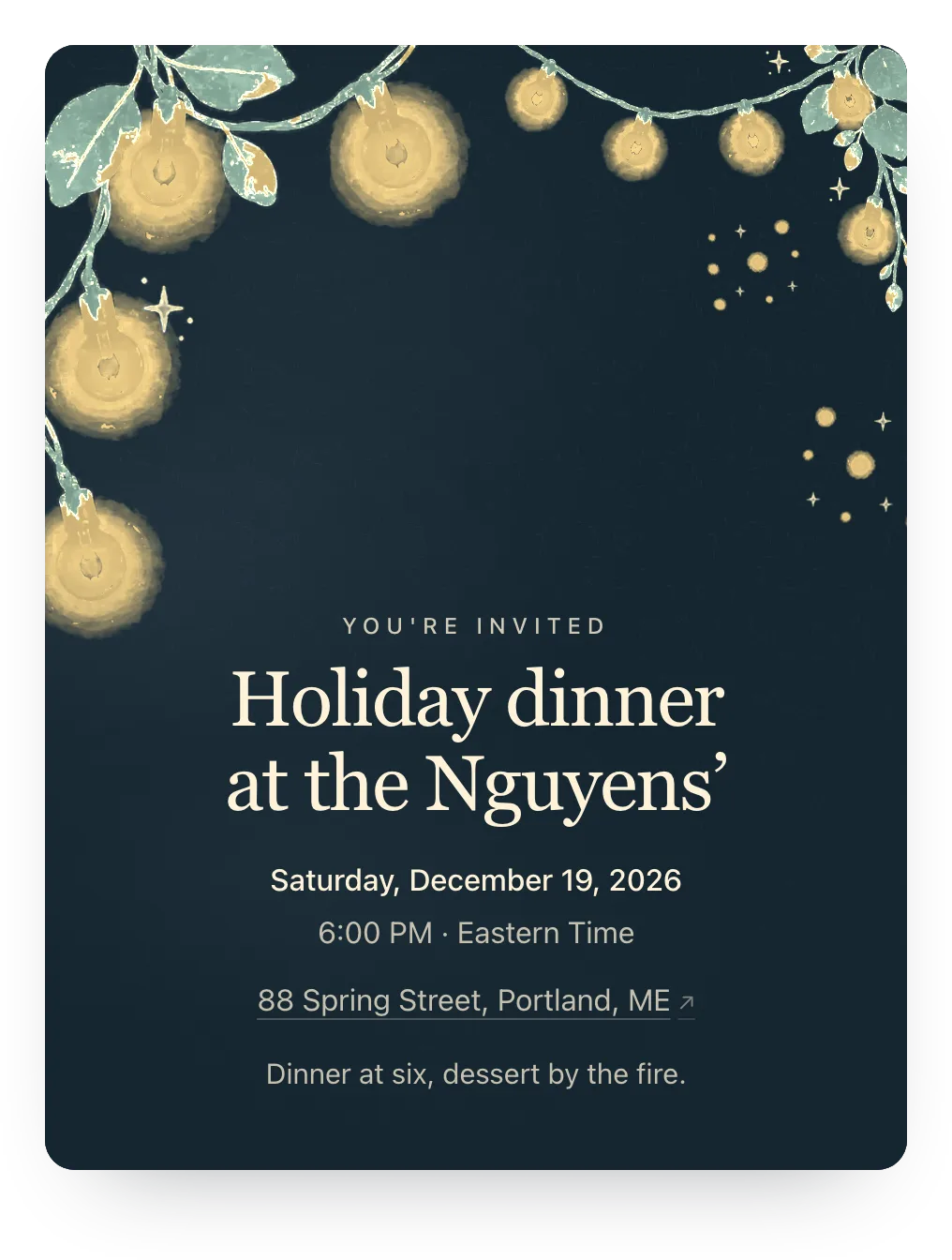 Holiday dinnerPainted
Free for every event.
Everything that gets you a headcount is free. Plus is for when you want guests to see your photo.
Free
$0
Everything you need for a headcount.
- Unlimited events
- A private link for each family
- Two-tap RSVPs, no guest accounts
- Live headcount and ready-to-send nudges
- One optional RSVP question
- Sign-up lists for what to bring
- No ads on your invite
Create your eventNo card needed.
Plus
$12 per event
Guests see your photo on the invite and in the chat preview.
- Your own cover photo, or an illustrated cover
- Curated invitation styles
- Animated iMessage previews
- Custom link
- Custom RSVP confirmation
- Up to five RSVP questions
Create your eventPaid once, from your event, even after sharing. Try your photo or a design free first.
Questions
Do guests need an account?
No. Guests open the link and answer in two taps. No login, no app, no phone verification.
Can one parent RSVP for the whole family?
Yes. Whoever opens the family's link answers for everyone in it, plus any extra guests you've allowed.
Can I use one shared link for everyone?
Yes. Every event has a shared link for a class or family chat, where anyone can add their name and answer. To track specific families, give them private links too.
Does Hejmo send reminder messages?
With Plus, yes: when you press send, Hejmo emails a reminder to households that haven't answered. On the free plan, Hejmo writes the nudge for anyone who hasn't replied or is a maybe, and you send it in your own text or WhatsApp thread.
What if a link gets shared too widely?
Tap “Replace invite link” and the old one stops working right away. RSVP history stays put.
Can I upgrade after sharing the invite?
Yes. Links you've already shared keep working, and the invite and its chat preview update shortly after you upgrade.
Read the guide for kids’ birthdays, class parties, PTA events, family reunions, potlucks, or celebrations of life. For a class party this fall, the free Room Parent RSVP Kit has invitation wording, reminder texts, and a headcount sheet.
Your next headcount, minus the chasing.
Free · No ads · No guest accounts