Retirement party invitations for the office and the family
Invite coworkers, family, and old friends by email, text, or the team chat. Everyone replies in two taps, and you know the count before you book the room. No guest accounts, no ads.
Free · No ads · No guest accounts
- 3 attendingLinda's familyMark, Jess, Ben
Keep it a surprise!
- 1 attendingDana OrtizDana
Remember the 2009 snow day?
- MaybeThe WhitfieldsTom, Kay
- No replyRaj PatelRaj
How do you send retirement party invitations?
Create the event, post the shared link in the team chat or a department email, and send family and close friends their own household links. Everyone replies in two taps with no account, and you can ask for a favorite memory with the RSVP. Your dashboard shows the count and every answer. It's free, with no ads.
A retirement party brings two worlds together
A retirement party invites the office and the family at once: coworkers past and present, former bosses, the retiree's spouse and kids, and friends from outside work. Coworkers live in email and the team chat; family lives in a group text.
Post the event's shared link in the team chat or a department email, where anyone who opens it can add their name. Send family and close friends their own household links so partners are counted.
Ask for a favorite story or memory with the RSVP. The answers make a ready-made toast, or a keepsake for the retiree.
Where retirement party RSVPs get lost
- Two lists, two channels
- The office answers by email, the family by group text, and nobody has the whole count.
- Partners go uncounted
- “I'll be there” from a coworker doesn't say whether a spouse is coming.
- The venue needs a number
- Restaurants and halls want a headcount days ahead, and the last replies come in the morning of.
- Stories arrive too late
- The best memories for the toast show up after the speech is written.
Three steps from invite to headcount
It works the way coworkers and family already talk: email, team chat, and text.
Set up the party
Add the date, place, and a note on who's invited. Add family and close friends as households, and set whether partners are welcome.
Share the links
Post the shared link in the team chat or a department email, and text family their own links. Everyone replies in two taps, with no account.
Watch the count, collect the stories
Your dashboard shows who's coming and every memory guests shared. Copy a nudge for anyone who hasn't answered and send it yourself.
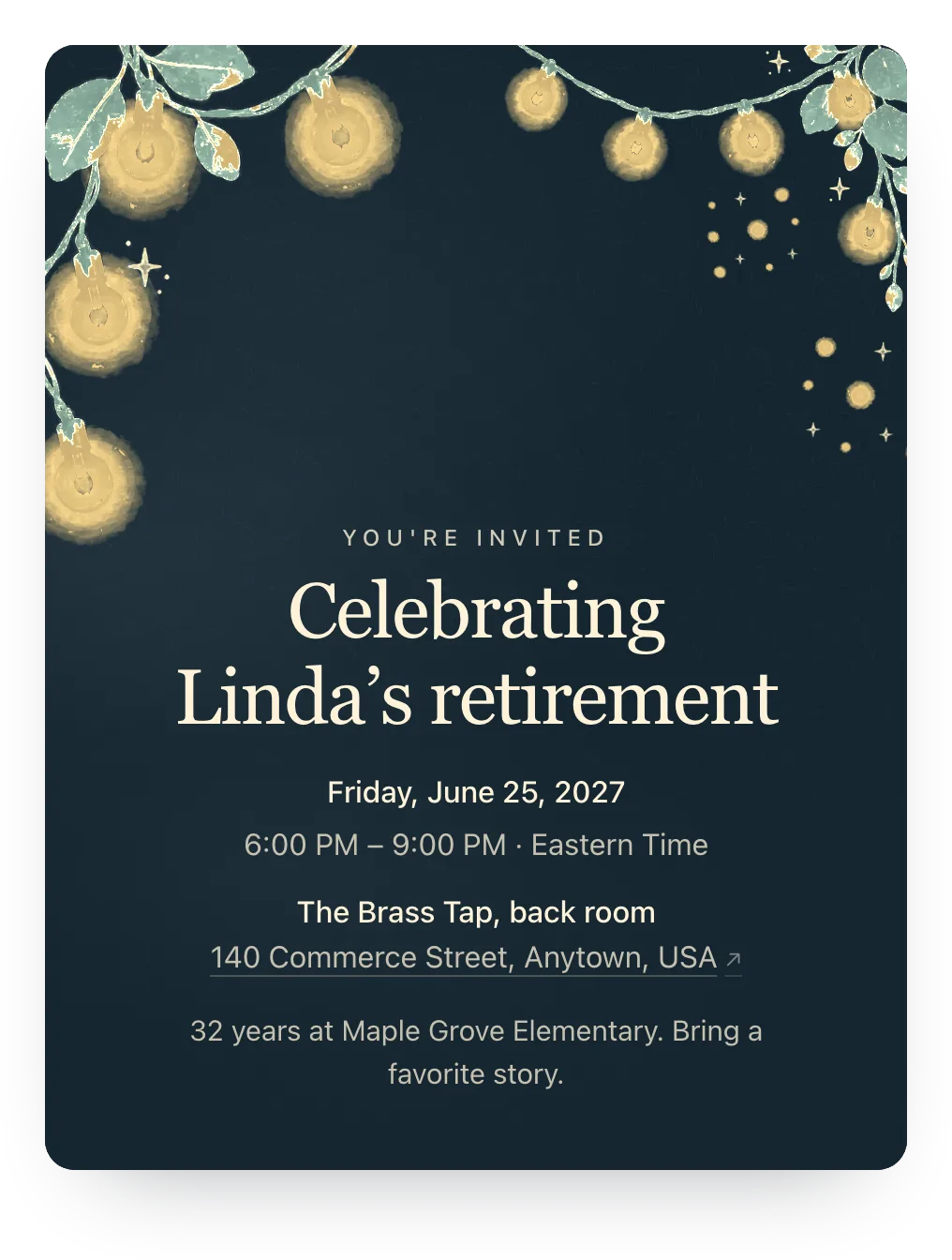
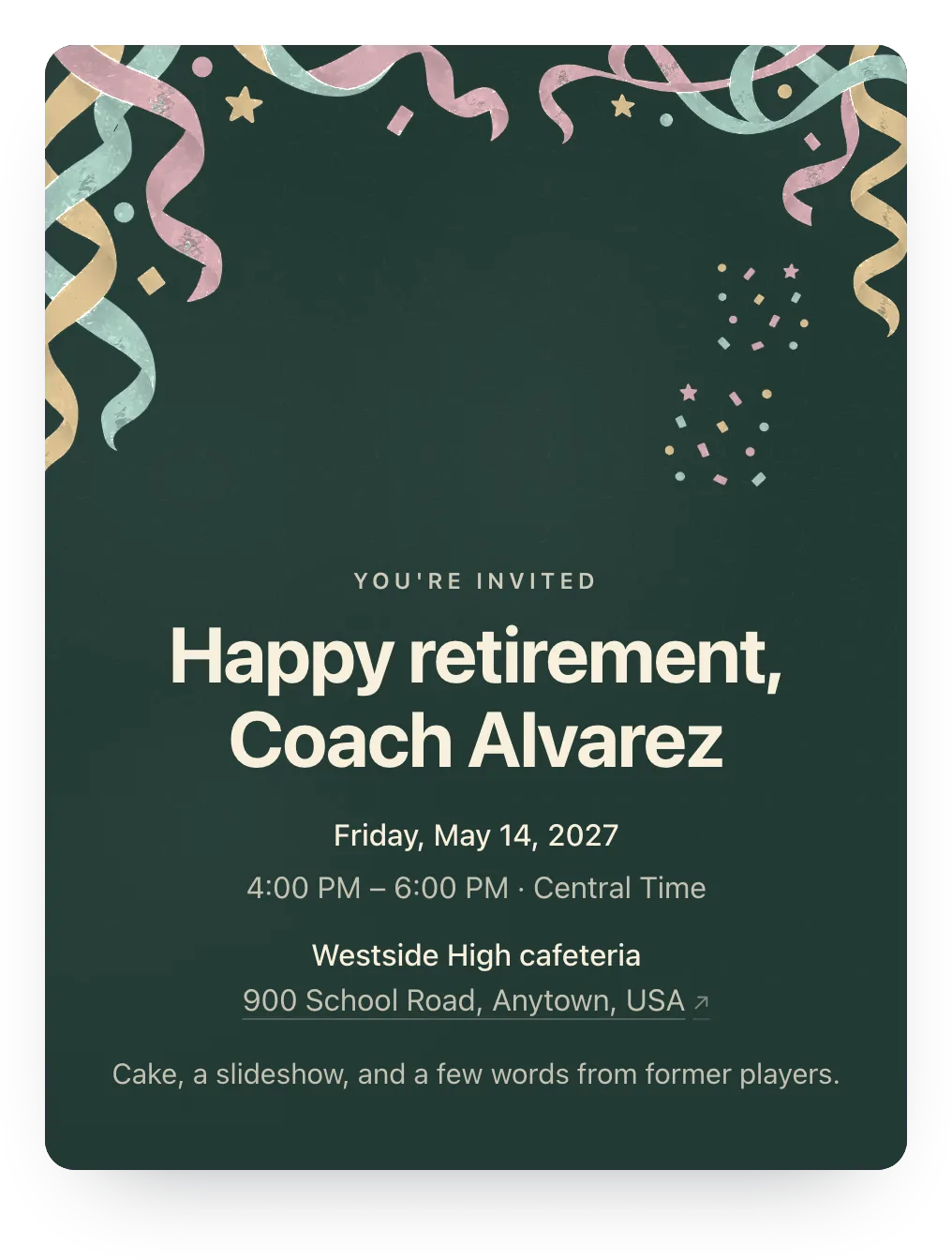
Retirement party designs
Try string lights, confetti, or any other painted design free; guests see it once the event has Plus ($12).

Made for whoever's organizing the send-off
One link for the office, household links for family, and co-hosts. No guest accounts.
- One link for the whole office
- Post the shared link once in email or the team chat. Anyone who opens it adds their name and replies.
- Family counted by household
- Send the retiree's family and close friends their own links, so spouses and kids are counted by name.
- Co-hosts see the same count
- The coworker organizing and the retiree's spouse work from one dashboard.
Ask for a favorite memory
Add an optional question guests answer with their RSVP. Stories and well-wishes collected ahead make an easy toast or a keepsake.
One RSVP question is free. Families can answer or skip it.
Share a favorite memory or a wish for the retiree
Optional
A family's answer
Thank you for 20 years of Friday donuts. Enjoy the lake house, Linda!
Paste this in the team chat or email
One message for the whole department, with the link that collects the replies.
[Name] is retiring after [number] years, and we're celebrating on [date] at [place]! Tap the link to RSVP and share a favorite memory for the toast. Please reply by [date], no account needed.
Questions
Common questions about retirement party invitations.
Are these retirement party invitations free?
Yes. Hejmo is free for unlimited events, with RSVP tracking, private links, a shared link, nudges, co-hosts, and one RSVP question. There are no ads on the invite. Plus is optional: $12 for one event adds invitation styles, illustrated covers or your own cover photo, a custom link, a custom RSVP confirmation, and up to five RSVP questions.
What should a retirement party invitation say?
The retiree's name and what you're celebrating (years of service is a nice touch), the date, time, and place, whether partners are welcome, whether it's a surprise, and an RSVP date. Mention a group gift in the details if you're collecting for one.
Can I keep it a surprise?
Yes, as long as the retiree isn't on the guest list. Say it's a surprise in the details, and don't post the link anywhere the retiree can see it.
Can people outside the company reply?
Yes. The link opens in any phone or computer browser, with no account or app, so former colleagues and family reply the same way.
Can another organizer help manage the RSVPs?
Yes. Add co-hosts, and each of them can update the details, manage the guest list, and see replies from their own account.
Run this event, then reuse the guest list for the next one
Free for unlimited events. Plus ($12 per event) adds invitation styles, illustrated covers or your own cover photo, a custom link, a custom RSVP confirmation, and up to five RSVP questions. If you host often, Host Pass puts Plus on every event you create for $19/year.
Free · No ads · No guest accounts