Celebration of life invitations that tell you who's coming
Share one link with family, friends, and coworkers. They tap yes or no on their phone and can leave a memory, and you see who's coming in one place.
Free · No ads · No guest accounts
How do you send a celebration of life invitation online?
Create the event with the date, the place, and a few words about the person, then share one link by text, email, or Facebook. Guests tap Yes or No without an account and can leave a memory. Your count shows how many chairs and plates to plan for. Free, with no ads.
What guests see
Free invitations use memorial wording on a quiet cover pattern. These are the four Plus Remembrance photo styles.
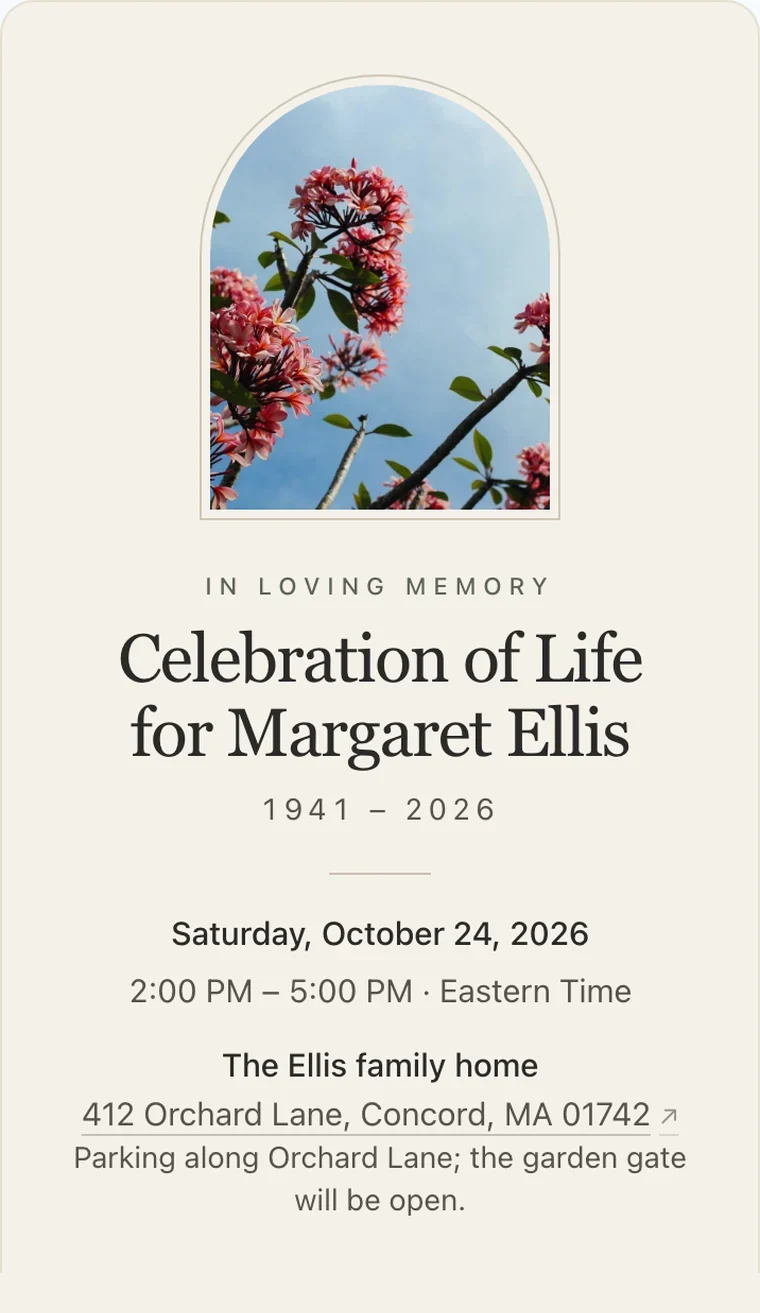
IvoryWarm paper and an arched frame. The traditional choice. 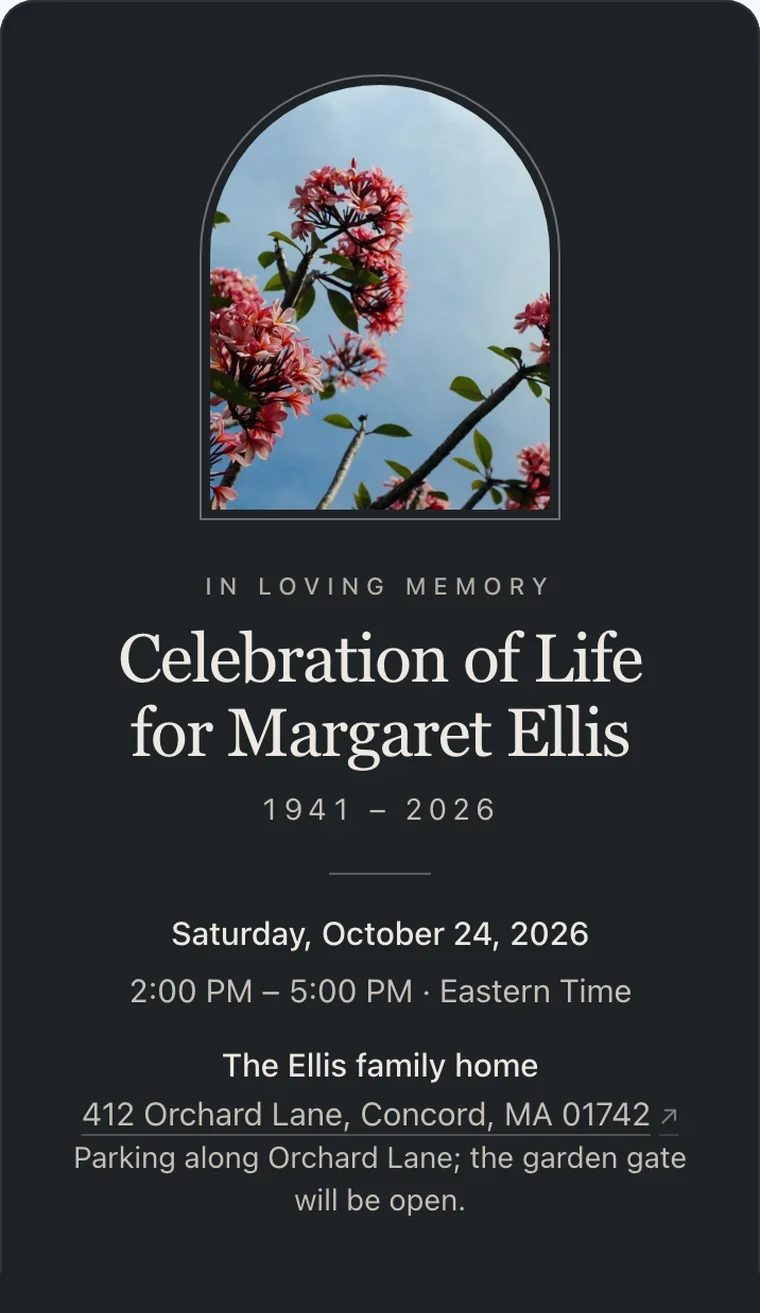
SlateDeep slate and pewter, for a formal or evening service. 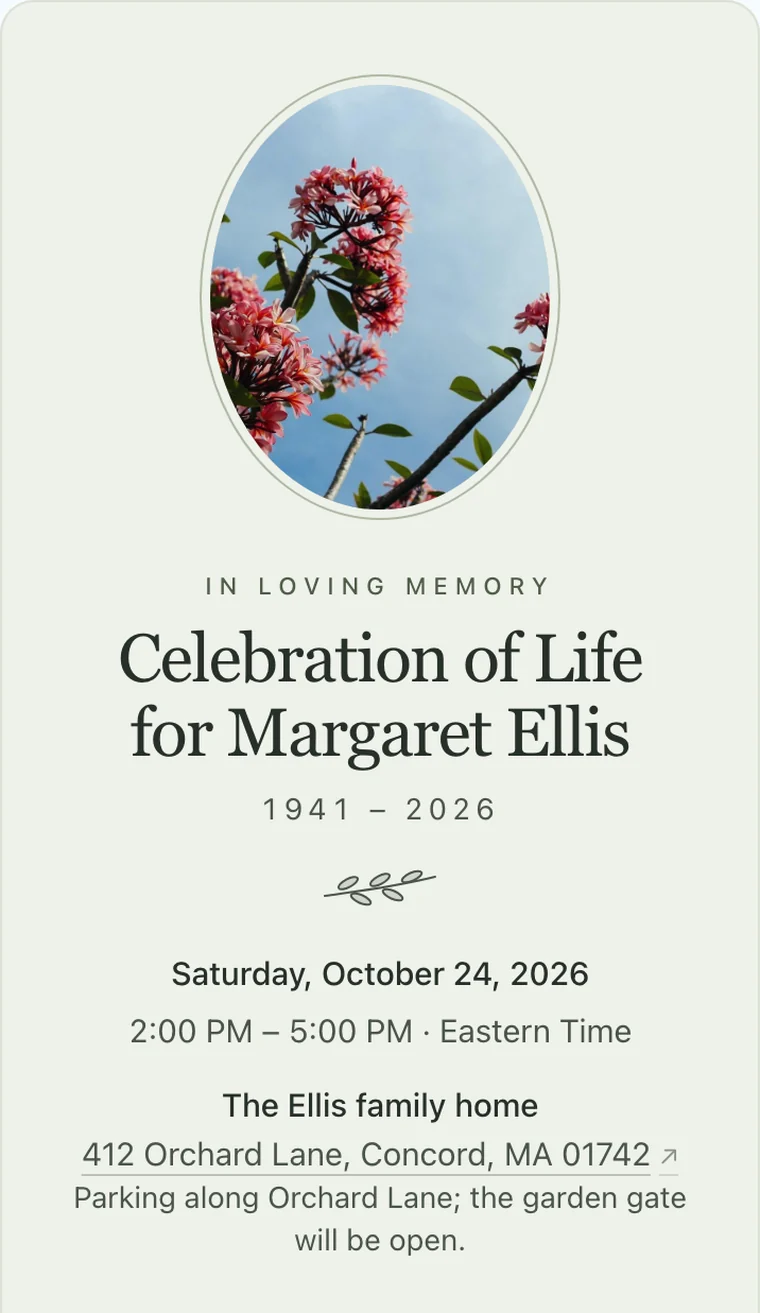
SageSoft green, an oval frame, and a small olive branch. 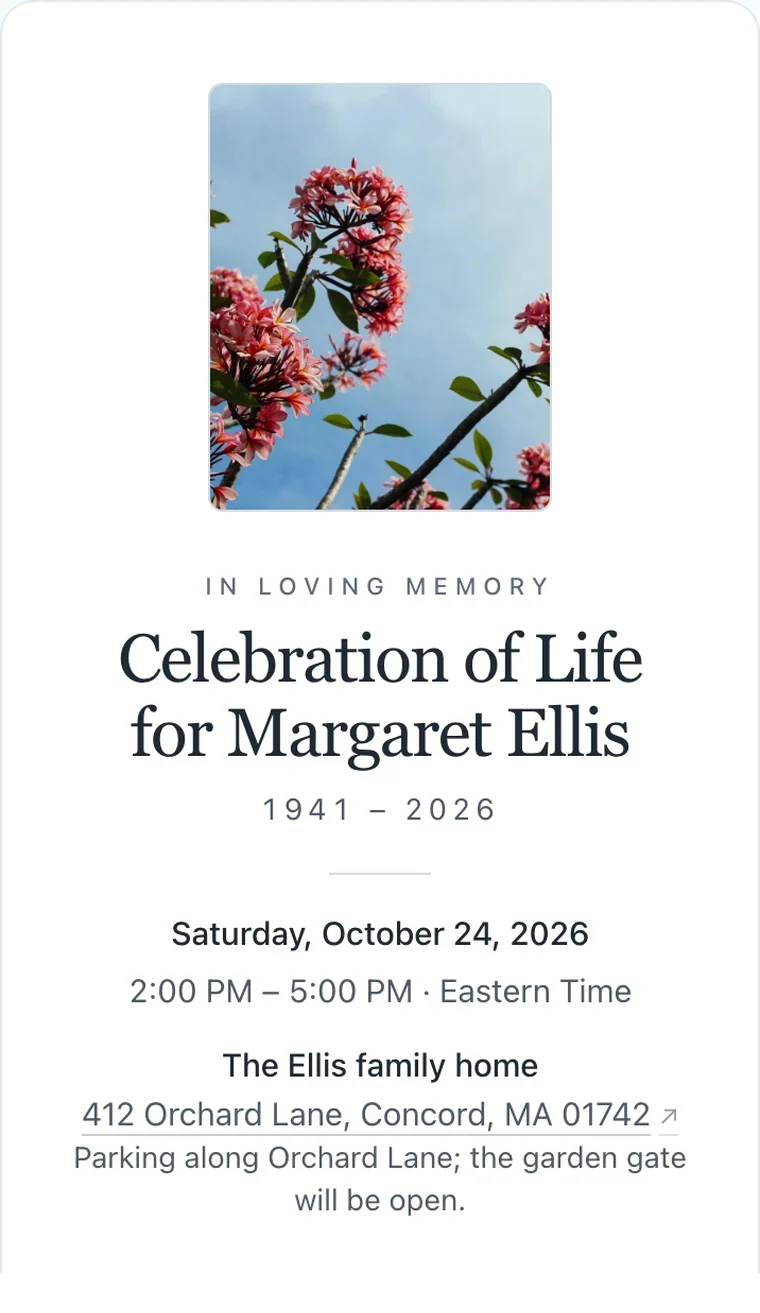
MistPlain white with a simple frame. Suits any faith or tradition.
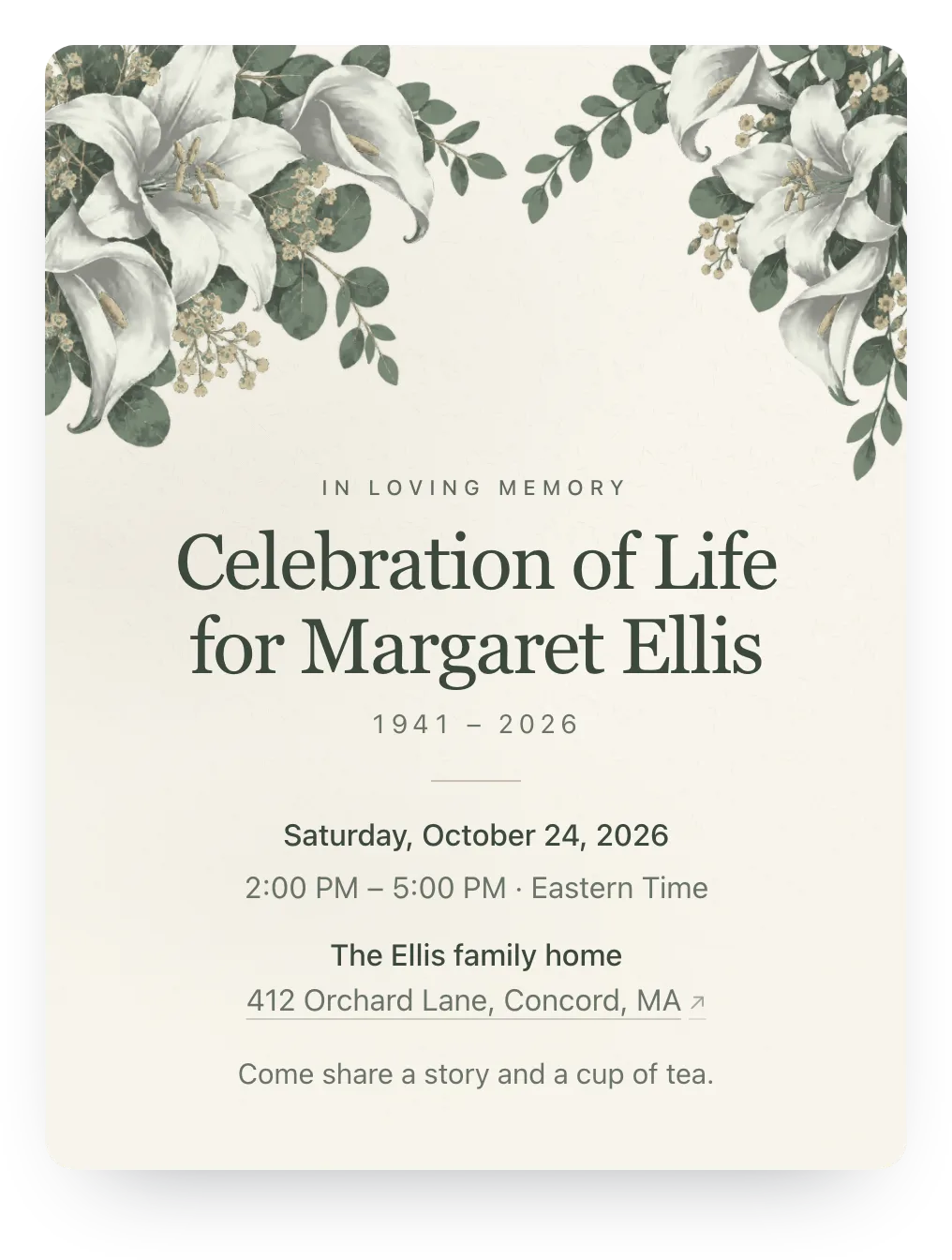
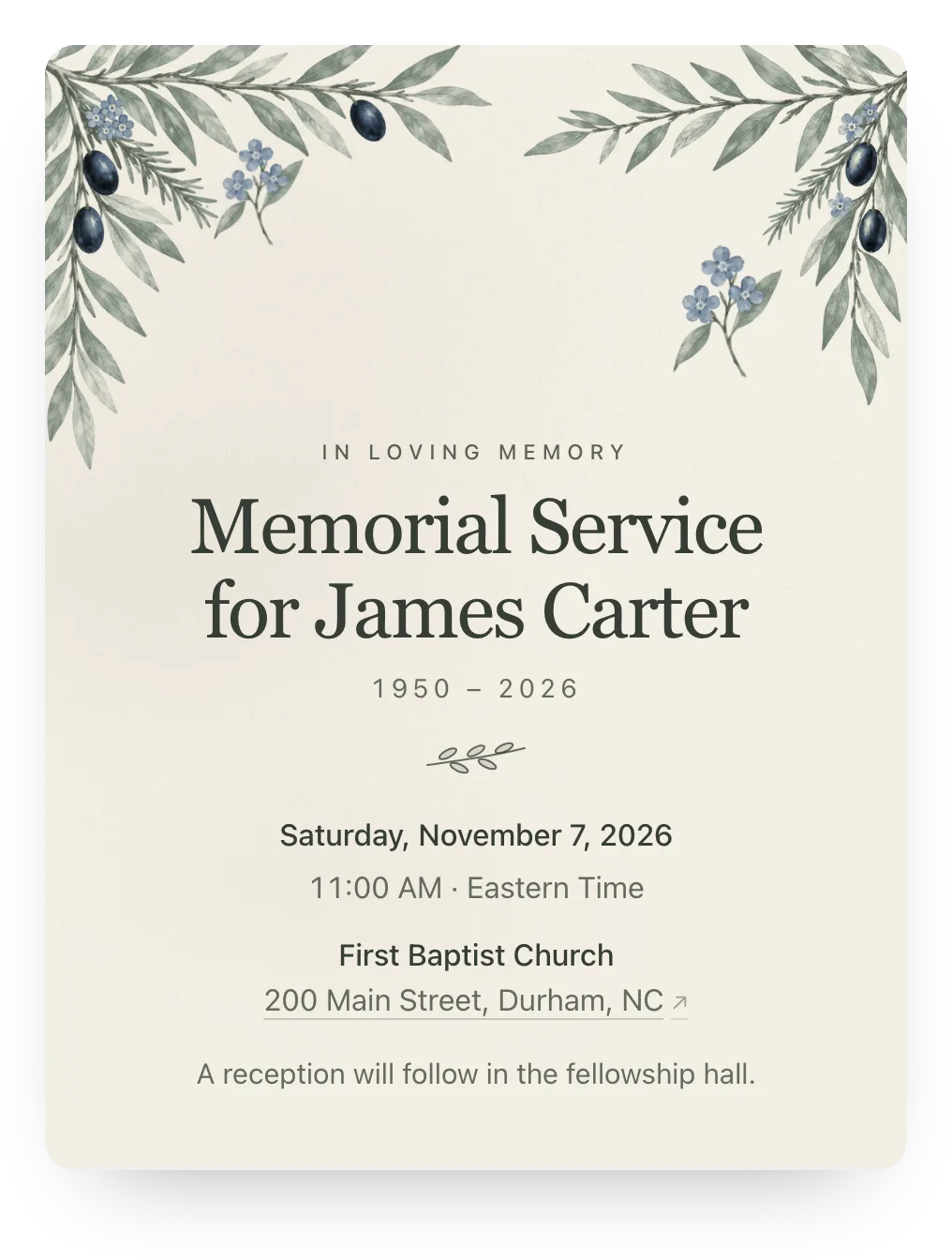
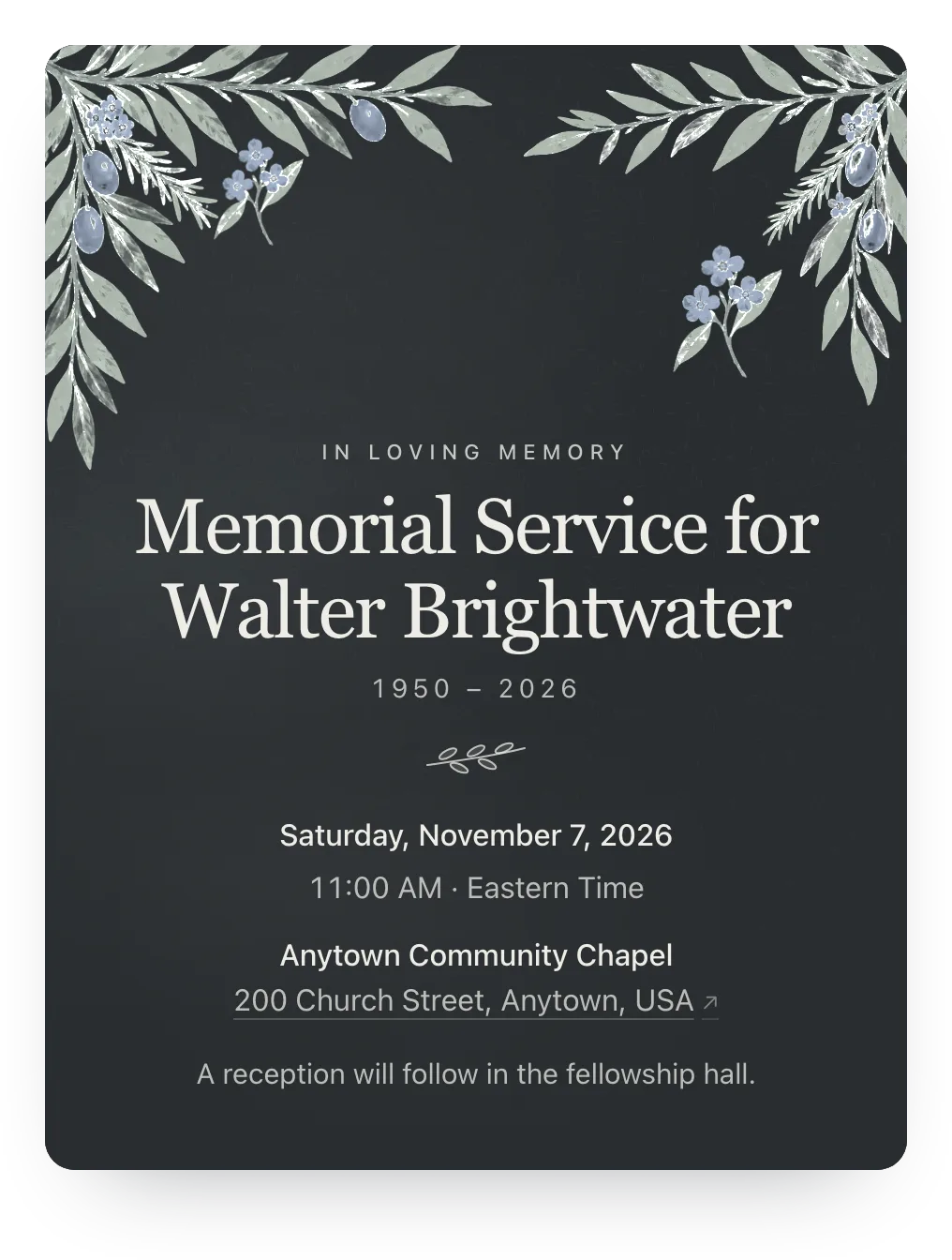
Or a gentle painted design
Without a photo, the invitation can carry lilies or olive branches in quiet colors; try either free, and guests see it with Plus Remembrance ($12).
Every reply lands somewhere different
Word spreads the way it always has: a phone call, a Facebook post, a forwarded text. The replies come back the same way, scattered across a week you can barely keep track of.
The venue still wants a number. So does the caterer, and whoever is printing the programs.
One link gives everyone the same details and one place to answer. You read the count when you have a quiet minute, not while you're on the phone with the florist.
Three steps to a count you can plan around
Set up the gathering, share the link, and let the replies come to you.
Add the details and a few words about them
Date, time, address, and what the gathering will be like: a service and reception, an afternoon at the house, a walk at their favorite park. Add what to wear, whether children are welcome, and a few sentences about the person.
Share one link, or one per household
Post the shared link anywhere: a text, an email, the obituary page, a Facebook group. Or give each family a private link to see exactly who answered; nobody needs an account or an app.
See who's coming, and who still needs a word
Your guest list shows yes, no, maybe, and extra guests as replies arrive. For a household with a private link that hasn't replied, copy a gentle, ready-to-send nudge; a co-host can watch the list with you.
Words to send with the link
Most people want to come and aren't sure what's expected. A few lines with the link answer that for everyone at once.
Hi everyone. We're holding a celebration of life for Dad on [date] at [place]. Everyone who knew him is welcome, kids included. Here's the link with the details. Please tap yes or no when you can, so we know how many to plan for. There's a space to leave a memory if you'd like to share one. Thank you for loving him with us.
What to put in the invitation so people can answer
Most follow-up questions come from a missing detail. Cover these and the replies come back complete.
The essentials
- Their full name, and the name people used
- Date, start time, and roughly when it ends
- Full address, plus parking or entrance notes
- Whether it's a service, a reception, or both
What to expect
- Dress: "wear color" or "come as you are"
- Whether children are welcome
- Food: light refreshments, a meal, or none, plus a sign-up list if friends are bringing dishes
- A program, or open sharing of memories
How to respond
- A reply-by date tied to a real need (chairs, catering)
- A place to leave a memory or a message
- Whether it's fine to forward the link
- Who to contact with questions
In lieu of flowers
- A charity or fund, and why it mattered to them
- Where to send cards
- Livestream details for people far away
- A line of thanks
Need a printed program for the day, too? Make one free, with their photo and life story. No account, ready to print tonight.
Made for a gathering nobody planned to host
You're organizing this on short notice, for people who are grieving too. The invitation should ask as little of everyone as possible.
- Households reply together
- One reply covers a couple, a family, or the friends carpooling from out of town. They add who's coming with them, and your count includes everyone.
- A place for memories
- Every reply can include a note. Change the prompt to "Share a memory if you'd like," and the replies become something to keep and read when you're ready.
- Private by default
- Nothing is public or searchable. The invitation opens only from the links you share, and a family's private link can be replaced in a tap if it travels further than you meant.
- Share the load
- Add a sibling or a close friend as a co-host. They see the same list and replies, so the person answering questions doesn't always have to be you.
- A photo of them, not a template
- The free design is quiet: their name and the details on a deep green cover pattern, no clip art. With $12 Plus Remembrance, their photo sits in a frame above their name, never under the text, with "In loving memory" and their years.
- Works wherever word is spreading
- The same link works in a text, an email, a Facebook post, or under the obituary. It opens in any phone browser, with nothing to install and no account to make.
Who it's for
- Celebrations of life and memorial services with a reception or meal to plan
- Gatherings where word is spreading by text, email, and Facebook
- Families who want a count without chasing replies
- Hosts sharing the work with a sibling, friend, or coworker
- Guests who'd rather not create an account to say they'll be there
Easy on your guests.
They open the link and tap an answer, and that's the whole ask. No account, app, or phone number, never an ad, and it works on any phone.
Questions
Common questions about memorial and celebration of life invitations.
What does Hejmo do for memorials and celebrations of life?
An online invitation and RSVP link for an in-person memorial or celebration of life, free with no ads, watermark, or party language. Guests reply in two taps without an account, add who's coming, and can share a memory. Plus Remembrance ($12) adds their framed photo.
How do I send a celebration of life invitation online?
Create the event with the date, the place, and a few words about the person, then share the link in a text, an email, a Facebook post, or under the obituary. Guests open it on their phone, tap Yes or No, and add anyone coming with them, with no account or app.
Do I need everyone's email address or phone number?
No. You share the link wherever word is already spreading, and it opens in any phone browser. Nobody has to hand over contact details, and everyone answers in one place.
Is it appropriate to ask for RSVPs to a memorial?
Yes, when there's food, seating, or a program to plan. Tie the request to the reason ("so we can plan the meal"), and add a line that people are welcome even if they decide late.
What should the invitation say?
Their name, the date and time, the full address, what kind of gathering to expect, and a reply-by date, plus dress, whether children are welcome, and where to send flowers or donations. Our wording guide has versions to copy for a text, an email, or a Facebook post.
Can guests leave a memory or a message with their reply?
Yes. Every reply can include a note, and you can change the prompt to something like "Share a memory if you'd like." Each note sits next to its reply on your dashboard, to read whenever you're ready.
Can out-of-town family, coworkers, and neighbors all use the same link?
Yes. Every event has one shared link anyone can open and reply through with their own name. To know exactly which household answered, add families by name and give each one a private link; you can use both on the same event.
Can my sister or a close friend help manage replies?
Yes. Add a co-host and you both see the same guest list, replies, and notes. One of you can talk to the venue while the other answers questions from cousins.
Does it look like a party invitation?
No. Events started here use memorial wording on a deep green cover pattern, with no "You're invited," clip art, confetti, or party-planning prompts. Plus Remembrance ($12) adds their framed photo, a memory prompt, a custom link with their name, and a custom RSVP confirmation.
Is this free?
Yes. The invitation, RSVP tracking, and the note with each reply are free, with no ads. Plus is $12 once for one event and adds invitation styles, a cover photo, a custom link, a custom RSVP confirmation, and up to five RSVP questions; there's no subscription unless you choose Host Pass for future events.
Let people say they'll be there
One link, two taps, no accounts. Free, private, and ready in a few minutes.
Free · No ads · No guest accounts