Online baby shower invitations with a real headcount
Send the shower invite by text, email, or the family group chat. Each household answers for everyone in it, couples and kids included, so you know the count before you order the cake. No guest accounts, no ads.
Free · No ads · No guest accounts
- 2 attendingThe MendozasCarla, Luis
Bringing the diaper cake
- MaybePriya's familyPriya, Dev, Anika
- No replyThe CoopersJess, Tom
- 2 attendingGrandma LinLin, Joe
Joe needs the ground-floor entrance
How do you send online baby shower invitations with RSVP?
Create the shower, add each household you're inviting, and send each one its own private link by text, email, or chat. One guest answers for everyone in the household, and your dashboard shows who's coming, who's a maybe, and who hasn't replied. Put the registry link and the other details on the invite. It's free, with no ads and no guest accounts.
A shower guest list is a list of households
A baby shower brings together people who don't share a group chat: both families, old friends, coworkers, and neighbors. Some come as couples, some bring kids, and a few reply only when someone asks twice.
Add each household with the people you're inviting, then send that household its own link. One guest answers for everyone in it, so a couples shower or a family-and-friends shower adds up without a spreadsheet.
Put the registry link, the dress code, and whether it's a surprise in the event details. Guests see them on the invite before they reply.
Weighing other sites first? This comparison of free evite sites covers what each one charges for.
Where shower RSVPs go missing
- Couples answer as one
- “We'll be there” could mean one guest or two, and the plus-one's name rarely comes with it.
- Kids arrive unplanned
- Nobody asked whether children were coming, so the toddler gets a seat and a plate you didn't plan for.
- Replies land everywhere
- One guest answers the text, another the email, a third tells the grandmother-to-be. The count lives in four places.
- Co-hosts work from old numbers
- Showers often have two or three hosts, and the latest headcount sits on one person's phone.
Three steps from invite to headcount
It works the way your guests already talk: by text, email, and group chat.
Add the guest list by household
Add each household with the people you're inviting. Set whether extra guests are welcome, so a plus-one or a child arrives with the reply, not as a surprise at the door.
Send each household its link
Text it, email it, or send it on WhatsApp. Guests open it, read the date, place, and registry details, and tap Yes, No, or Maybe for each person. No account, no app.
Watch the count, nudge the quiet ones
Your dashboard shows who's coming, who's a maybe, and who hasn't replied. Copy a nudge for each household that hasn't answered and send it yourself.
Baby shower designs
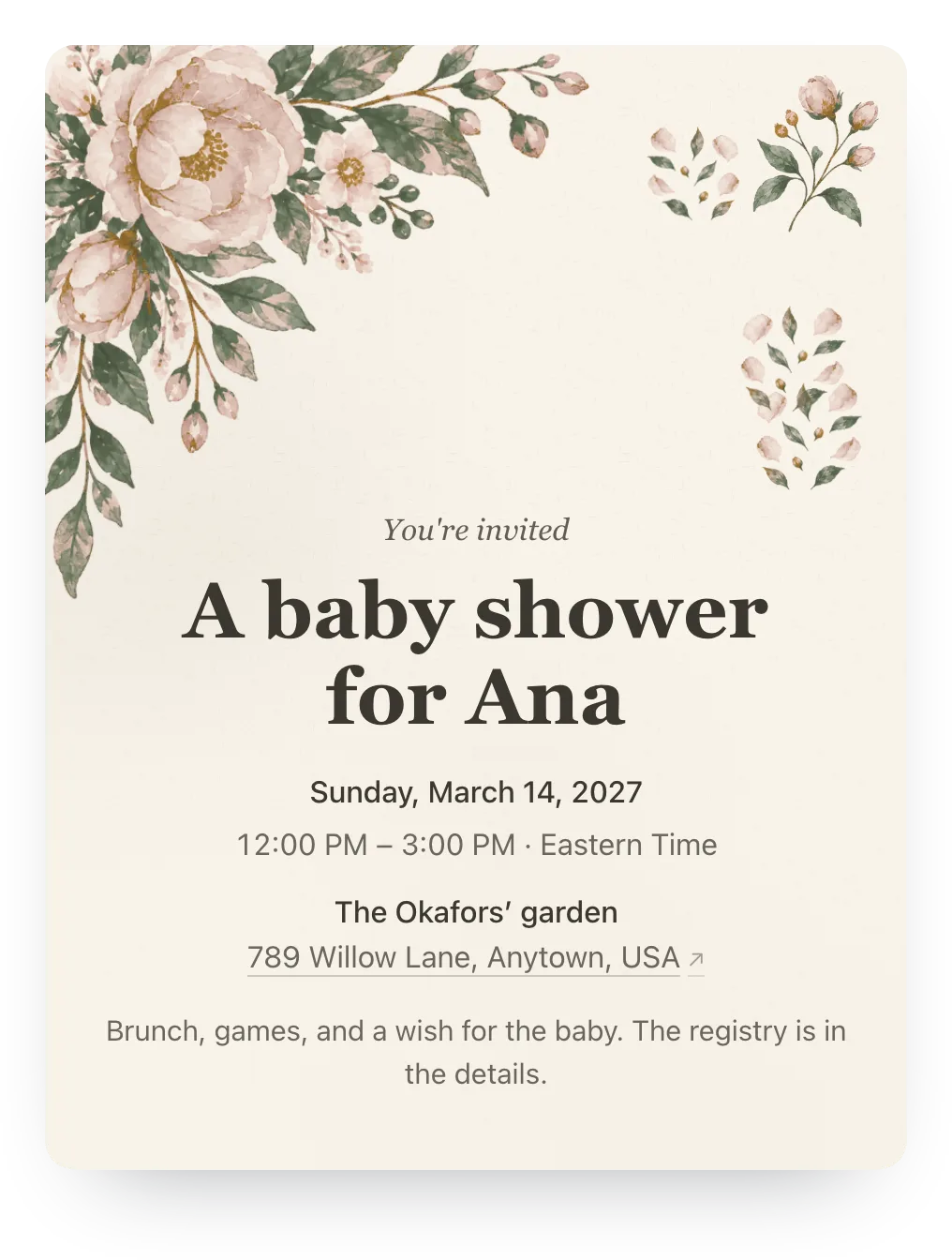
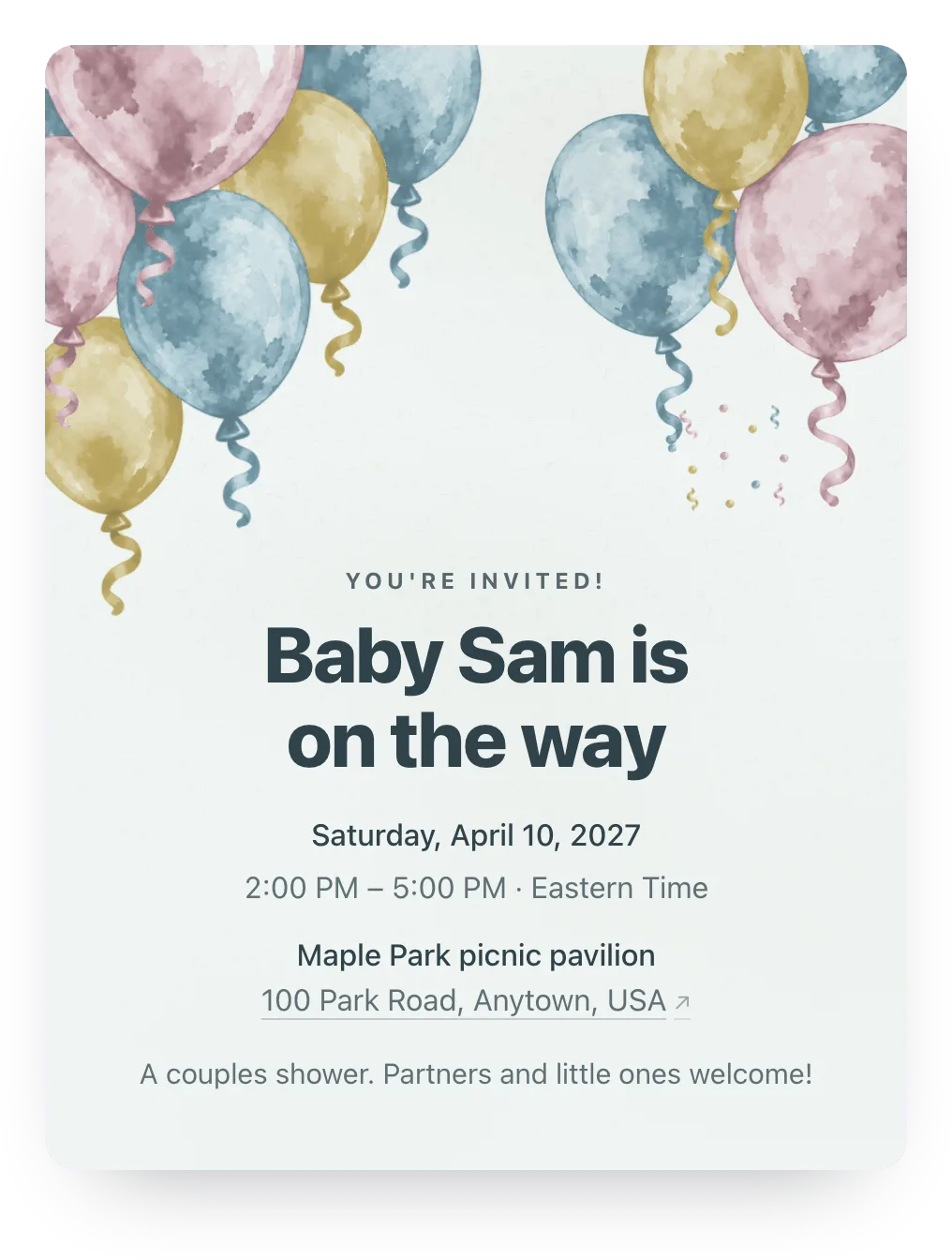
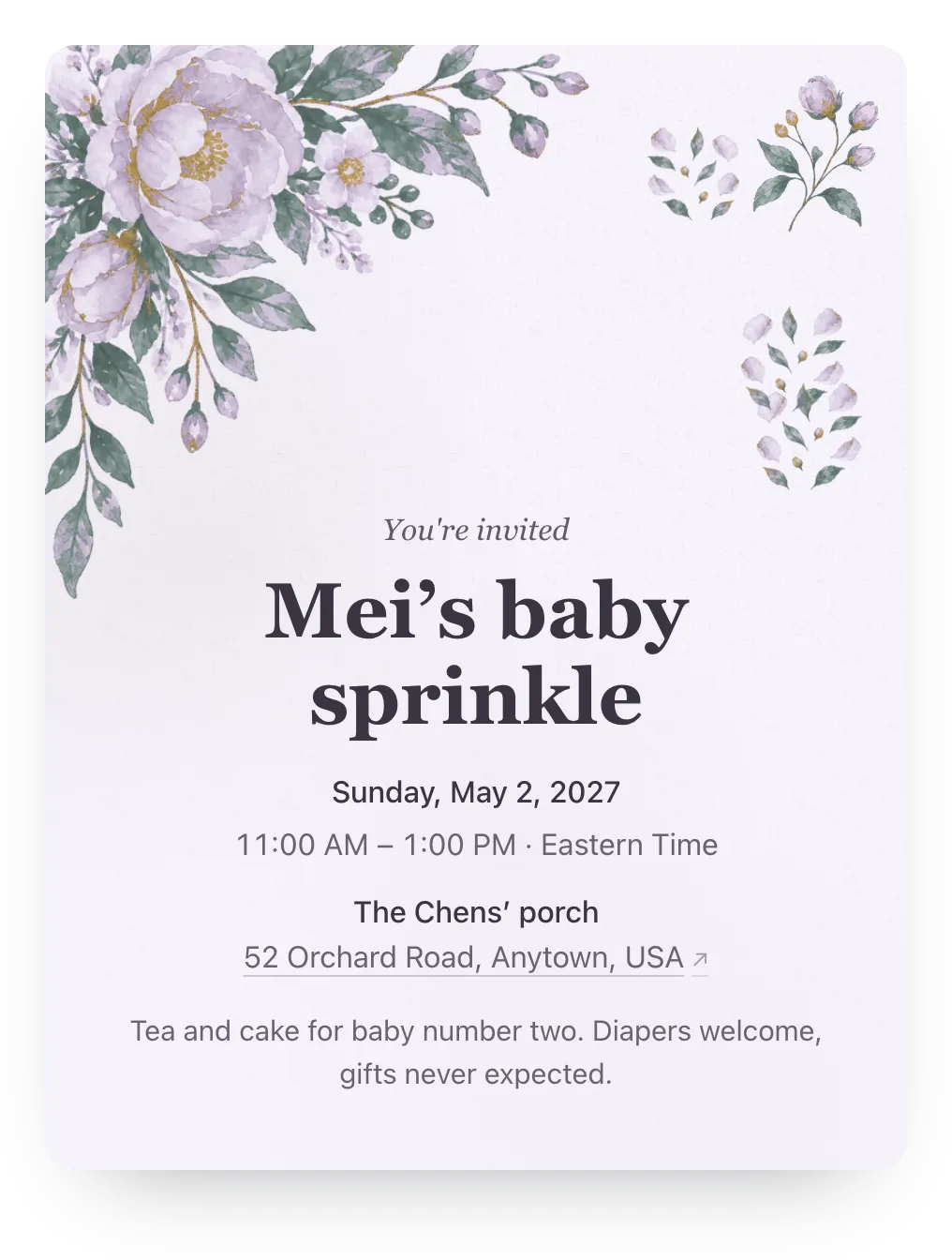
Try garden, balloons, or any other painted design free; guests see it once the event has Plus ($12).
Made for whoever's hosting the shower
Household replies, ready-to-send nudges, and co-hosts. No guest accounts.
- Couples and kids, counted
- Name both partners and the kids you're inviting, and each gets a yes or no in your count. Allow extra guests, and a household can add a plus-one or a child to its reply.
- Co-hosts see the same count
- Add the other hosts, and the sister, the best friend, and the grandmother-to-be all work from one dashboard.
- No ads, no guest accounts
- Guests open the link in any phone browser and reply in two taps. There are no ads on the invite, free or Plus.
Ask for a wish for the baby
Add an optional question that guests answer with their RSVP. Advice or a wish for the new parents is lovely to read aloud at the shower; a food question helps you plan the menu.
One RSVP question is free. Families can answer or skip it.
Any advice or a wish for the new parents?
Optional
A family's answer
Sleep when the baby sleeps, and let us bring dinner the first week!
Paste this in the family group chat
The family chat is where the news already spread. Use it to announce the shower, then let each household's link collect the reply.
We're throwing a baby shower for [name] on [date]! I'm sending each household its own RSVP link so we get the count right. Please answer for everyone in your house, and check the invite for the registry and details. RSVP by [date], no account needed.
Questions
Common questions about baby shower invitations and RSVPs.
Are these baby shower invitations free?
Yes. Hejmo is free for unlimited events, with RSVP tracking, a private link per household, nudges, co-hosts, and one RSVP question. There are no ads on the invite. Plus is optional: $12 for one event adds invitation styles, illustrated covers or your own cover photo, a custom link, a custom RSVP confirmation, and up to five RSVP questions.
Is there a free evite for baby showers?
Yes. Evite has free baby shower designs, and they show ads unless you upgrade to Premium. Hejmo is free for unlimited events with no ads on any invite, and guests reply without an account.
Can I include the registry?
Yes. Paste the registry link into the event details, and guests can copy it from the invite. Hejmo doesn't host registries, so keep the store or registry site you already chose.
Can couples and families reply on one link?
Yes. Each household's link lists the people you invited, and one guest answers for each of them. If you allow extra guests, they can add a plus-one or a child on the same reply.
How do I keep the shower adults-only?
List only the adults you're inviting, keep the extra guest limit at zero, and say so in the details. Then send each household its private link rather than the event's shared link, which lets anyone who opens it add their own name.
Can the other hosts manage the RSVPs?
Yes. Add co-hosts, and each of them can update the details, manage the guest list, and see replies from their own account.
Related guides
Run this event, then reuse the guest list for the next one
Free for unlimited events. Plus ($12 per event) adds invitation styles, illustrated covers or your own cover photo, a custom link, a custom RSVP confirmation, and up to five RSVP questions. If you host often, Host Pass puts Plus on every event you create for $19/year.
Free · No ads · No guest accounts