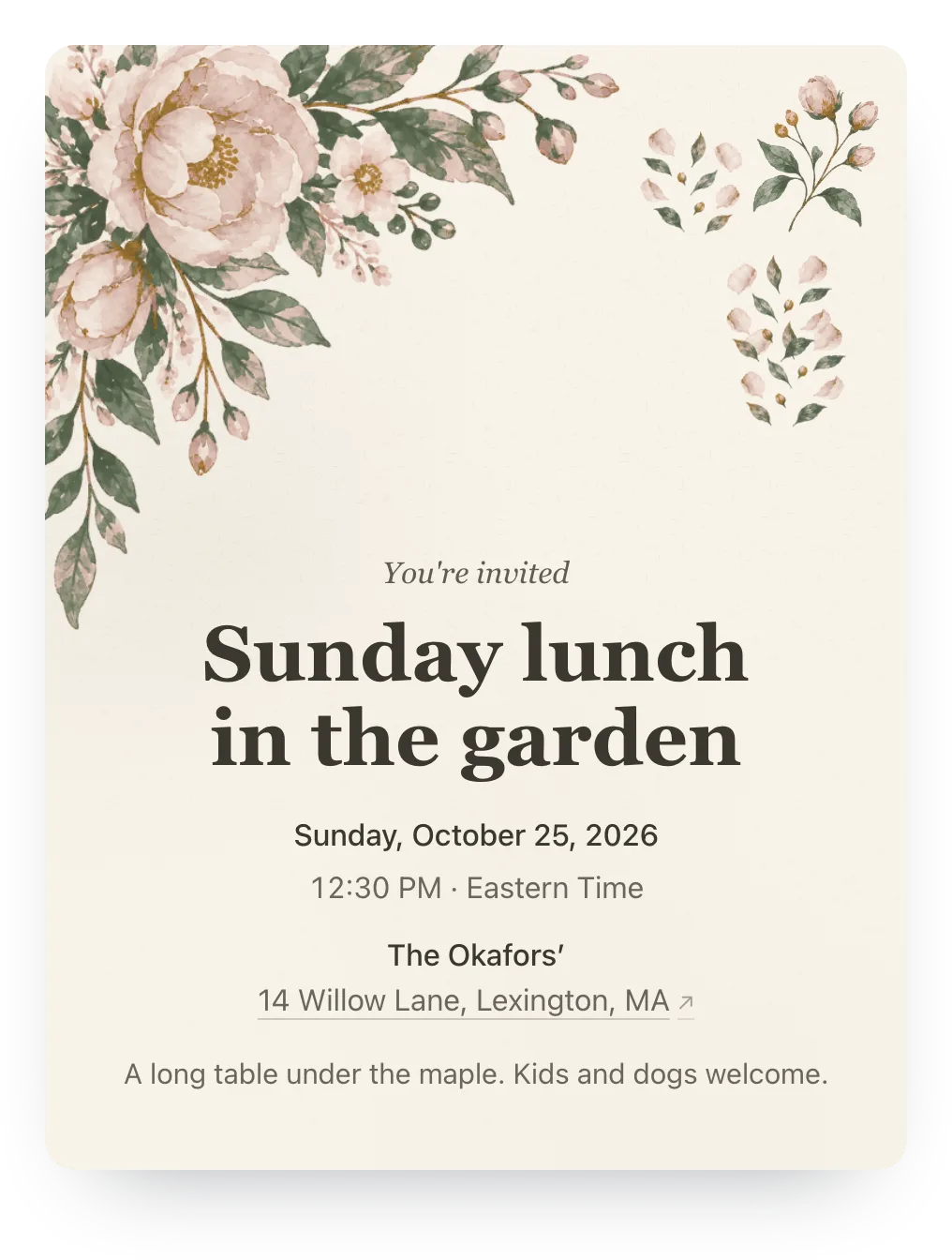
Garden
Watercolor blossoms for dinners, showers, and weddings
Start with this design: Garden, Blush & SageEight painted designs for birthdays, dinners, holidays, and memorials. Change the colors and layout, and every family still RSVPs in two taps.
Free · No ads · No guest accounts
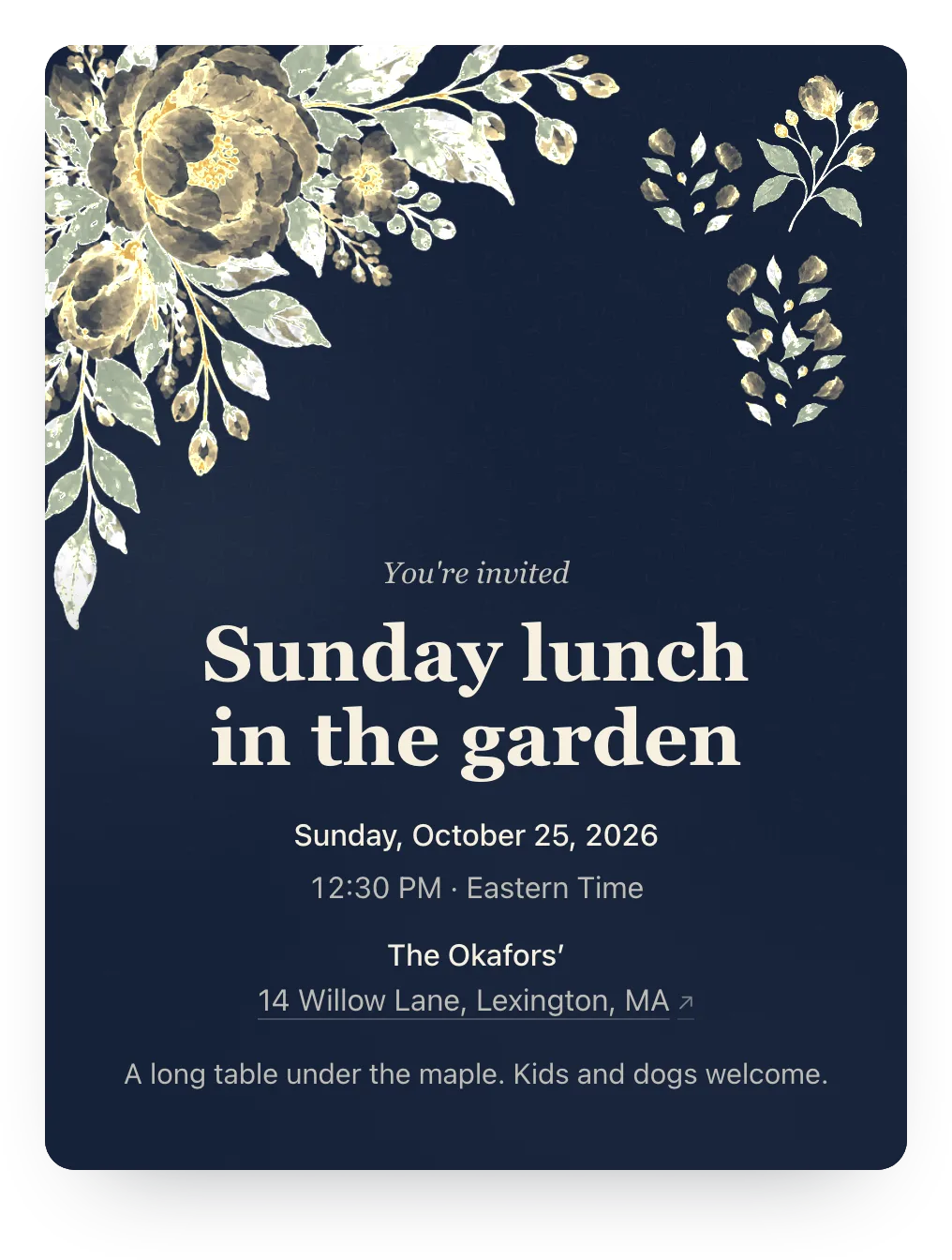
Yes. Hejmo has eight watercolor designs, each painted once and split into color layers, so you can recolor it, move it, and shuffle it without losing the brushwork. Each design sits on a real invitation with RSVPs built in: one private link per family, two taps to answer, no guest accounts. Trying a design on is free; guests see it with Plus ($12 per event).
Tap a color to see it. Each one opens in Hejmo ready to edit.
Watercolor blossoms for dinners, showers, and weddings
Start with this design: Garden, Blush & Sage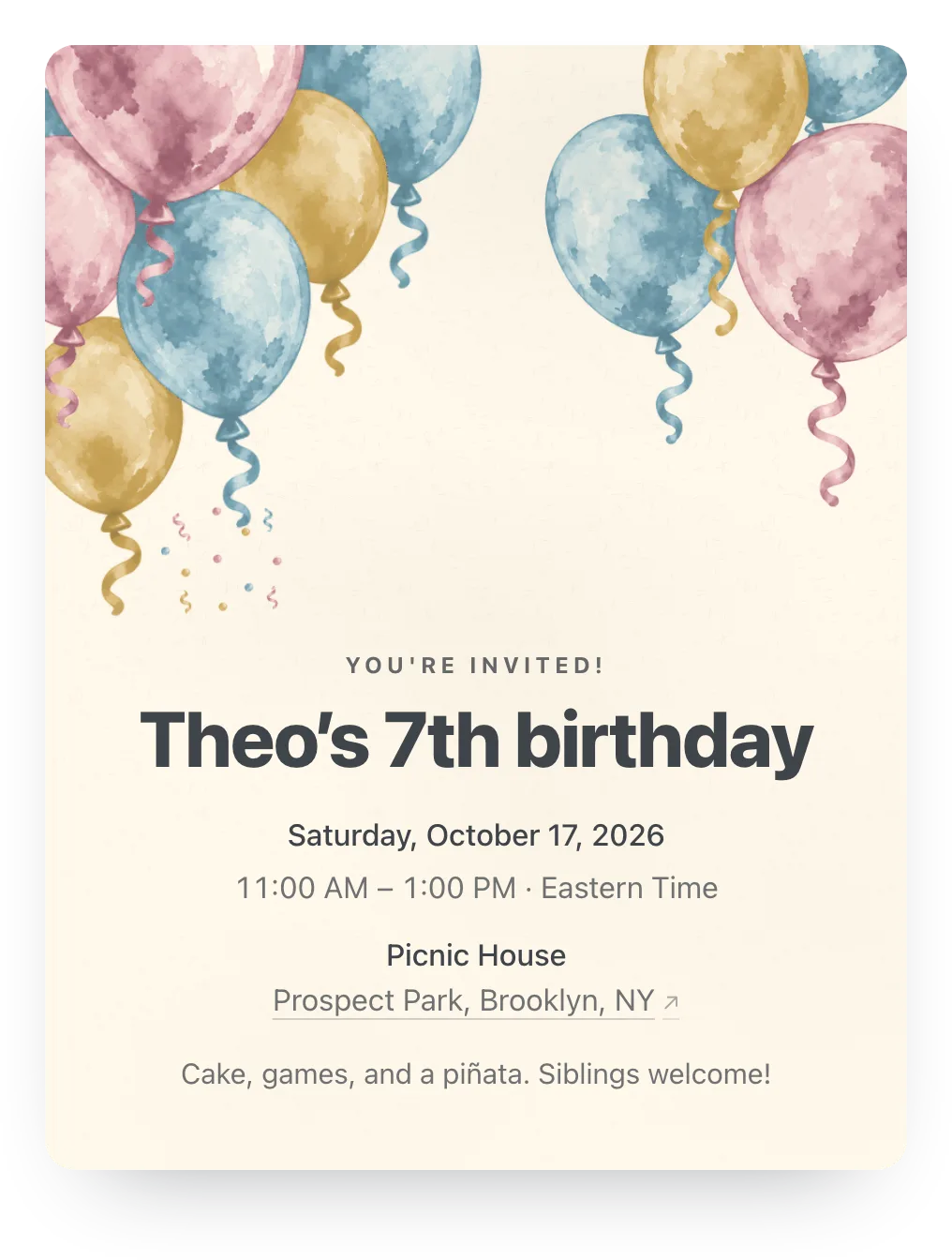
Watercolor balloons for birthdays of every age
Start with this design: Balloons, Birthday Cream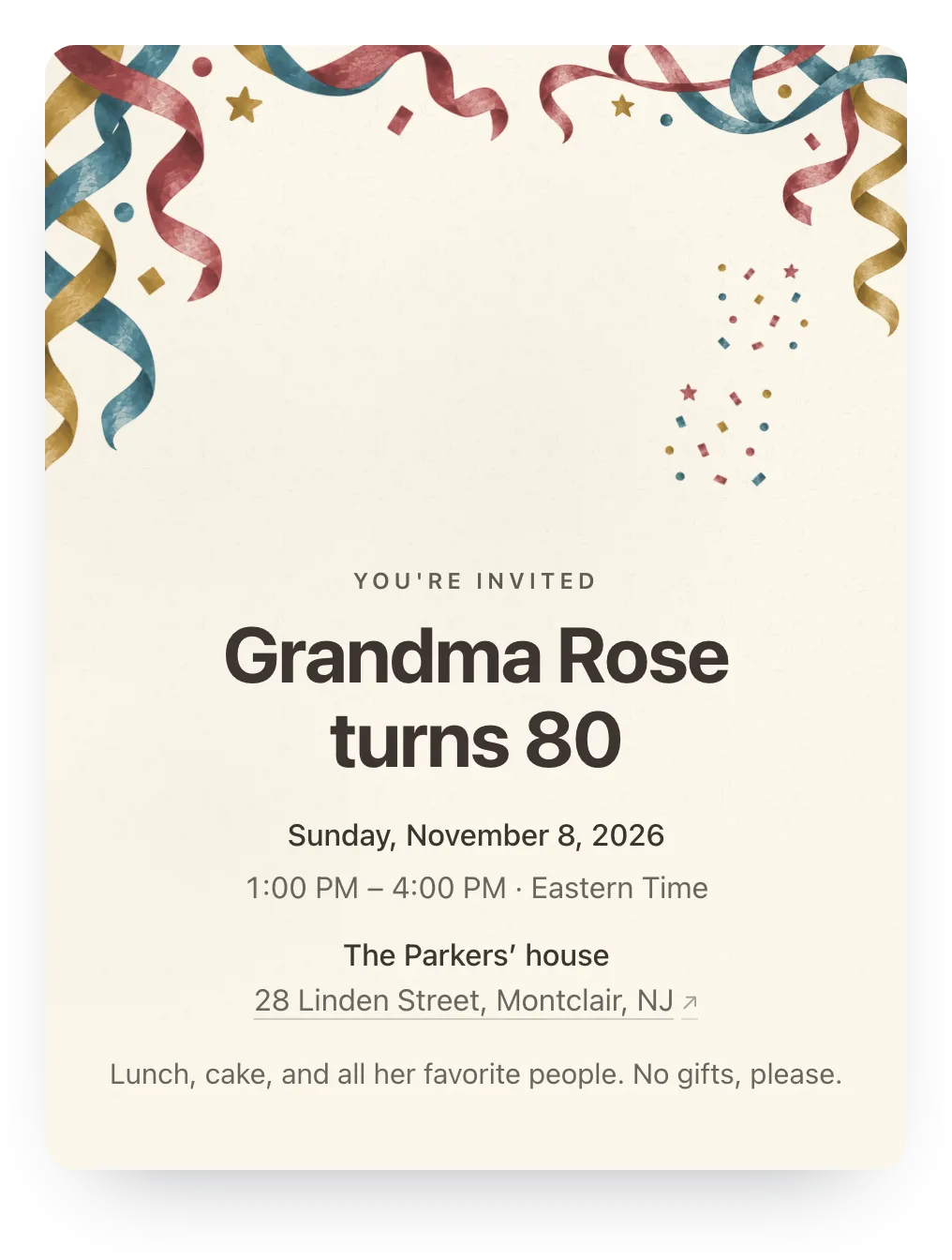
Streamers and confetti for birthdays and big news
Start with this design: Confetti, Coral & Cream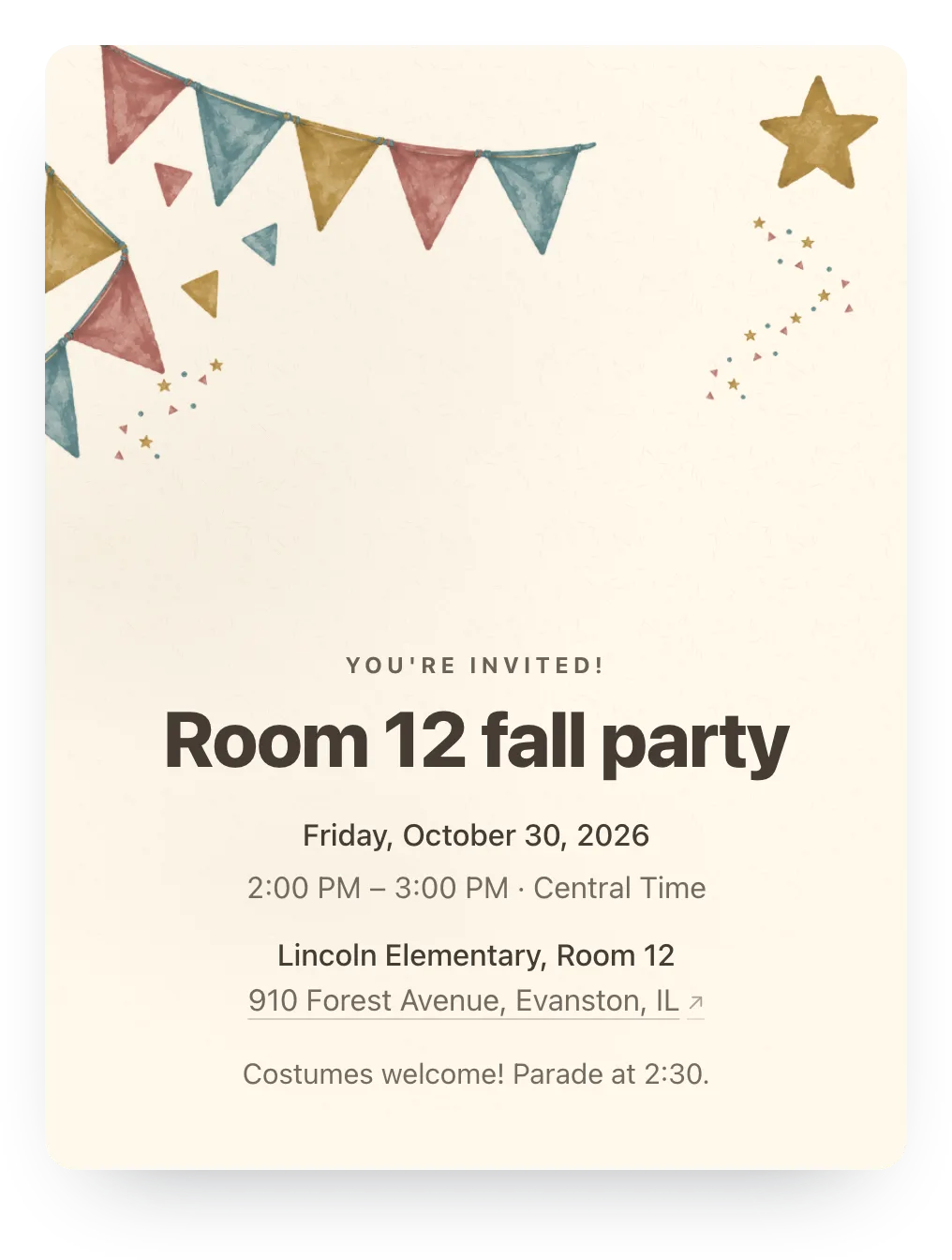
Pennant flags for kids' parties and garden parties
Start with this design: Bunting, Garden Party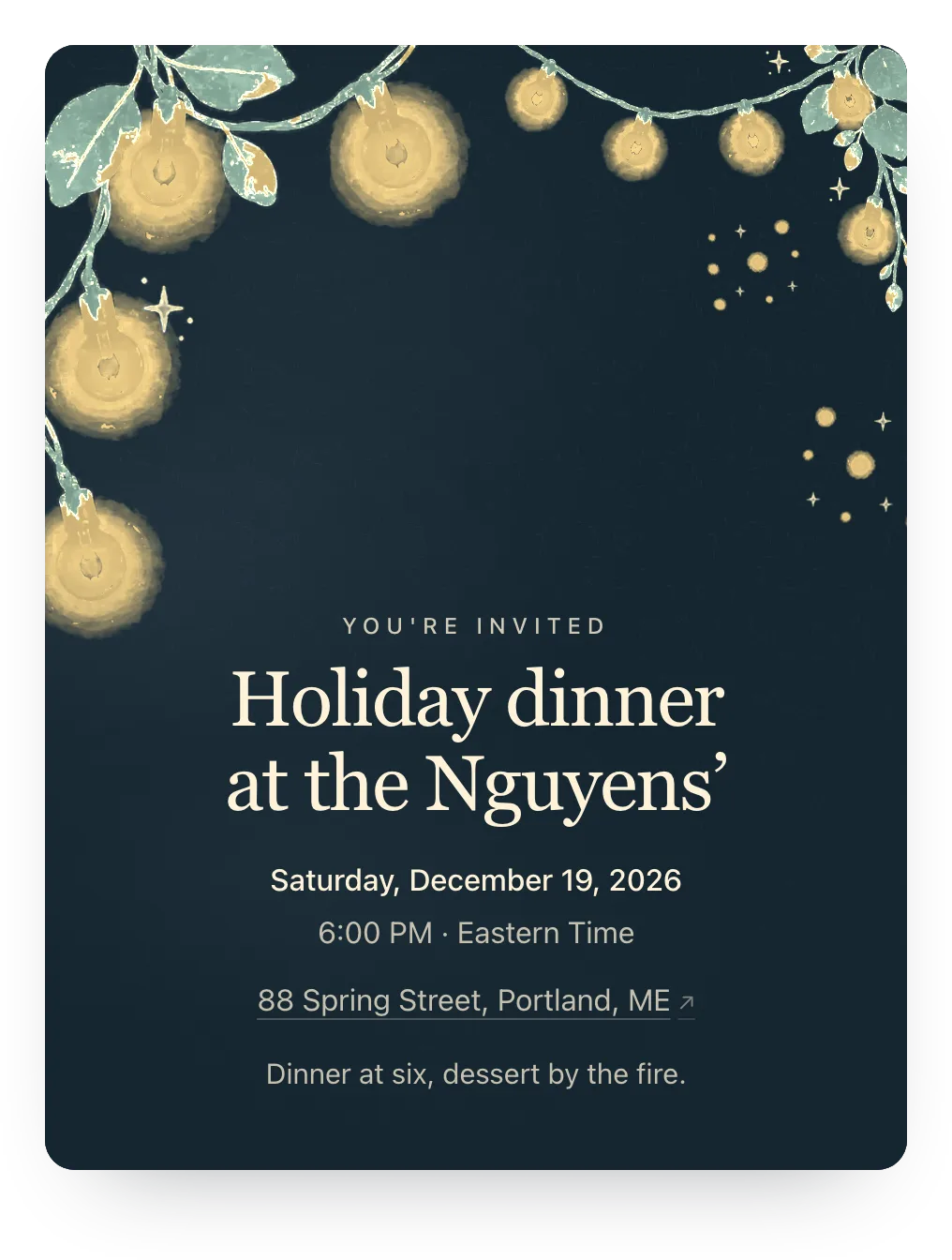
Warm lights for evenings, backyards, and holidays
Start with this design: String lights, Midnight Gold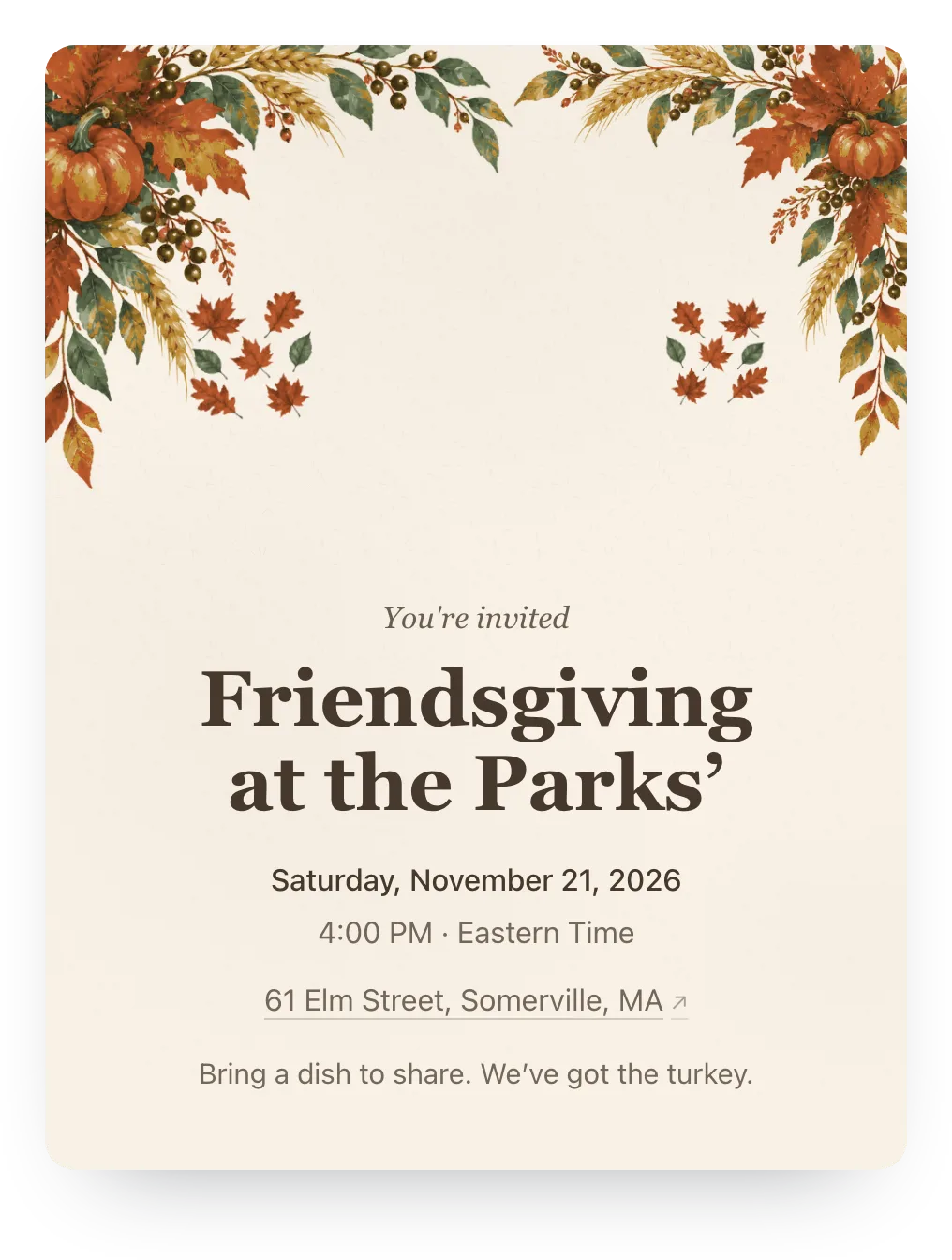
Autumn leaves and pumpkins for fall gatherings
Start with this design: Harvest, Hearth & CreamQuiet designs for funerals, memorial services, and celebrations of life. Memorial events get only these, with memorial wording.
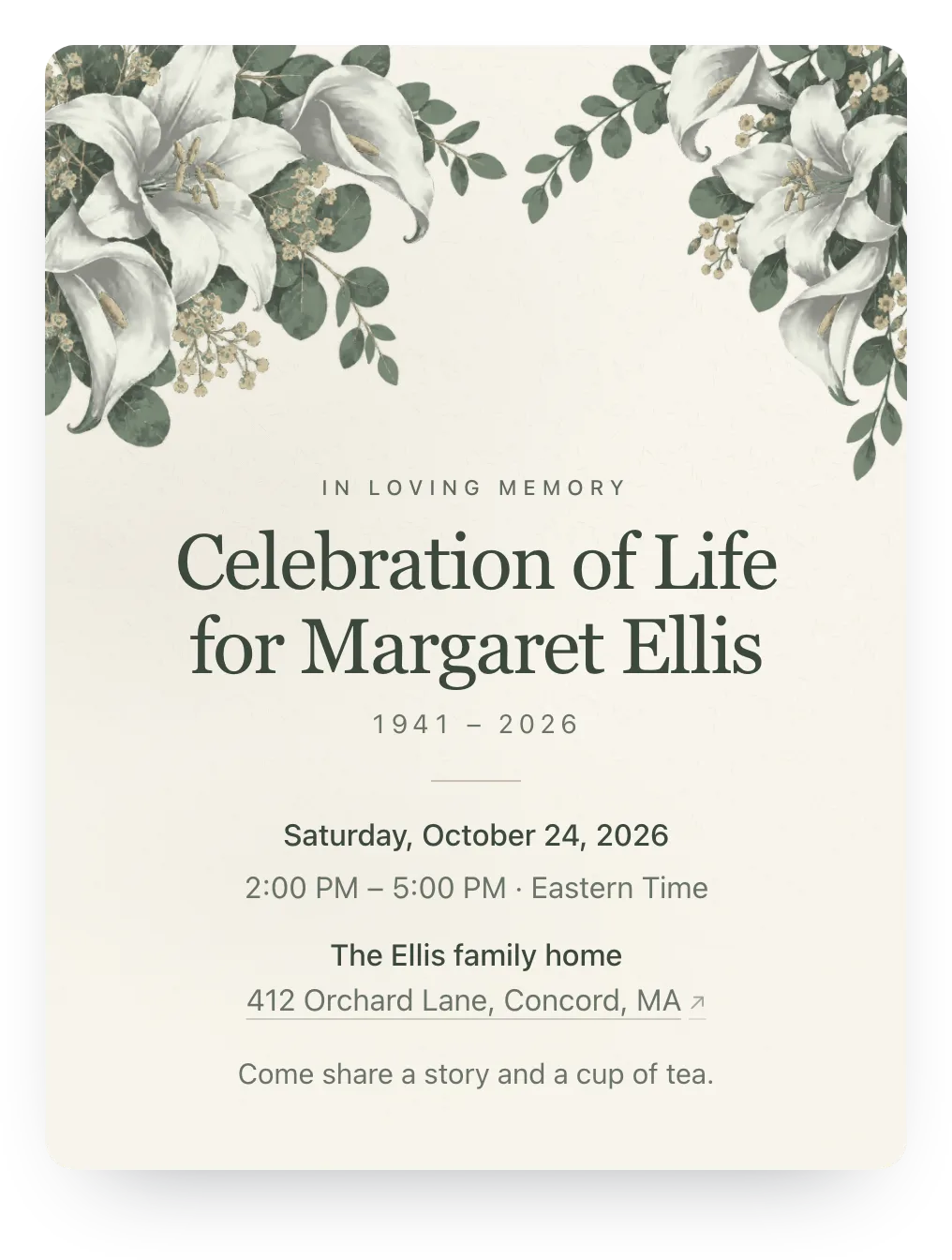
White lilies and eucalyptus for a memorial
Start with this design: Lilies, Ivory & Sage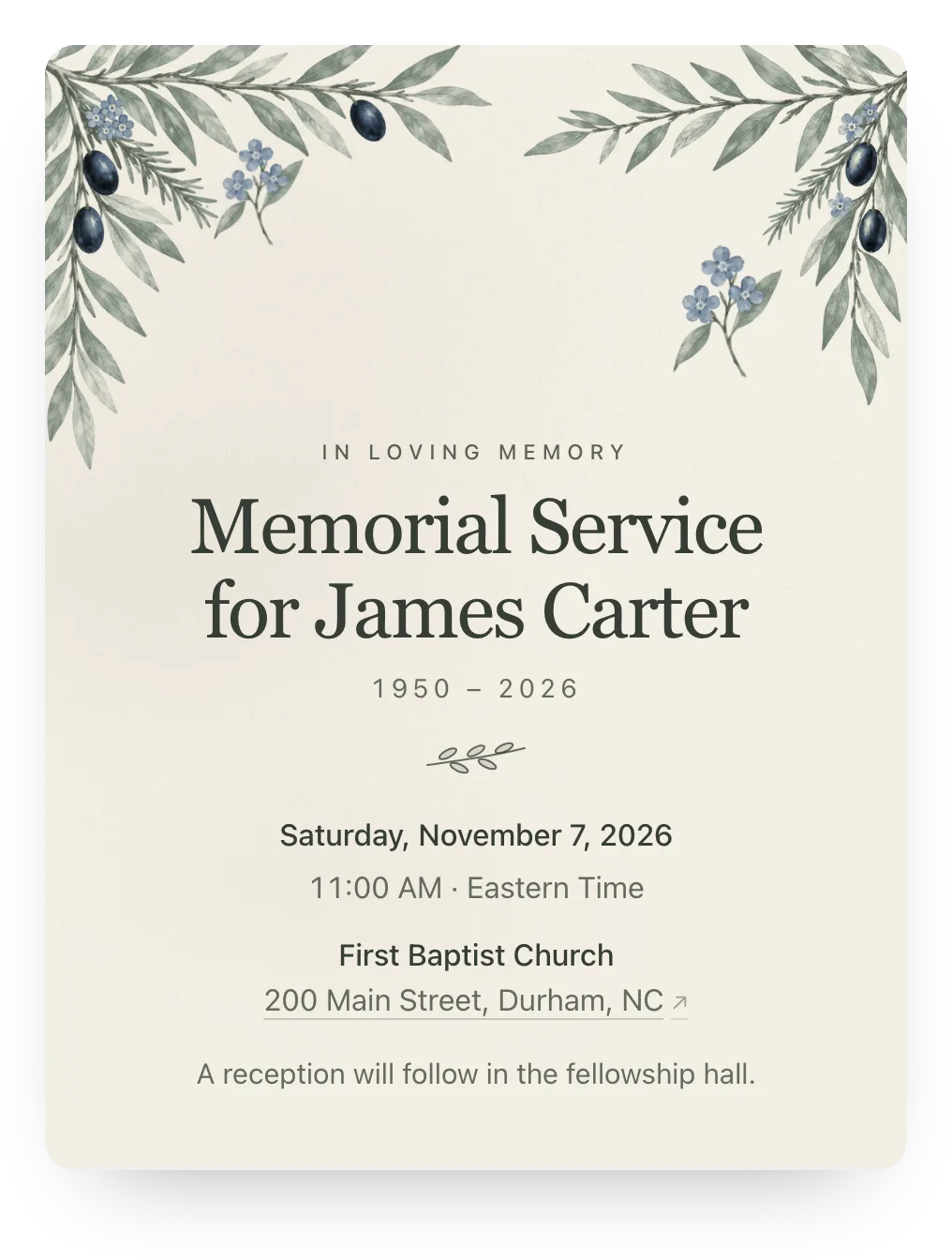
Olive branches and forget-me-nots for a memorial
Start with this design: Olive branch, Linen & SageThe RSVP part never costs anything. You pay only when you want guests to see the design.
$0
$12 per event
Common questions about Hejmo's invitation designs.
You can try any design on for free: pick it, recolor it, and save it to your event. Guests see it once the event has Plus ($12 per event) or you have Host Pass ($19/year). The invitation, private links, and RSVP tracking are free either way.
A free cover pattern in colors close to your design, with all your event details and the RSVP buttons. Add Plus and the design appears on the invite and in the chat preview. Links you've already shared keep working.
Yes. Pick one of the palettes made for the design, or set your own paper, paint, and text colors. If the text would be hard to read on your paper, Hejmo says so and won't save it until you pick a clearer color.
Yes. “Ask for tweaks” takes requests like “warmer colors” or “a little fuller” and changes the colors, layout, or arrangement. It can't add new objects, words, or photos, and Undo puts back any change.
Yes. Plus also lets you use your own cover photo. An event shows a photo or a painted design, not both, and the one you picked last is the one guests see.
Yes. Lilies and Olive branch are quiet designs for funerals, memorial services, and celebrations of life. A memorial event offers only these two, so nothing festive slips in.
Yes. The design sits on a real invitation. Each family gets its own private link, answers for the whole household in two taps without an account, and you see a live headcount.
Make the event, pick a design, and share one link per family.
Free · No ads · No guest accounts