Send an invitation with RSVP built in
An invitation with RSVP puts the details and the reply in one link. Guests answer in two taps, and every answer rolls into a live headcount.
Free · No ads · No guest accounts
How do I send an invitation with RSVP included?
Create your event on Hejmo and share each family's private link in any text, chat, or email. The RSVP is built in: guests answer yes, no, or maybe in two taps with no account, one reply per household, and your headcount updates live.
One link does the inviting and the tracking
An invitation with RSVP keeps the invite and the reply in the same place. Most setups split them: a pretty image goes out, then a form or a flurry of texts collects answers.
- Guests answer where they read
- The details and the Yes, No, and Maybe buttons sit on the same screen. With no second link or form to hunt down, more guests actually reply.
- Replies become a headcount
- Each Yes feeds a running total on your dashboard. You see the number you'll plan for instead of counting through a thread.
What a good invitation with RSVP includes
Everything a guest needs to decide, and everything you need to plan.
- The event details
- Date, time, place, and what the gathering is, with an add-to-calendar button on the confirmation so guests don't forget.
- Who's invited
- Each family's link lists the people you named, with Yes, No, and Maybe for each person and room for extra guests when you allow them.
- A place to add context
- One optional note per response for an allergy, a late arrival, or anything else worth flagging.
- Directions on hand
- The confirmation opens the location in maps, so guests can get directions the moment they say yes.
- A live headcount
- Answers roll up into each family's status and a running total, so you always know who's in, out, or undecided.
- A link you control
- If a link gets forwarded too far, replace it in a tap. The old one stops working and earlier replies stay intact.
How it works
From a blank event to a confirmed headcount in four steps.
Create your event
Add your details and pick a cover pattern. The RSVP is already built in, so there's nothing extra to set up.
Add your families
List each family and the people in it. Every family gets its own private link.
Paste the link in a chat
Share each link yourself in any text, chat, or email. In iMessage or WhatsApp it shows a chat preview, so it looks like a real invitation.
Watch responses roll in
Guests answer in two taps, and your dashboard shows each family's status and a live total. They can update their answer from the same link anytime.
An invitation that looks the part
Try any painted design or your own photo free while you set up; guests see it once the event has Plus ($12).
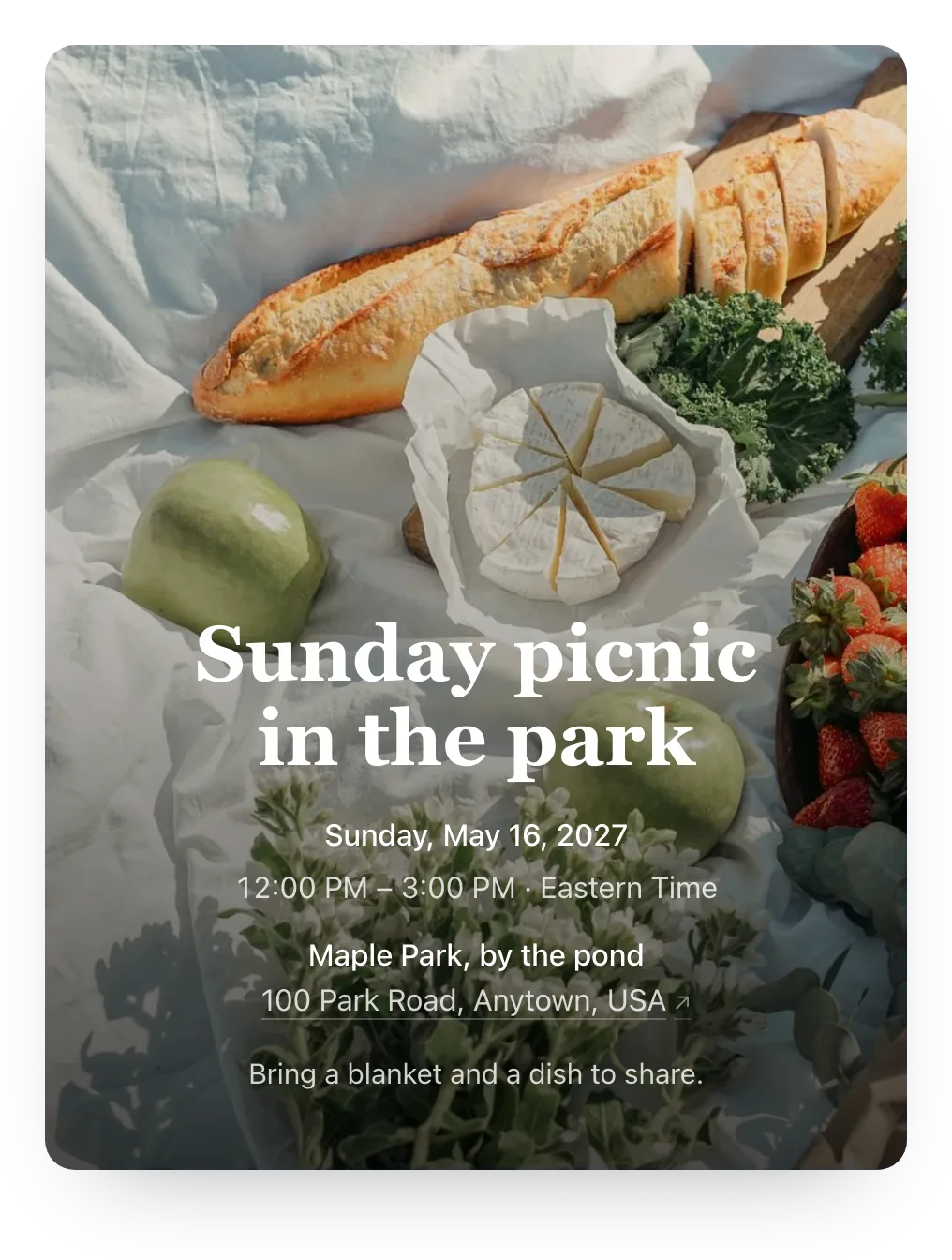
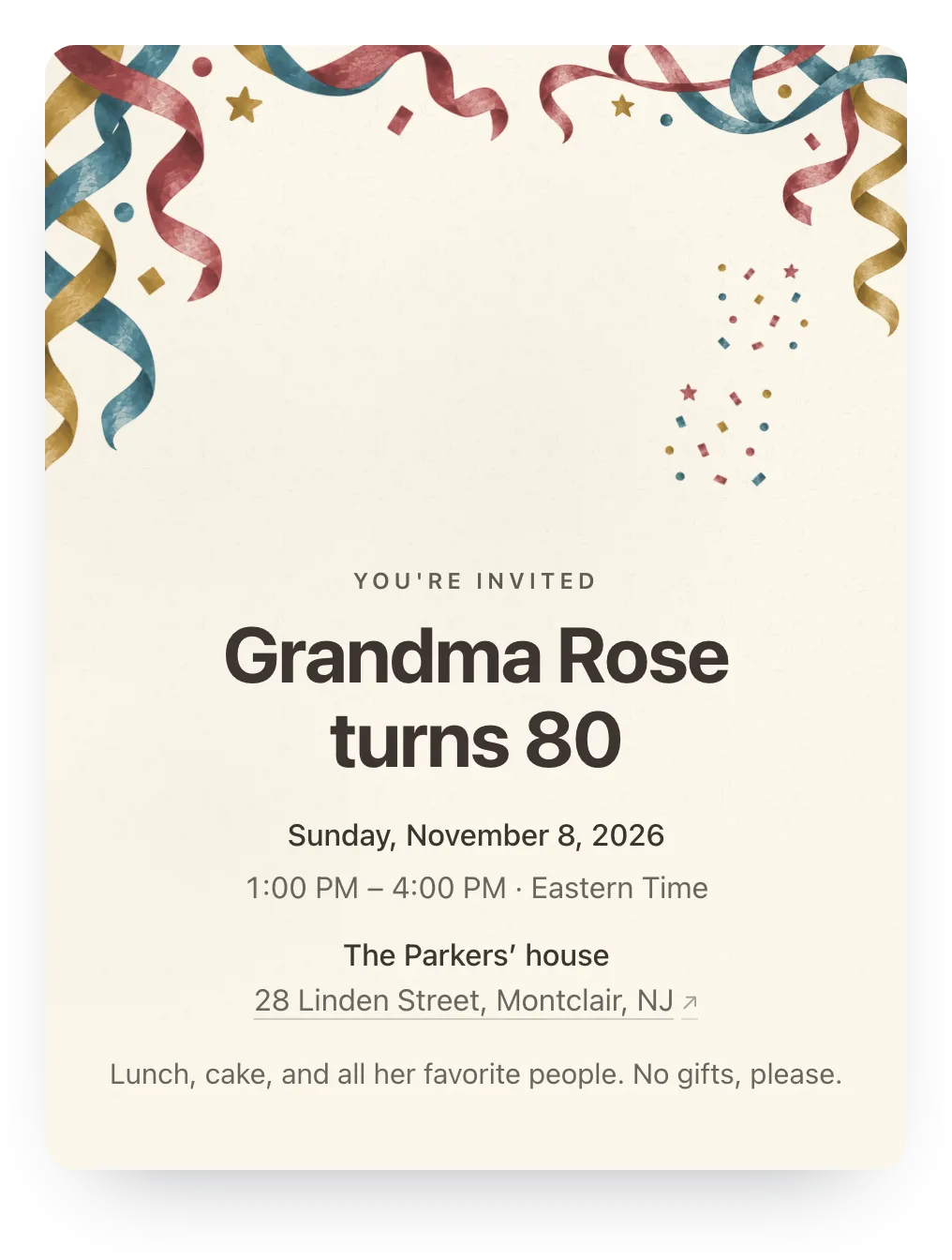
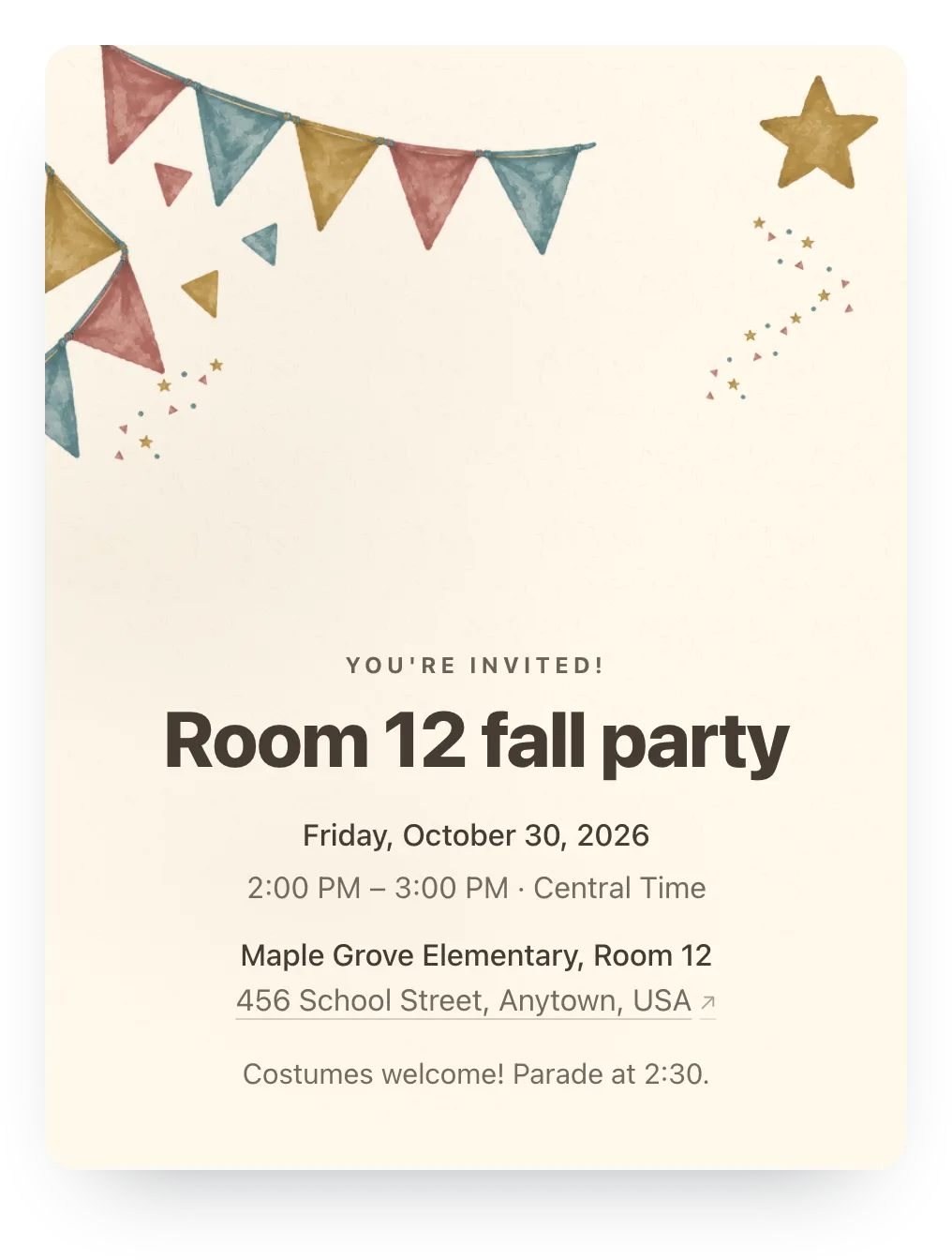
It looks like an invitation, not a form
Paste the link into iMessage or WhatsApp and it shows a chat preview with your cover, title, and date. Guests tap it, see the full details, and answer, with no account or app.
Every event is free with RSVP tracking, and clean cover patterns make it look finished from the start. For $12 on one event, Plus adds invitation styles, a cover photo, and more.
Who it's for
- Hosts who want the invite and the RSVP in one link
- Inviting whole families, not just individuals
- Anyone who shares invites in texts, chats, or email
- Events where a headcount and notes actually matter
- Co-hosts managing one guest list together
Easy on your guests.
They open the link and tap an answer, and that's the whole ask. No account, app, or phone number, never an ad, and it works on any phone.
Questions
Common questions about invitations with RSVP tracking.
How do I add RSVP to an invitation?
On Hejmo, it's already built in. Create the event and add your families, and each family gets one link that shows the details and takes the reply.
Is it free?
Yes. It's free for unlimited events, with RSVP tracking, clean cover patterns, and no ads. Plus is $12 per event and adds invitation styles, a cover photo, a custom link, a custom RSVP confirmation, and up to five RSVP questions.
Do guests need an account?
No. Guests open the link, read the details, and tap Yes, No, or Maybe, with no signup, app, or phone verification.
Can one parent answer for the whole family?
Yes. A family's link lists everyone you named, so one parent can answer for the whole family at once. When you allow it, they can add extra guests too.
Can guests change their answer later?
Yes. Guests can update their answer from the same link, so a maybe can become a yes without you doing anything.
Can guests leave a note about allergies or timing?
Yes. Each response can include one optional note for an allergy, a late arrival, or anything else the host should know.
What about guests who aren't sure yet?
Maybe is a real answer. It shows on your dashboard apart from the confirmed yeses, and guests can firm it up later from the same link.
What does Plus add?
Plus is $12, paid once per event. It adds your own cover photo or an illustrated cover, invitation styles, an animated preview that plays in iMessage, a custom link, a custom RSVP confirmation, and up to five RSVP questions. RSVP tracking, private links, and the headcount are free.
One link to invite and to track
Create your event in minutes. Free for unlimited events, no guest accounts, no ads.
Free · No ads · No guest accounts