Room parent invitations that keep every family accounted for
Keep the class list ready for the next event. Share the organizing with another parent, send fresh family links, and follow up from one dashboard.
Free · No ads · No guest accounts
- 1 attendingGarcia familySofia
Can bring cups
- No replyLee familyEvan, Max
- MaybeBrown familyOlivia
- 1 attendingSingh familyAarav
How can room parents reuse invitations across the school year?
Add the class family by family, send each family its own link, and add a co-host to share the organizing. For the next gathering, reuse that guest list and update the event details. You get fresh links and a fresh count without rebuilding the family list.
The same class list, from the first social to the last picnic
A room parent is a parent volunteer who helps organize their child's class events. The fall welcome gathering, winter class party, and end-of-year picnic usually invite the same families, so add them once.
Add a co-host to share the event dashboard without sharing your password. Both organizers can update details, manage guests, and check the count before passing it to the teacher.
For the next event, reuse the guest list, check who's invited, and update the date and details. The new event gets fresh links and starts with no RSVPs from last time.
New to the role? The free Room Parent RSVP Kit has invitation wording, what to send when nobody has RSVP'd yet, and a headcount sheet you can use with any RSVP method.
Room-parent coordination needs more than a generic invite
- The same families repeat
- Class events invite the same families, so rebuilding the list every time is wasted effort.
- Two organizers need access
- Room parents often co-host, but screenshots and forwarded counts fall out of sync.
- Parents answer in fragments
- Attendance lands in one thread and the details about who's staying land in another.
- Privacy matters
- The class list stays with the organizers. Each family's link shows only its own people.
Three steps from invite to headcount
It works the way parents already coordinate.
Set up the event
Set the details, RSVP deadline, and extra guest limit. Add a co-host so both room parents work from the same dashboard.
Invite by family
Add each family and send its link directly. Copy a nudge for any family that hasn't replied.
Reuse the guest list
Start a new event from this family list. Check who's invited, the date, and the RSVP question before sharing the new links.
A design for every class event
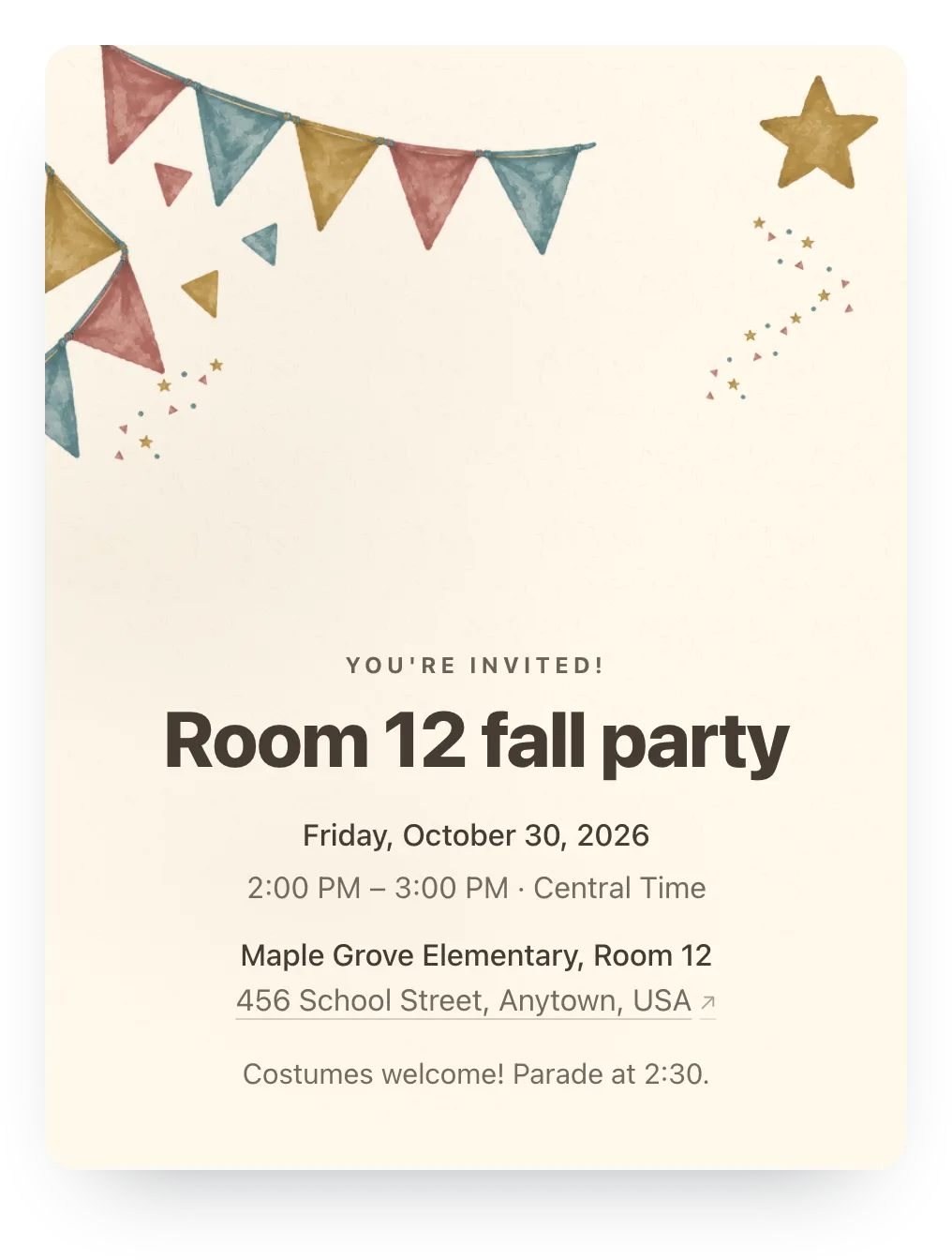
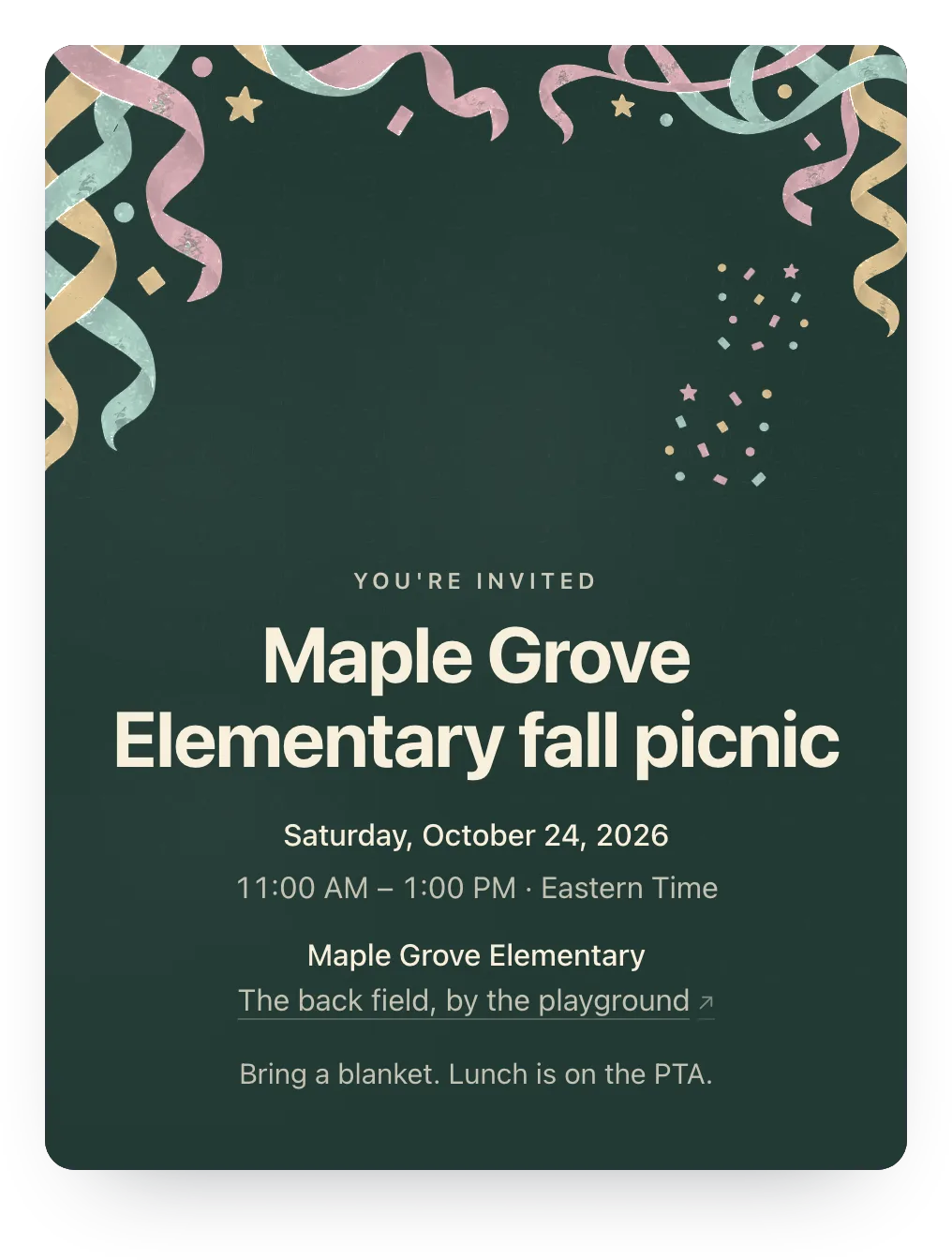
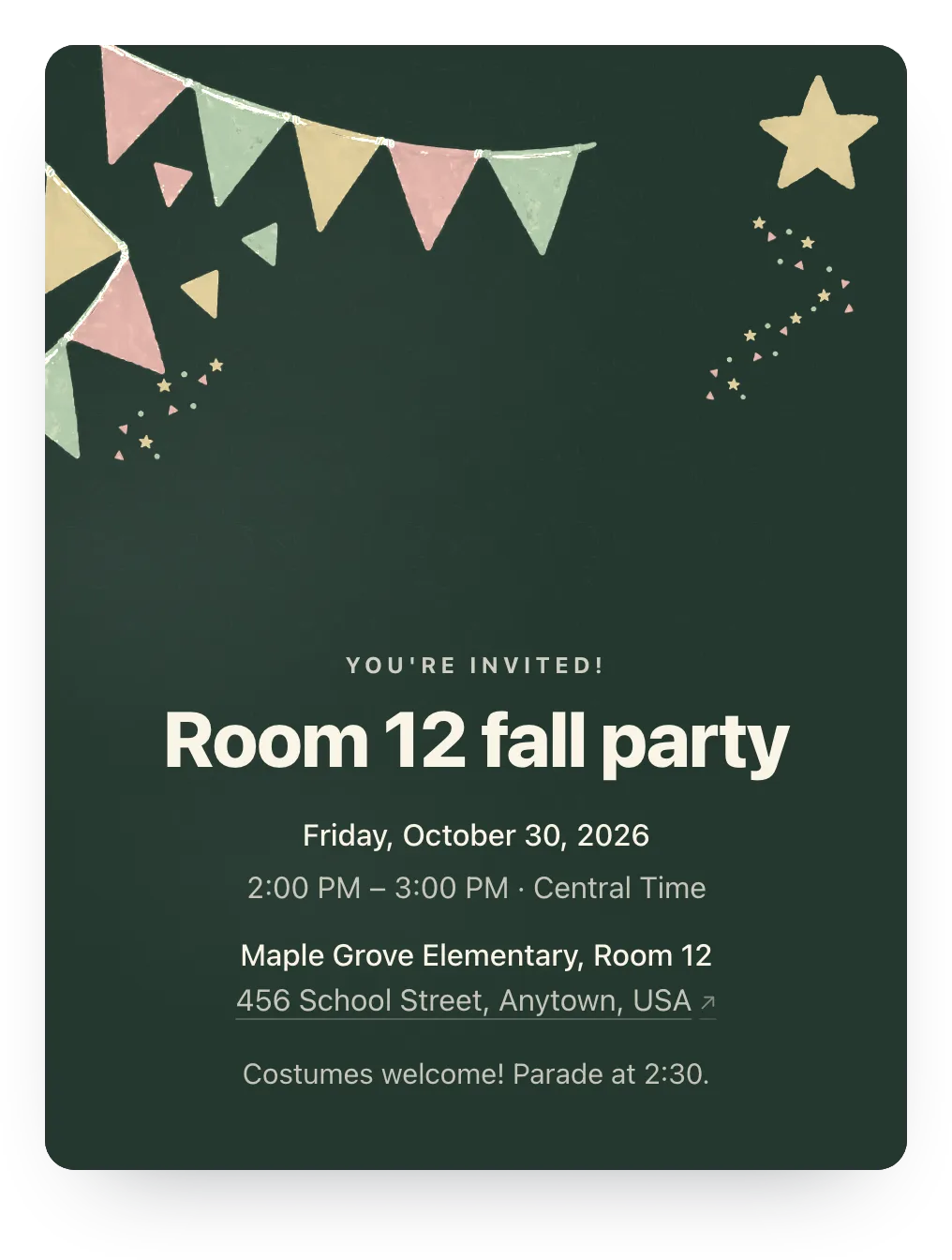
Try party flags, confetti, or any other painted design free; families see it once the event has Plus ($12).
Made for the parent doing the organizing
Family replies, ready-to-send nudges, and reusable guest lists. No guest accounts.
- Co-hosts
- Invite another parent to manage details, guests, and responses without sharing passwords.
- Reusable class list
- Reuse the family list in the next event instead of rebuilding the class from scratch.
- Nudge list
- See who hasn't answered and copy a ready-to-send nudge for each family.
Change the question to suit the next gathering
Use the optional RSVP question for a practical detail, like who's staying, and add a free sign-up list for a class potluck. Questions carry over with the guest list, so review yours each time.
One RSVP question is free. Families can answer or skip it.
What are you planning to bring?
Optional
A family's answer
Fruit for the picnic. We'll bring serving tongs too.
Send this with a family's invite link
Send each family its private link, so the reply stays attached to the right people.
Hi! Here's your family's RSVP link for our next class gathering: [family link]. Please answer for everyone listed. You can leave a note with any details you'd like us to know. Thanks for helping us get the count ready!
Questions
Common questions from parents and school organizers.
Can both room parents manage the event?
Yes. Add the other parent as a co-host. They can update event details, manage the guest list, and see responses from their own account.
Can I reuse the same class list?
Yes. Reuse the guest list in a new event, and every family gets a fresh link; old answers, including shared-link replies, don't carry over. Your RSVP questions do, and more than one needs Plus on the new event too.
Do parents need accounts?
No. Parents open their private family link and respond in two taps.
Run this event, then reuse the guest list for the next one
Free for unlimited events. Plus is $12 per event, or if you host often, Host Pass puts Plus on every event you create for $19/year.
Free · No ads · No guest accounts