Milestone birthday invitations for the 30th, 40th, 50th, and beyond
Invitations for a 30th, 40th, 50th, or 80th, sent by text, email, or group chat. Guests reply in two taps, partners are counted, and nobody needs an account.
Free · No ads · No guest accounts
- 2 attendingThe OkaforsAda, Ben
We'll bring the slideshow
- 1 attendingMarcus HaleMarcus
Remember the 1999 road trip?
- MaybeAunt Rosa's familyRosa, Luis, Ana
- No replyJen & SamJen, Sam
How do you send invitations for a 30th, 40th, or 50th birthday?
Create the event, then text or email each household its own link, or post one shared link in a group chat. Guests reply in two taps with no account, and partners are counted by name. It's free, with no ads.
A big birthday pulls in every circle at once
A 30th or a 50th pulls in college friends, coworkers, neighbors, and family, and each group lives in a different chat.
Send each household its own link. It works like the reply card in a wedding invitation: one per household, every name on it, and a line for notes.
You can also post one shared link in a group chat. Every reply lands in one count, dietary notes included, ready for the restaurant or caterer days ahead.
What changes from the 30th to the 80th
- 30th and 40th
- Friends first, with plus-ones you haven't met. Set the RSVP date a week before the venue needs a number.
- 50th and 60th
- Friends, family, and coworkers at one table. Ask for a favorite memory with the RSVP, and the toast writes itself.
- 70th, 80th, and 90th
- A family reunion in disguise. The link opens in any browser, and a co-host can help from another city.
What to put on a milestone birthday invitation
Short beats clever. These are the details guests ask about if you leave them out.
- The number, in the title
- “Nina turns 50” tells everyone what kind of night it is before they read anything else.
- Whether partners and kids are invited
- Say it in the details, and set how many extra guests each household can add, so the count matches the seats.
- Surprise or not
- If it's a surprise, say so in the first line, and keep the guest of honor off the guest list.
- Gifts, dress, and who's paying
- “No gifts, just you,” “dress up a little,” or “we're covering dinner” saves a dozen private texts.
Where milestone birthday RSVPs get lost
- Five chats, no single count
- Friends answer in one thread, family in another, coworkers by email, and you add it up by hand.
- “We'll be there” doesn't say how many
- A yes from a friend doesn't tell you whether a partner or a kid is coming too.
- The venue wants a number first
- Restaurants and rented rooms need a headcount days ahead, and the last replies arrive the morning of.
- The surprise leaks
- A public event page or a forwarded group text can land in front of the guest of honor.
Three steps from invite to headcount
It works the way your friends and family already talk: text, email, and group chats.
Set up the party
Add the date, place, and a short note. Add guests as households and choose whether partners and kids are welcome.
Share the links
Text each household its own link, email the ones who prefer email, or post the shared link in a group chat. Everyone replies in two taps, with no account.
Watch the count
Your dashboard shows who's coming and every note. Copy a nudge for anyone who hasn't answered and send it yourself.
Milestone birthday designs
Try string lights, balloons, or any other painted design free, or use a photo of the birthday person; guests see it once the event has Plus ($12).
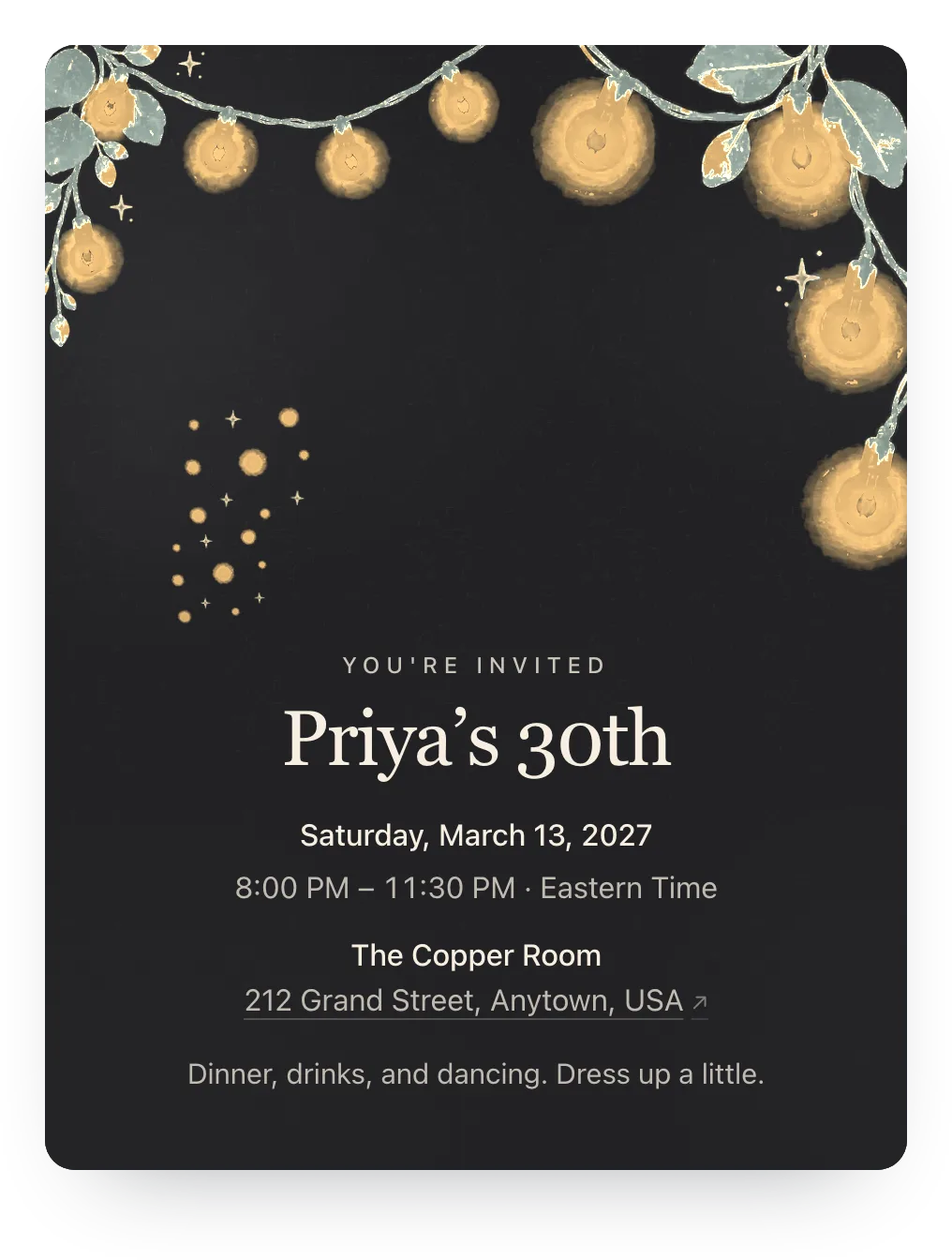 String lights · Charcoal Ember
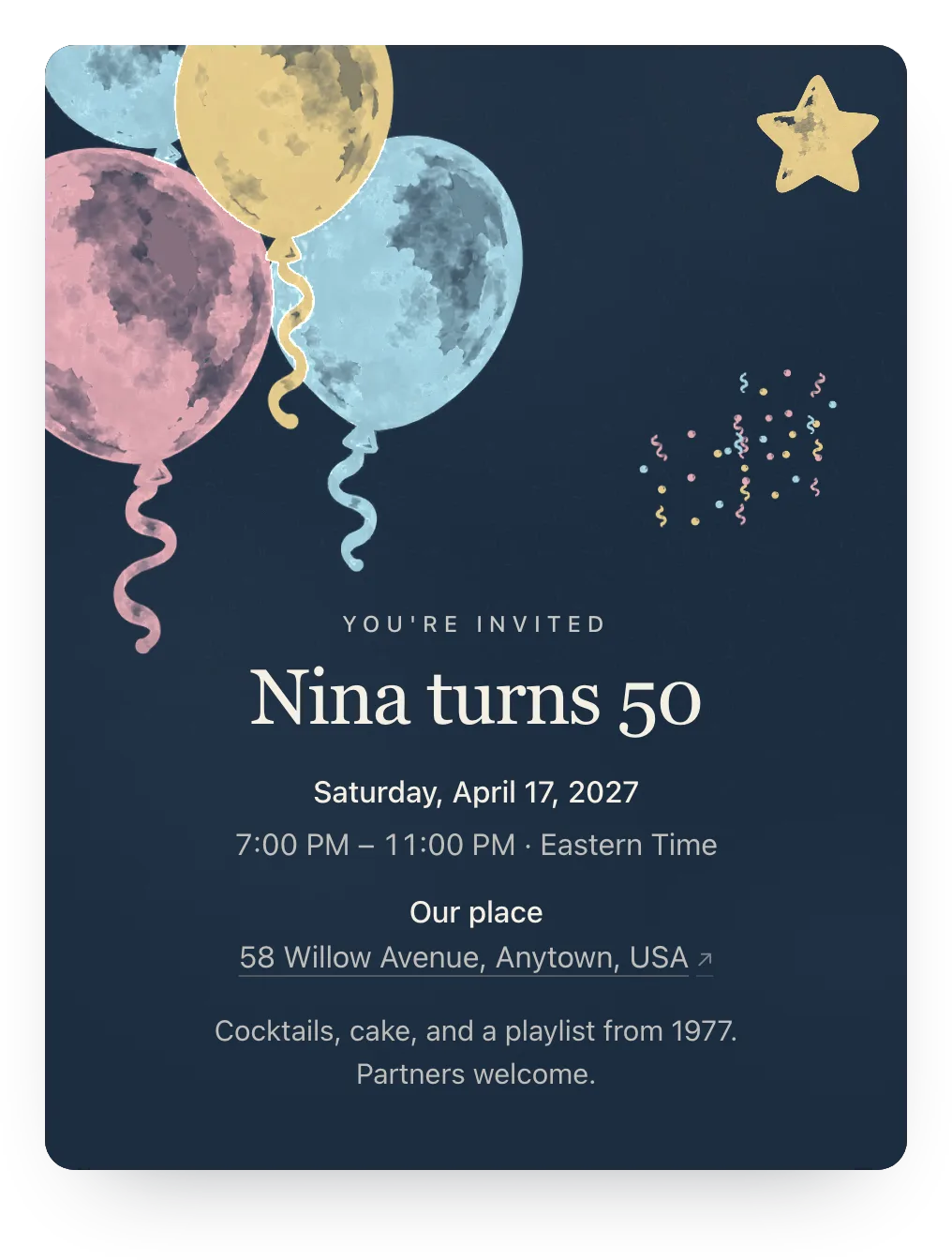 Balloons · Midnight Party
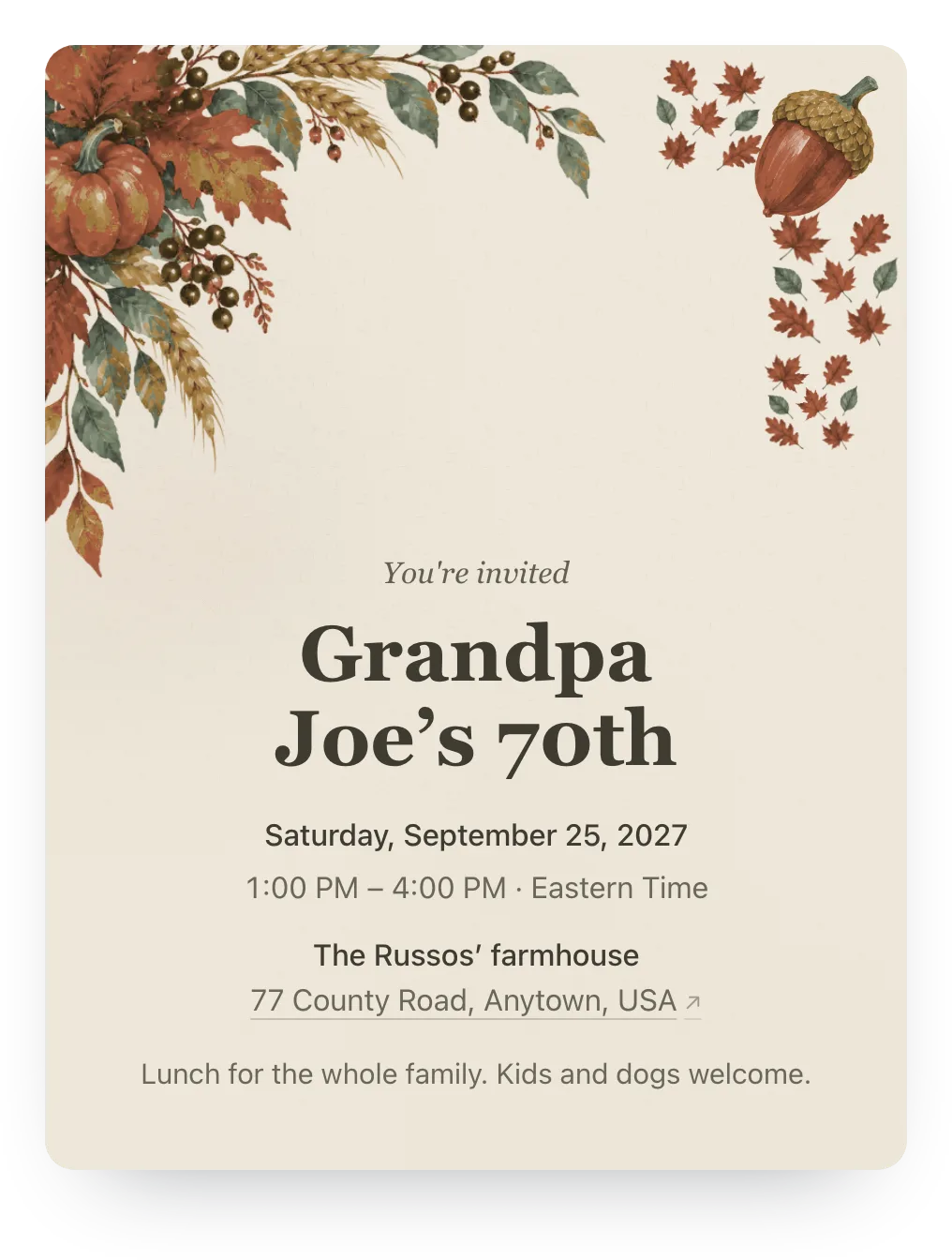 Harvest · Autumn Linen
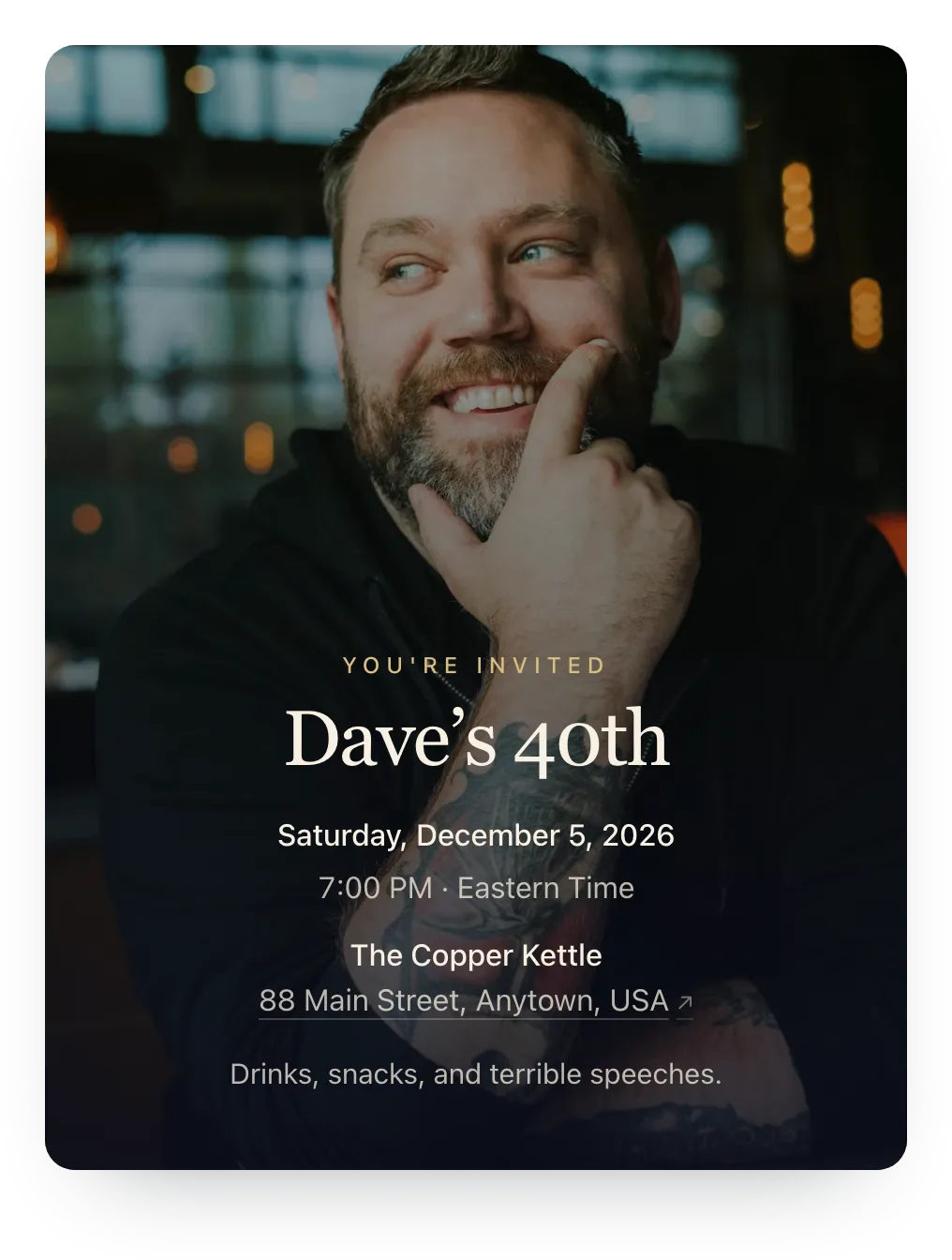 Your own photo · Any picture
Made for whoever's throwing the party
Household replies, a shared link for the group chat, and co-hosts. No guest accounts.
- Partners counted by name
- Each household answers for everyone in it, so the seat count is right the first time.
- Private by default
- Only people with a link see the invite, which keeps a surprise a surprise and a dinner at home off the internet.
- Co-hosts see the same count
- A sibling or partner planning with you works from the same dashboard, from their own account.
Ask for a favorite memory
Add an optional question guests answer with their RSVP. Memories collected ahead make the toast, the slideshow captions, or a keepsake card.
One RSVP question is free. Families can answer or skip it.
Share a favorite memory with Nina
Optional
A family's answer
Junior year, the night you drove us to the beach at 2 a.m. for no reason. Happy 50th!
Paste this in the group chat
One message for friends, with the link that collects the replies.
[Name] is turning [age]! We're celebrating on [date] at [place]. Tap the link to RSVP and tell us who's coming with you. Please reply by [date], no account needed.
Questions
Common questions about milestone birthday invitations.
Are these milestone birthday invitations free?
Yes. RSVP tracking, private links, a shared link, nudges, co-hosts, and one RSVP question are free for unlimited events, with no ads. Plus ($12) adds invitation styles, illustrated covers or your own cover photo, a custom link, a custom RSVP confirmation, and up to five RSVP questions.
What should a 40th or 50th birthday invitation say?
Their name and age, the date, time, and place, whether partners and kids are invited, whether it's a surprise, and an RSVP date.
Can I put a photo of the birthday person on the invite?
Yes. Try any photo free; guests see it with Plus ($12). A throwback from the year they were born is a favorite.
Can I keep it a surprise?
Yes. Leave them off the guest list, say it's a surprise in the details, and send private links instead of posting the shared link.
Do older relatives need an app or an account?
No. The link opens in any phone or computer browser, and they reply in two taps.
Run this event, then reuse the guest list for the next one
Free for unlimited events. Plus is $12 per event, or if you host often, Host Pass puts Plus on every event you create for $19/year.
Free · No ads · No guest accounts