Funeral invitations you can send by text, with replies in one place
Share the service details in one link. Family and friends open it on their phone, reply in two taps if you ask them to, and you see how many to expect afterward. Free, with no ads.
Free · No ads · No guest accounts
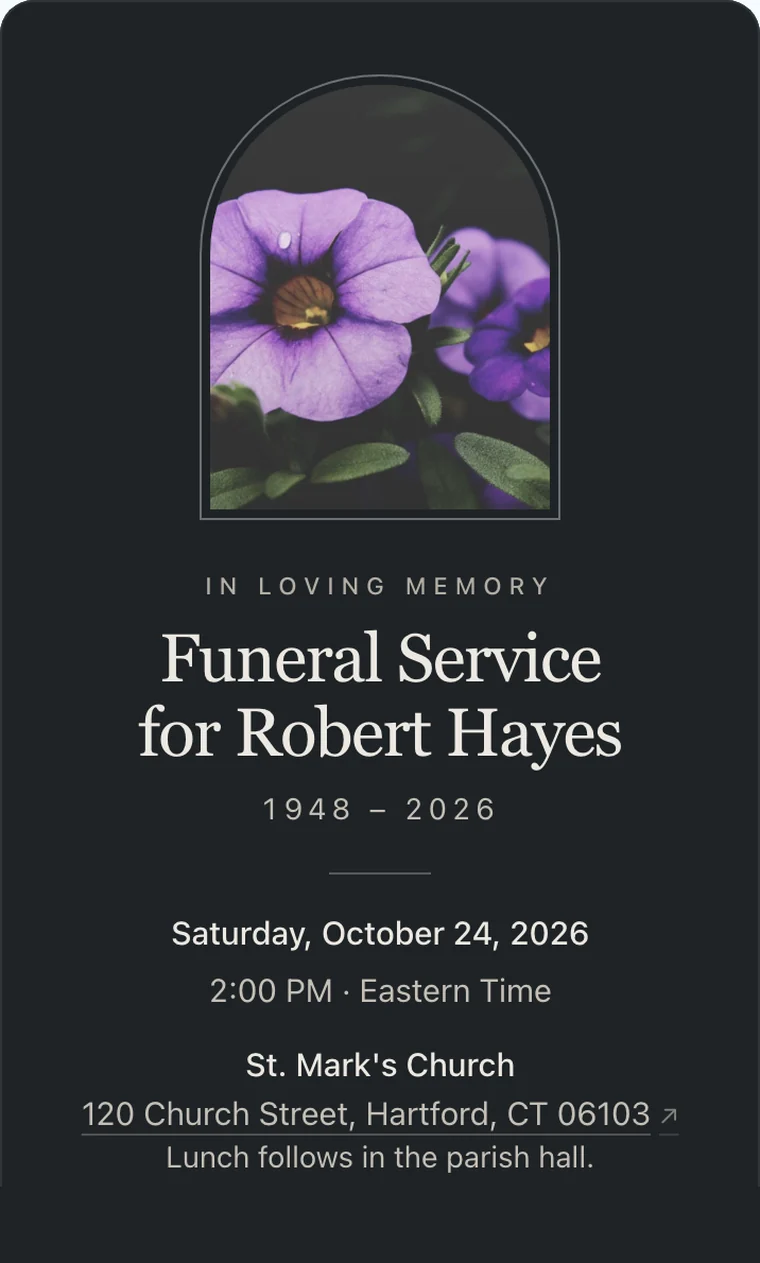
How do you send a funeral invitation?
For an open funeral, most families share the details rather than send formal invitations: a call to the closest people first, then a text, an email, or a notice. One link can carry the full name, the date and time, the address, and what happens afterward. If you need a number for a private service or the meal that follows, ask people to reply. With Hejmo they reply Yes, Maybe, or No without an account, and the count updates as replies arrive. It's free, and the invitation carries no ads.
When a funeral needs replies, and when it doesn't
Most funerals are open, and people don't always say whether they're coming. That's normal, and nobody should feel they have to reply in order to grieve.
A reply helps in a few cases: a private or family-only service, a venue with limited seats, or a reception, lunch, or repast where someone has to give the kitchen a number.
Ask gently and say why. "So we can plan the lunch" reads as care, not paperwork, and people who can't reply in time are still welcome.
Funeral invitation wording you can copy
Plain words work best. Use the name people knew, say "died" or "passed away," whichever your family uses, and give the reason if you ask for a reply.
An open service
For a funeral anyone who knew them can attend.
With sadness we share that [Name] died on [date]. The funeral will be held on [day, date] at [time] at [place]. Everyone who knew [him/her/them] is welcome. Please let us know if you can come, so we can plan for the lunch afterward.
A private family service
Give each household its own private link, so the details stay with the people you invite.
We are holding a small family funeral for [Name] on [date] at [place]. This link is just for you and your household. Please reply so we can save you a seat.
With the gathering afterward
When the reception or lunch is part of the day.
[Name]'s funeral is on [day, date] at [time] at [church or funeral home]. Afterward, please join the family for lunch at [place]. In place of flowers, the family asks that gifts go to [charity].
By text or WhatsApp
A short message to send with the link.
I'm so sorry to share this by text. [Name]'s funeral is on [date] at [place]. All the details are here: [link]. If you can, tap yes or no so we know how many to expect for lunch.
What to include in a funeral invitation
Most follow-up questions come from a missing detail. Cover these and people know where to be and when.
The essentials
- Their full name, and the name people used
- The date and start time
- The full address, with parking or entrance notes
- Whether there's a viewing, a service, a burial, or all three
What comes after
- Where the reception, lunch, or repast is held
- Whether it's open to everyone or family only
- Whether children are welcome
- Livestream details for people far away
Requests
- Dress, if the family has a preference
- Flowers, or a charity in their place
- A reply-by date tied to a real need
- Who to contact with questions
Three steps to a count you can plan around
Set it up in a few minutes, share it where word is already spreading, and let the replies come to you.
Add the details and a few words about them
Name, date, time, and the address, plus what happens afterward. A few sentences about the person are enough.
Share one link, or one per household
Send the shared link by text, WhatsApp, email, or a Facebook post. For a private gathering, give each household its own private link instead. Nobody needs an account or an app.
See who's coming, and read their notes
Replies arrive with a headcount for the meal and any note a guest leaves for the family. A sibling or friend can co-host and watch the list with you.
Quiet by default, with their photo if you like
Every memorial invitation is free and leaves out party language. With $12 Plus Remembrance, their photo sits in a frame above their name in one of four quiet styles, shown here on a celebration of life.
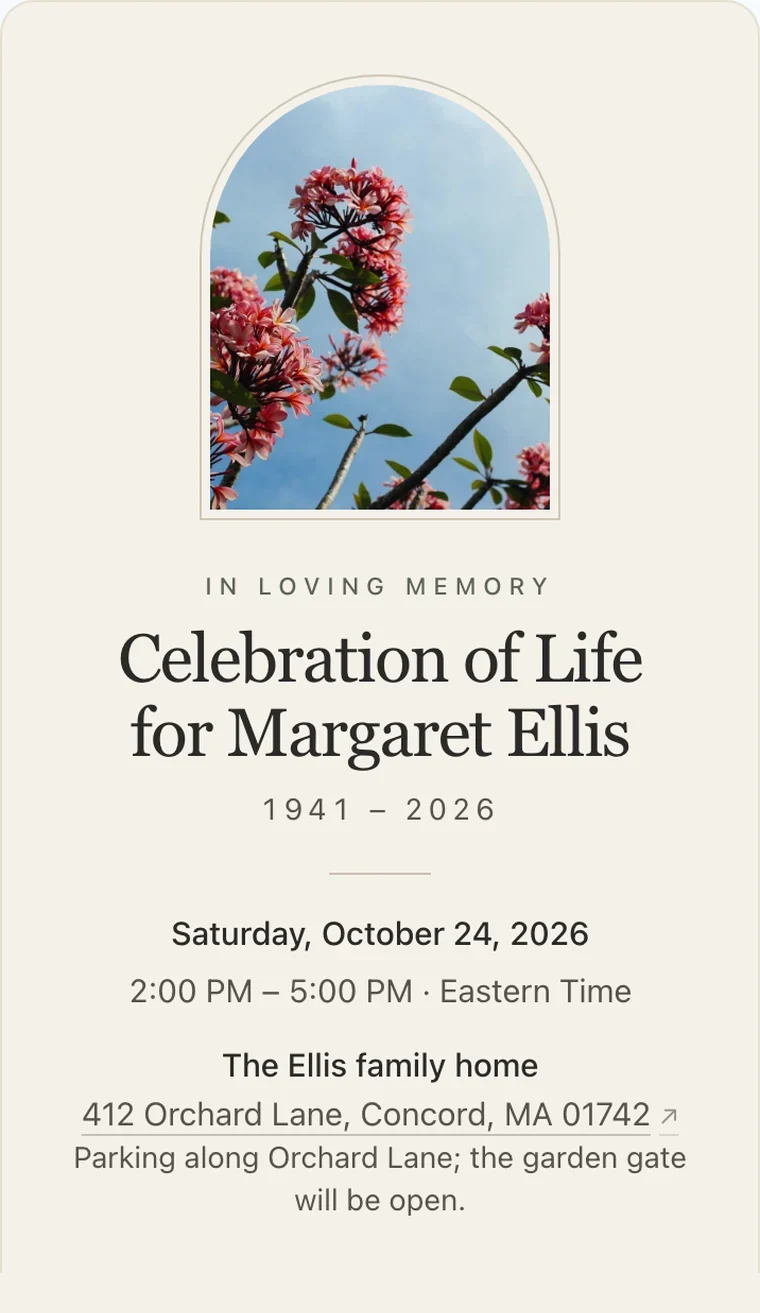
IvoryWarm paper and an arched frame. The traditional choice. 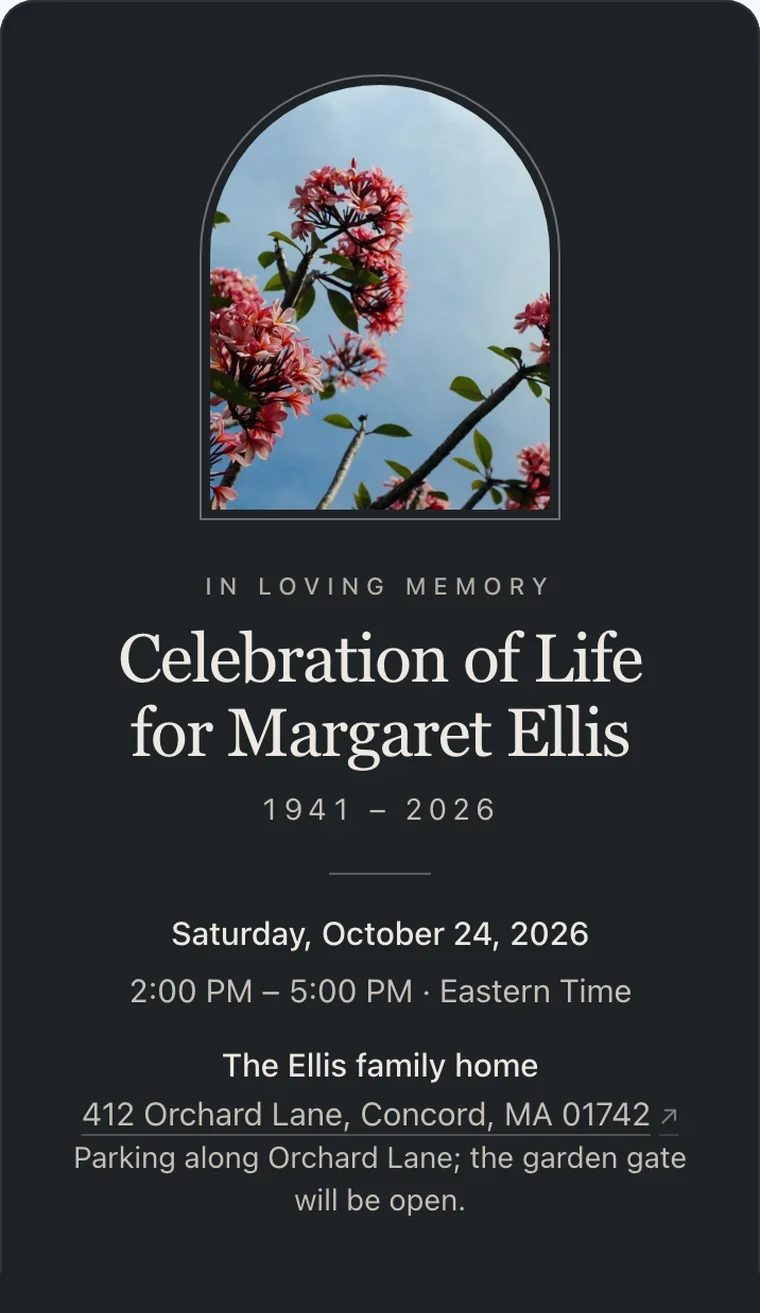
SlateDeep slate and pewter, for a formal or evening service. 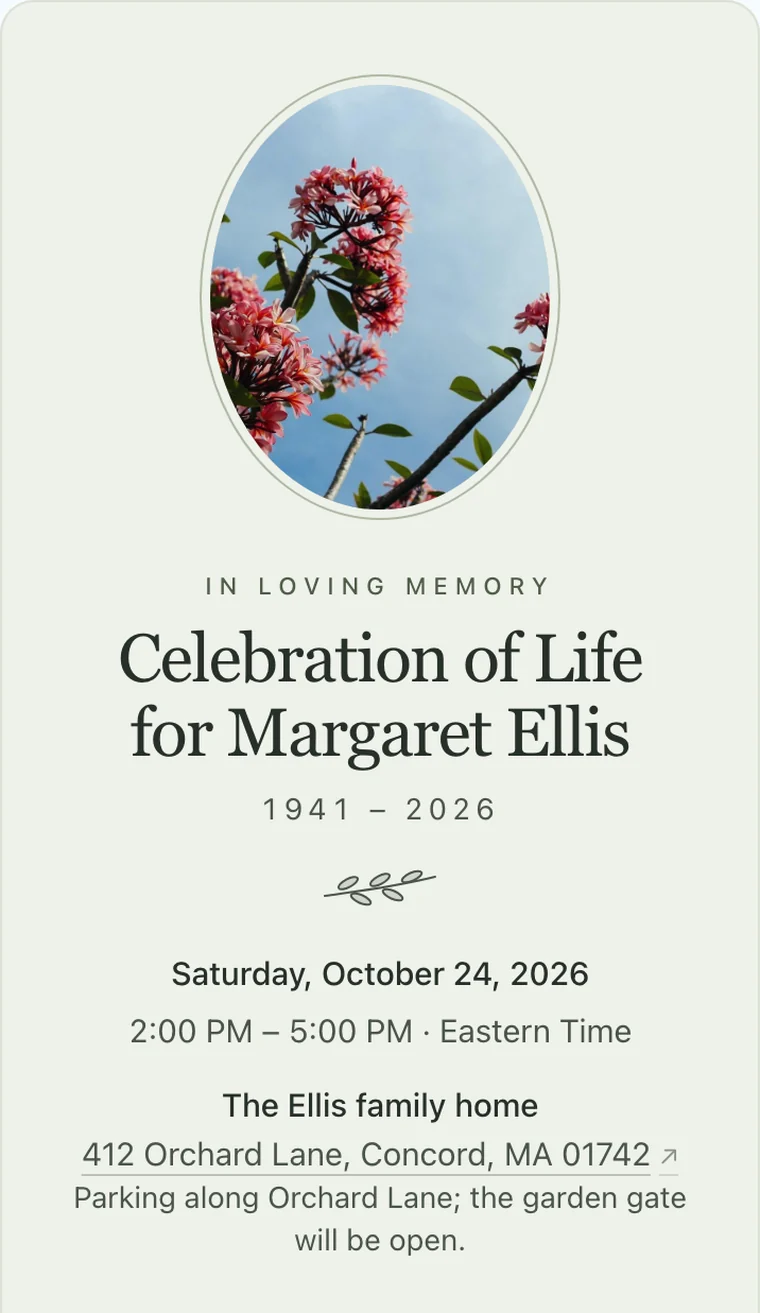
SageSoft green, an oval frame, and a small olive branch. 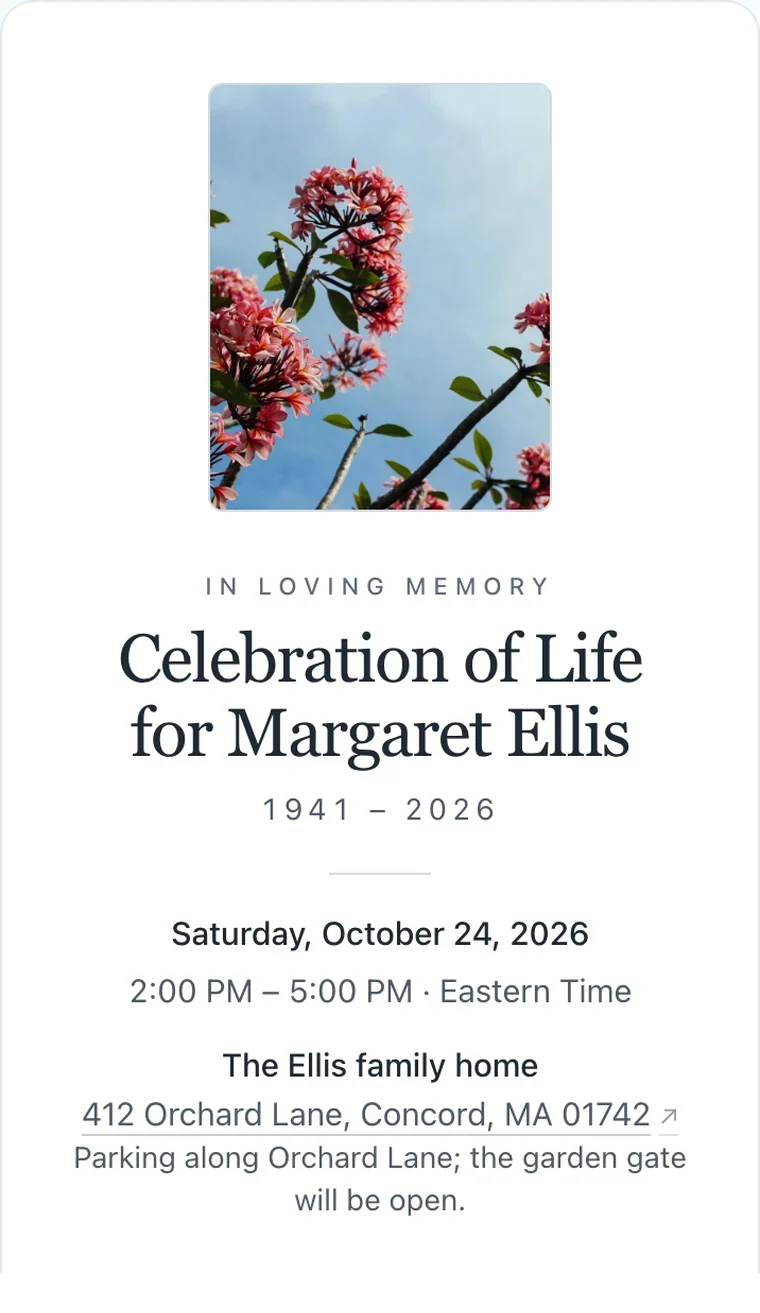
MistPlain white with a simple frame. Suits any faith or tradition.
Who it's for
Best for
- Private or family-only funerals where you need to know who's coming
- Funerals followed by a reception, lunch, or repast that needs a count
- Families spreading word by text, WhatsApp, email, and Facebook
- Guests who'd rather not make an account to reply
Not the best fit for
- Publishing an obituary or building a memorial website
- Collecting donations or selling tickets
- Printed cards or programs; Hejmo is for the phone
Easy on your guests.
They open the link and tap an answer. That's the whole ask. No account, no app, no phone number, and never an ad. Works on any phone.
Questions
Common questions about funeral invitations and replies.
Do you send invitations for a funeral?
Not usually for an open service. Word of mouth, a phone call, a notice, or a shared link is normal. Send direct invitations when the service is private or when you need a count for the meal.
Is it OK to share funeral details by text or WhatsApp?
Yes. Notice is short, and a text is how most people hear now. Call the closest family and friends first, then share the link with everyone else.
Should guests RSVP to a funeral?
If the family asks, yes. Otherwise it's optional, though a quick reply helps whoever is planning the food. With a link, replying takes two taps.
How soon should a funeral invitation go out?
As soon as the date and place are set, usually within a few days of the death. If a detail changes, update the event and everyone with the link sees the new version.
What does Hejmo do for funerals?
Hejmo is an online invitation and RSVP link for an in-person funeral. Memorial invitations are free, with no ads and no party language. Guests reply Yes, Maybe, or No in two taps without an account. They can add who's coming with them and leave a note for the family. You see a live count. Plus Remembrance ($12, once per event) frames their photo above their name, with "In loving memory" and their years.
Can I use this for shiva?
Some families share shiva hours, the address, and minyan times in one link, and Hejmo can hold those details. Visitors aren't invited to a shiva and don't RSVP, so say in the details that no reply is needed; the reply buttons will still show. If friends are organizing meals for the mourners, a meal-train tool may fit better.
Share the details once
One link with everything people need, and replies in one place. Free, private, and ready in a few minutes.
Free · No ads · No guest accounts