Quinceañera invitations that count the whole family
Send the quince invitation by WhatsApp, text, or email. Each family answers for everyone in it, and guests whose phones are set to Spanish see the RSVP page in Spanish. One headcount for the salón and the caterer.
Free · No ads · No guest accounts
- 4 attendingFamilia HernándezRosa, Javier, Lupe, Tomás
Abuelita needs a seat near the front
- MaybeThe GarciasAna, Luis, Sofi
- No replyTía CarmenCarmen, Raúl
- 2 attendingLos padrinosElena, Marco
Bringing the last doll
How do you send quinceañera invitations online?
Create the event, add each family with the people you're inviting, and send each one its own link by WhatsApp, text, or email. One person answers for the whole family, guests whose phones are in Spanish see the RSVP page in Spanish, and your dashboard shows who's coming and who to nudge. It's free, with no ads and no guest accounts.
A quince guest list is a list of families
A quinceañera invites whole families: padrinos, cousins, grandparents, neighbors, and the parents of every friend in the court. Many reply on WhatsApp, some in Spanish and some in English, and a few only tell the abuela.
Add each family with the people you're inviting and send that family its own link. One person answers for everyone in the house, so the count for the salón and the caterer adds up without a spreadsheet.
Guests whose phones are set to Spanish see the RSVP page's buttons, labels, and dates in Spanish. The details you write appear as you type them, so write the Mass time, the reception, and the dress code in both languages if your guests need it.
Sweet 16 invitations
A sweet 16 works the same way with a younger crowd. Send each friend's family its own link, or post the event's shared link in the group chat, where anyone who opens it can add their name and reply.
Set whether friends can bring a guest, so a plus-one arrives with the reply instead of at the door. Ask one optional question, such as a song request or a food allergy, and read every answer in one list.
Where quince RSVPs fall apart
- Families answer in pieces
- One cousin confirms on WhatsApp, his mother tells the abuela, and nobody says how many kids are coming.
- Two languages, one list
- Half the guests prefer Spanish, and a reply in one thread never reaches the list kept in the other.
- The salón needs a number
- Tables, plates, and favors are ordered by headcount weeks ahead, and the last answers arrive days before.
- Everyone keeps a different count
- The parents, the padrinos, and the quinceañera herself each hear different answers.
Three steps from invite to headcount
It works the way families already talk: WhatsApp, text, and email.
Add the guest list by family
Add each family with the people you're inviting, kids included. Set whether extra guests are welcome, so a plus-one arrives with the reply.
Send each family its link
Send it on WhatsApp, by text, or by email. Guests open it in any phone browser and tap Yes, No, or Maybe for each person. No account, no app.
Watch the count, nudge the quiet ones
Your dashboard shows who's coming, who's a maybe, and who hasn't replied. Copy a nudge for each family that hasn't answered and send it yourself.
Quinceañera and sweet 16 designs
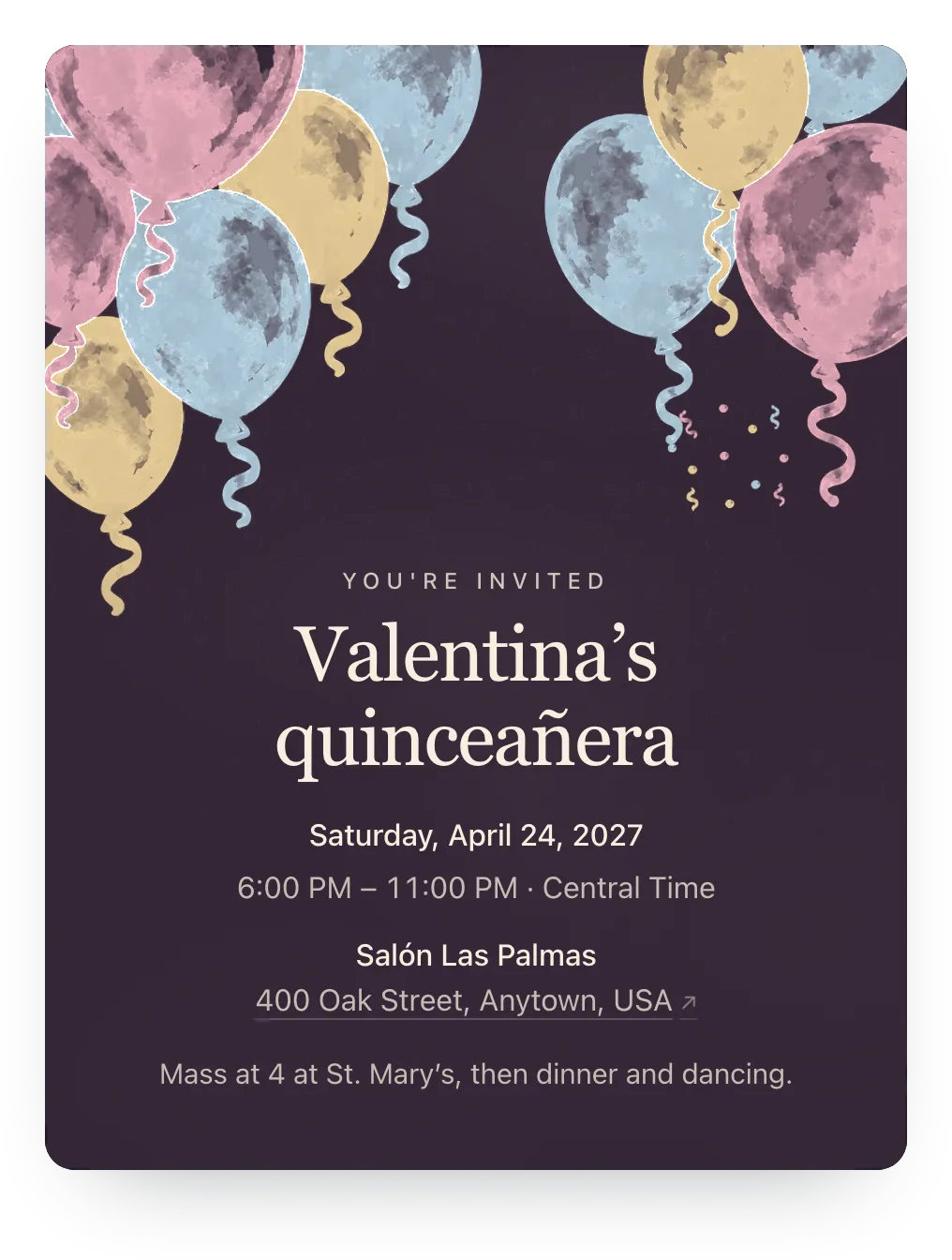
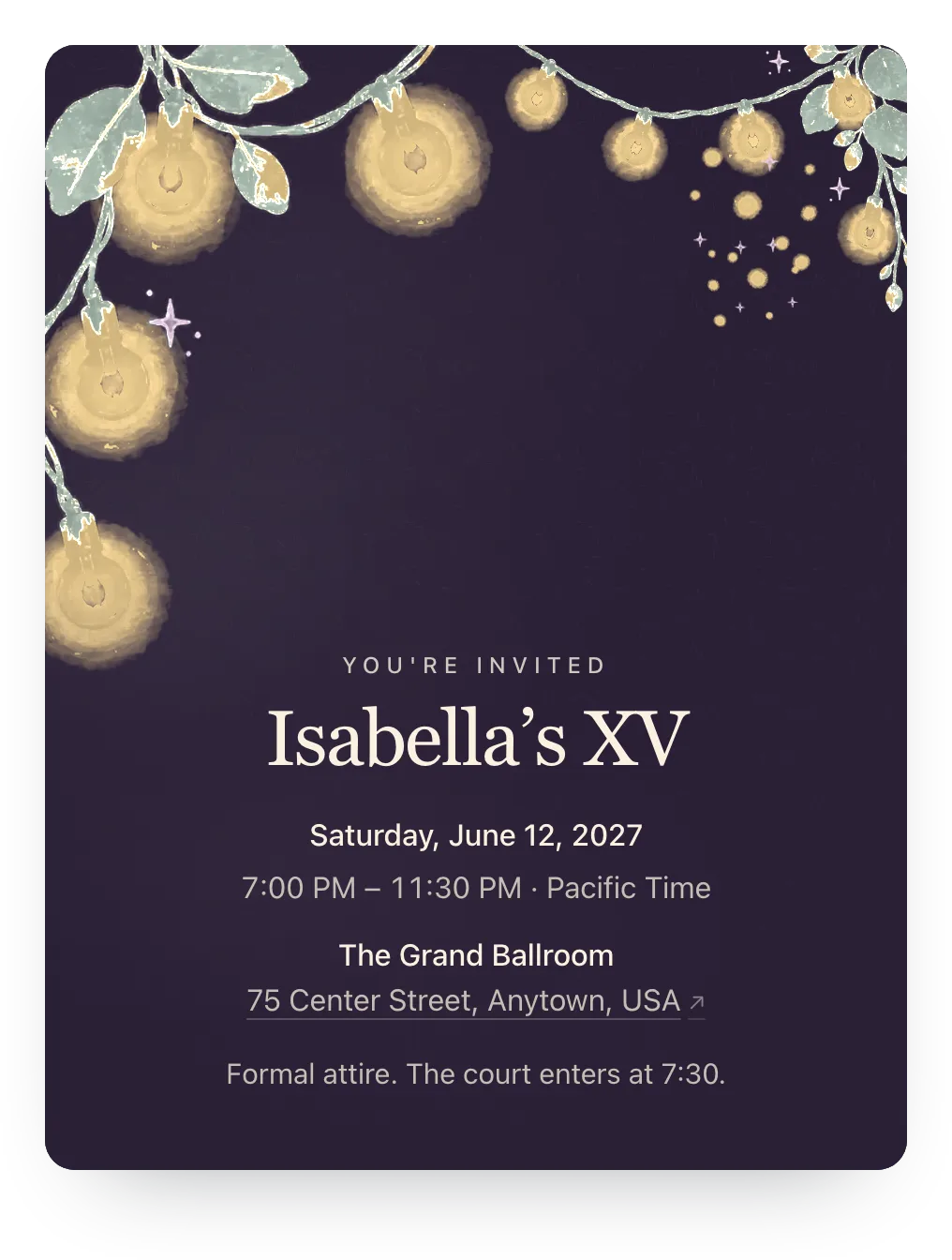
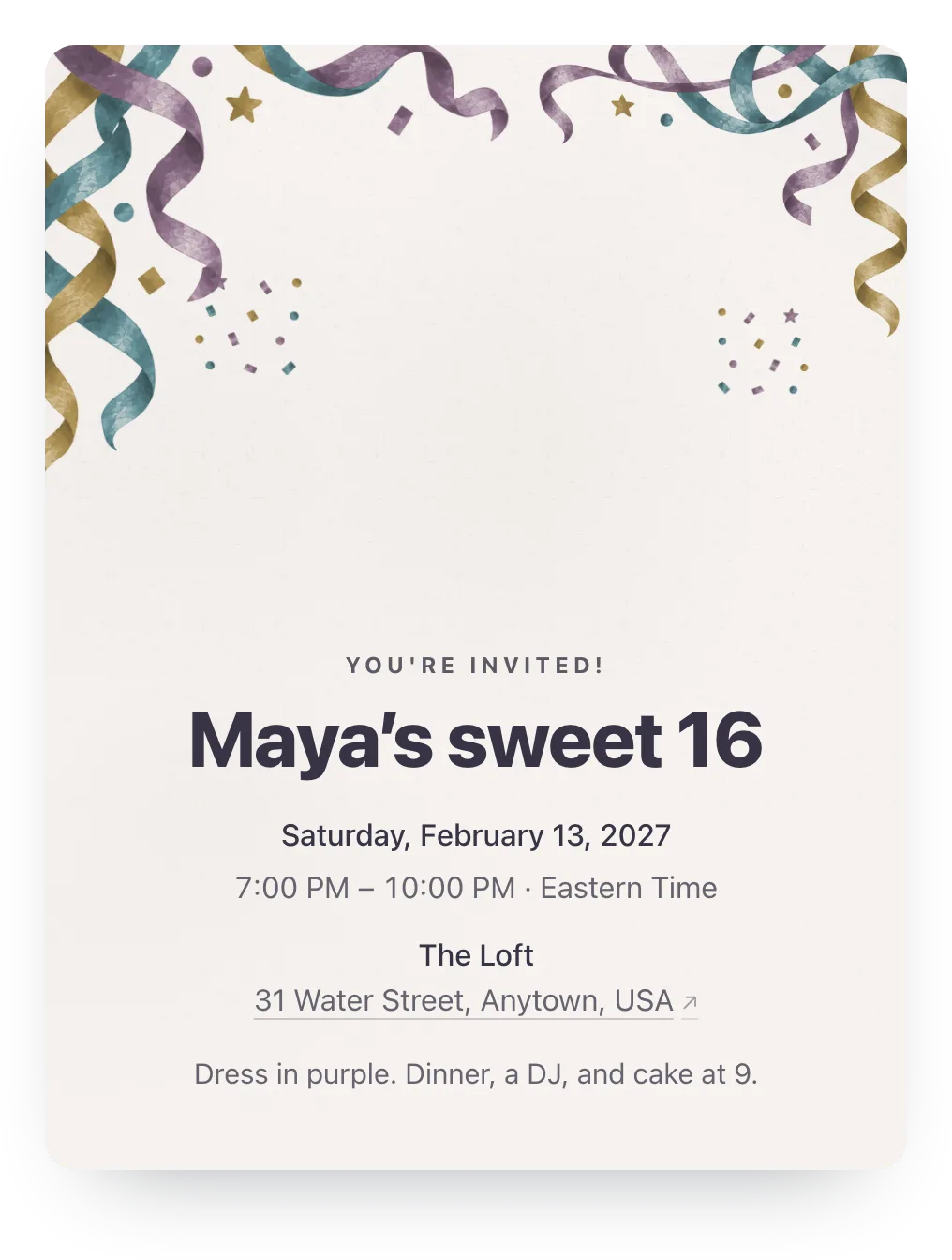
Try balloons in velvet plum, string lights, or any other painted design free; guests see it once the event has Plus ($12).
Made for the family hosting the quince
Family replies, Spanish RSVP pages, and co-hosts. No guest accounts.
- RSVP pages in Spanish
- Guests whose phones are set to Spanish see the reply buttons and labels in Spanish, with dates written the Spanish way.
- Whole families, counted
- Name everyone you're inviting in each family, and each person gets a yes or no in your count, kids included.
- Co-hosts see the same count
- Add the padrinos or the cousin who's helping, and everyone works from one dashboard.
Ask what the caterer needs to know
Add an optional question guests answer with their RSVP: food needs for the caterer, or a song request for the DJ.
One RSVP question is free. Families can answer or skip it.
¿Alguna alergia o necesidad de comida? Any food needs?
Optional
A family's answer
Sin cacahuates para Tomás, por favor. No peanuts for Tomás.
Paste this in the family WhatsApp
Announce it where the family already talks, then let each family's link collect the answer.
¡Están invitados a los XV años de [nombre]! [fecha] en [lugar]. Les mando un enlace para su familia: confirmen quién viene antes del [fecha], sin crear cuenta. / You're invited to [name]'s quinceañera on [date]! Please RSVP for your family by [date] with your link.
Questions
Common questions about quinceañera and sweet 16 invitations.
Are these quinceañera invitations free?
Yes. Hejmo is free for unlimited events, with RSVP tracking, a private link per family, nudges, co-hosts, and one RSVP question. There are no ads on the invite. Plus is optional: $12 for one event adds invitation styles, illustrated covers or your own cover photo, a custom link, a custom RSVP confirmation, and up to five RSVP questions.
Can guests reply in Spanish?
Yes. Guests whose phones are set to Spanish see the RSVP page's buttons, labels, and dates in Spanish. The title and details you write appear as you typed them, so write them in both languages if you need to.
Can I send a quince save the date first?
Yes. Create the event early with the date and city and share it as a save the date. Add the Mass, reception, and dress code later, and everyone keeps the same link.
Does Hejmo print invitations?
No. Hejmo makes a link you share by WhatsApp, text, or email. Some families still mail printed invitations to grandparents and use Hejmo to collect everyone's RSVP.
Does it work for a sweet 16?
Yes. Send each friend's family its own link or post the shared link in a group chat, set whether friends can bring a guest, and use the RSVP question for a song request or allergies.
Can the padrinos help manage RSVPs?
Yes. Add them as co-hosts, and each of them can update the details, manage the guest list, and see replies from their own account.
Run this event, then reuse the guest list for the next one
Free for unlimited events. Plus ($12 per event) adds invitation styles, illustrated covers or your own cover photo, a custom link, a custom RSVP confirmation, and up to five RSVP questions. If you host often, Host Pass puts Plus on every event you create for $19/year.
Free · No ads · No guest accounts