An RSVP website that gets you a real headcount
A free RSVP website for birthdays, reunions, and memorial services. Each family gets its own private link, and your headcount updates live as replies come in.
Free · No ads · No guest accounts
- 3 attendingThe JohnsonsMaya, Leo, Priya
- 2 attendingThe PatelsAsha, Ravi
- MaybeThe CartersNora
- No replyThe NguyensMinh, Linh, Kai
How do I make a free RSVP website?
Create a free event on Hejmo, add the date, time, and place, and share the links. Guests answer in two taps with no account or app, and replies land in a live headcount. Each family can get its own link, so you count people, not messages.
What an RSVP website should actually do
It should tell you how many people are coming, which families are still deciding, and what to plan around. A list of email addresses doesn't.
- Track families, not just names
- One reply should cover the whole household. Each family's link lists the people you named, so you get the full picture at once.
- Roll replies into a total
- Every Yes adds to a running headcount. You see the number you'll cater and seat for, not a stack of rows you still have to add up.
- Handle maybes and notes
- Maybe is a real answer here, because real guests are undecided, allergic, or running late. One note per family keeps allergies and timing with the right people.
- Show you who to follow up with
- Your dashboard shows each family's status, so the people who haven't answered are obvious. You nudge those few instead of texting everyone again.
A form collects rows. An RSVP website tracks guests.
The difference is what happens after the replies arrive. A spreadsheet and group chat work, and Google Forms is free and flexible.
The DIY route
A form drops each reply into a new row. You still tally the total by hand, guess whether a parent meant the whole family, and chase non-responders in a separate chat.
A purpose-built RSVP website
Hejmo is built around the headcount: a private link per family, an answer for each person, a live total, notes, and ready-to-send nudges. The work a form leaves for you is already handled.
Weighing a form against a dedicated tool? See how Hejmo compares to Google Forms.
How your RSVP website works
Four steps, and the tally keeps itself.
Create your event
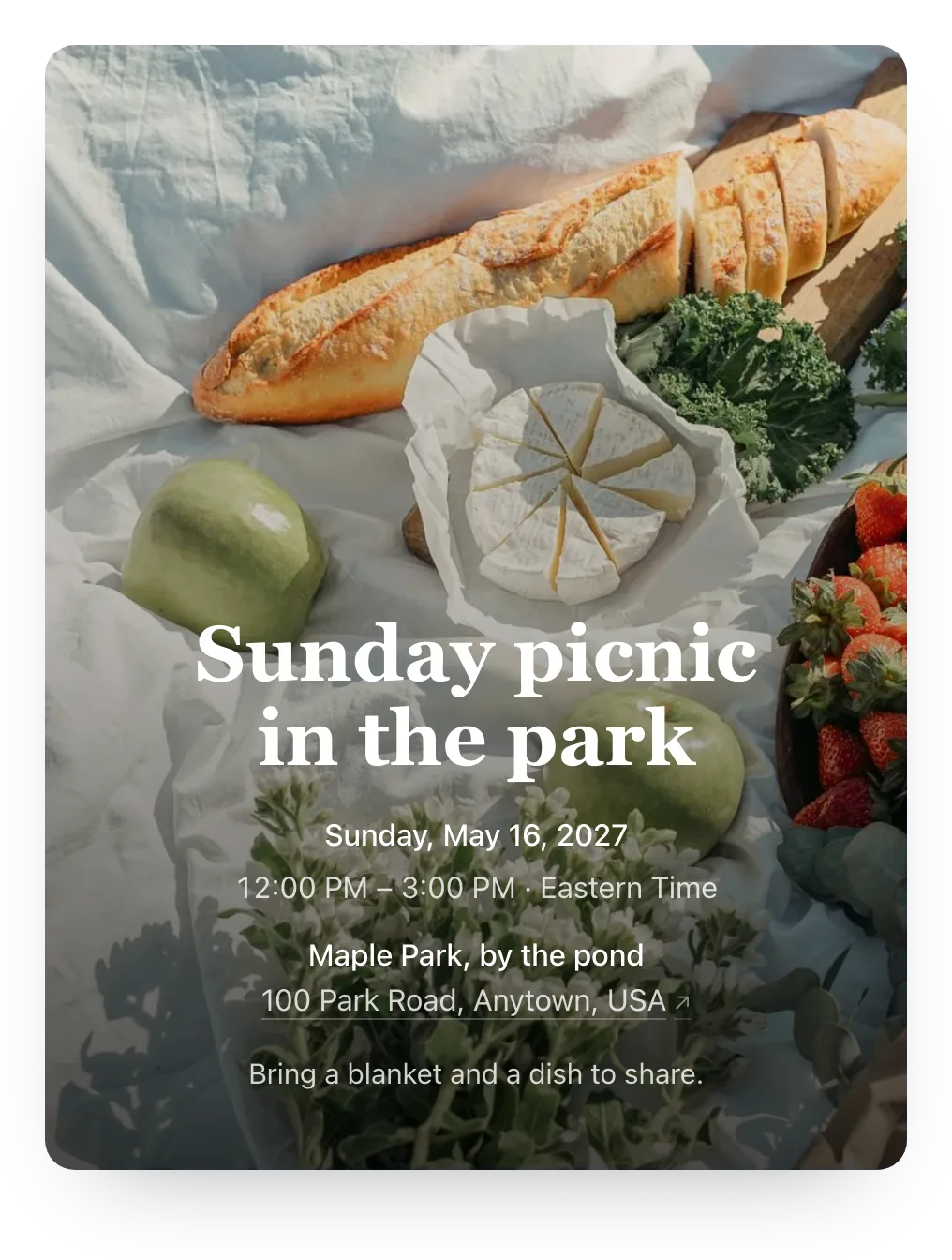
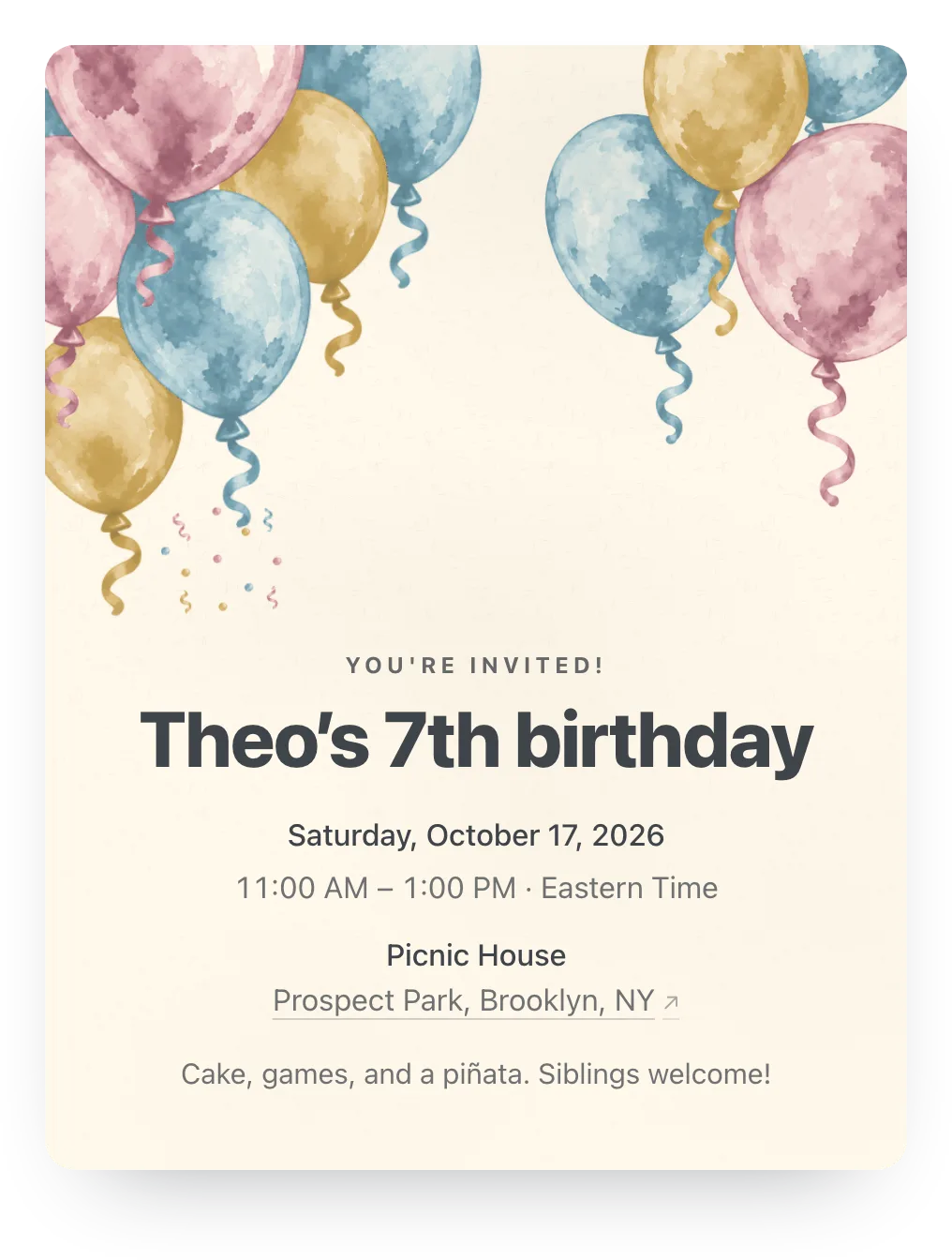
Add the date, place, and details once, and pick a free cover pattern. Plus adds invitation styles, a cover photo, and other extras.
Add your families
List each family and the people in it. Every family gets its own private link automatically.
Share the links yourself
Paste each link into any text, chat, or email, so the invite comes from you, with a chat preview of your event.
Watch the headcount build
Guests tap Yes, No, or Maybe, and your dashboard updates live with each family's status and a running total.
Give your RSVP page a design or a photo
Try any design or your own photo free while you set up; guests see it once the event has Plus ($12).

Built for the headcount
- A private link per family
- Each family gets its own link listing the people you named. Replies stay tied to the right family.
- Live headcount
- Every Yes updates a running total. Each family's status shows who's confirmed and who hasn't replied.
- No accounts, any phone
- Guests answer in two taps in any phone browser. No signup, no app, no phone verification.
Who it's for
- Any event where you need an accurate headcount
- Hosts inviting whole families, not just individuals
- Replacing the spreadsheet and the group-chat tally
- Birthdays, reunions, dinners, showers, and class events
- Co-hosts who want one shared view of who's coming
Easy on your guests.
They open the link and tap an answer, and that's the whole ask. No account, app, or phone number, never an ad, and it works on any phone.
Questions
Common questions about RSVP websites.
Is Hejmo's RSVP website free, and what's paid?
Yes. Private links, RSVP tracking, nudges, co-hosts, and cover patterns are free for unlimited events, with no ads. Plus is $12 per event and adds invitation styles, a cover photo, a custom link, a custom RSVP confirmation, and up to five RSVP questions. For a memorial service, Plus Remembrance is $19 and also lets guests share memories the family approves and open the program from the invite.
Do guests need an account to RSVP?
No. Guests open their link and tap Yes, No, or Maybe, with no signup, app, or phone verification. Two taps and they're done.
How do guests respond?
Each family opens its own private link and taps an answer for every person you named. They can add one note for allergies or timing, and the confirmation links to their calendar and maps.
Can a whole family RSVP together?
Yes. The family's link lists everyone you named, and one person can answer for all of them at once. When you allow it, they can add extra guests too.
Can I track who hasn't answered yet?
Yes. Your dashboard shows each family's status and a running headcount, so you can see at a glance who to nudge.
What if an invite link leaks?
Replace it in a tap. The old link stops working right away and that family gets a new one; other links and earlier replies stay intact.
Does it work on phones?
Yes. Guests answer from any phone browser, no app required. Links show a chat preview in iMessage or WhatsApp, so the invite looks like an invite.
Can I co-host an event?
Yes. A co-host can manage the guest list, edit details, and see the same headcount. Couples and co-organizers often run events this way.
Get your headcount, not a pile of rows
Set up your RSVP website in minutes. Free for unlimited events, no guest accounts, no ads.
Free · No ads · No guest accounts