PTA event RSVPs for school family nights and picnics
Collect family replies for the school picnic, welcome night, or parent social. Post one shared link or send known families private links. Co-hosts see the same dashboard.
Free · No ads · No guest accounts
- 3 attendingNg familyJamie, Morgan, Kai
- No replyMartinez familyAna, Luis
- MaybeWilson familySam, Grace
Depends on work schedule
- 2 attendingKhan familySamira, Omar
How do you collect RSVPs for a PTA family event?
Post the event's shared link in your school newsletter or parent chat. Families add the people coming without an account, and co-hosts see the same headcount. If you know who's invited, send each family a private link to also see who hasn't replied.
One school event, two ways to invite families
For a school-wide family night or picnic, post the shared link in your newsletter or parent chat. Families add their own names, you see every reply, and no family sees another's.
For a smaller parent-teacher association (PTA) gathering with a known guest list, add each family and send its private link directly. Then you can see who hasn't replied as well as who's coming.
Add co-hosts so the organizing committee sees the same count. Put the entrance, arrival time, and who's welcome in the invite, then add an optional question for one more detail (up to five with Plus).
PTA events need a clean count without turning into admin software
- A newsletter reaches new families
- Use the shared link when you don't have a family list. Families name the people coming, so every reply arrives with names attached.
- Committee context scatters
- One organizer has the spreadsheet, another has the chat, and the latest count is unclear.
- Known guests need follow-up
- Private family links show who hasn't replied. Copy a nudge for each family, then send it through your usual school channel.
- Families expect privacy
- Parents reply without an account or phone verification, and other families never see their RSVP.
Three steps from invite to headcount
It works the way parents already coordinate.
Set up the family event
Include arrival details, who's invited, and the RSVP deadline. Add your co-hosts and an optional question for families.
Choose how to share
Use one shared link for a newsletter or parent chat. For a known guest list, send each family its own link so you can see who hasn't replied.
Report the real count
Check the confirmed headcount and RSVP notes together before buying supplies. Co-hosts work from the same dashboard.
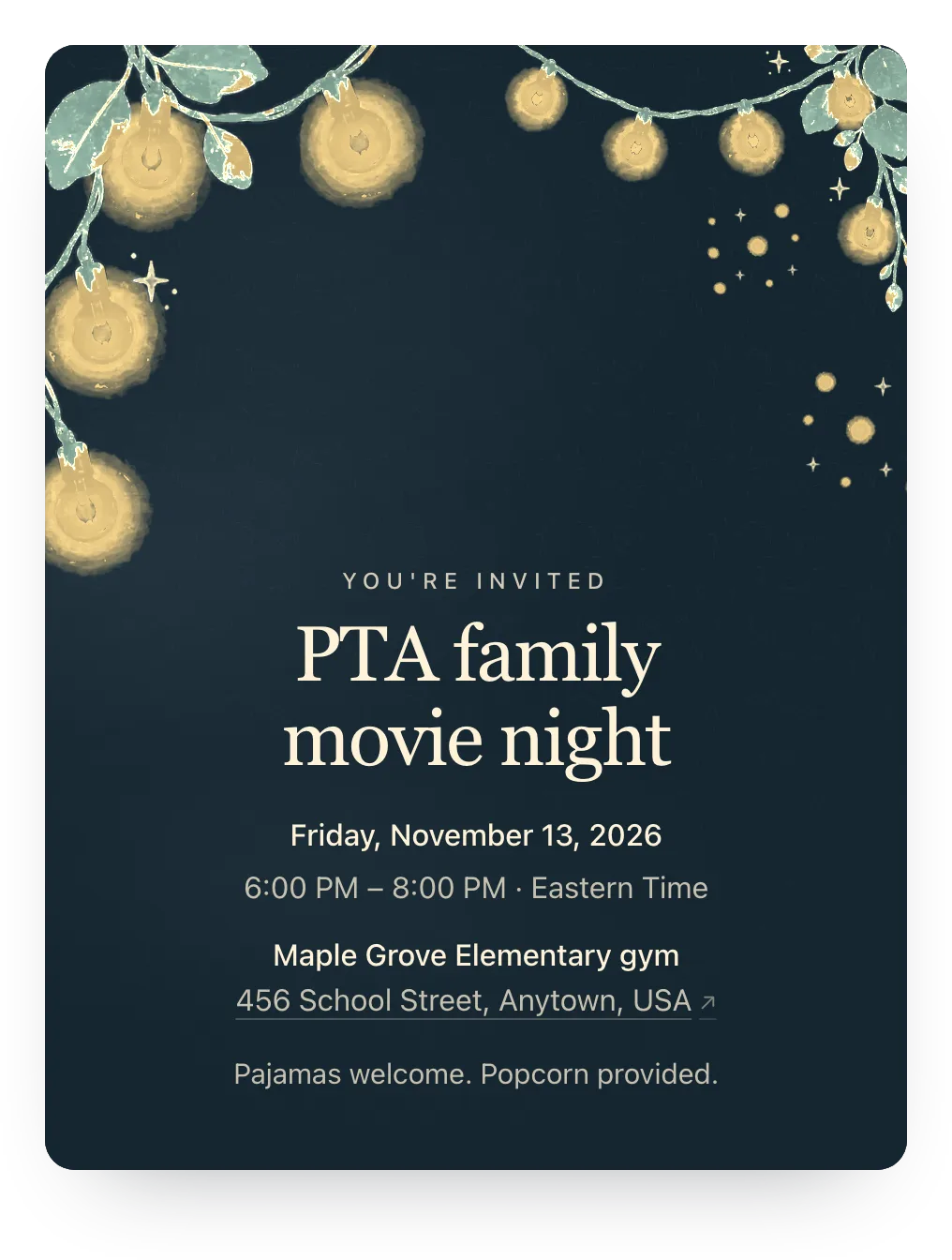
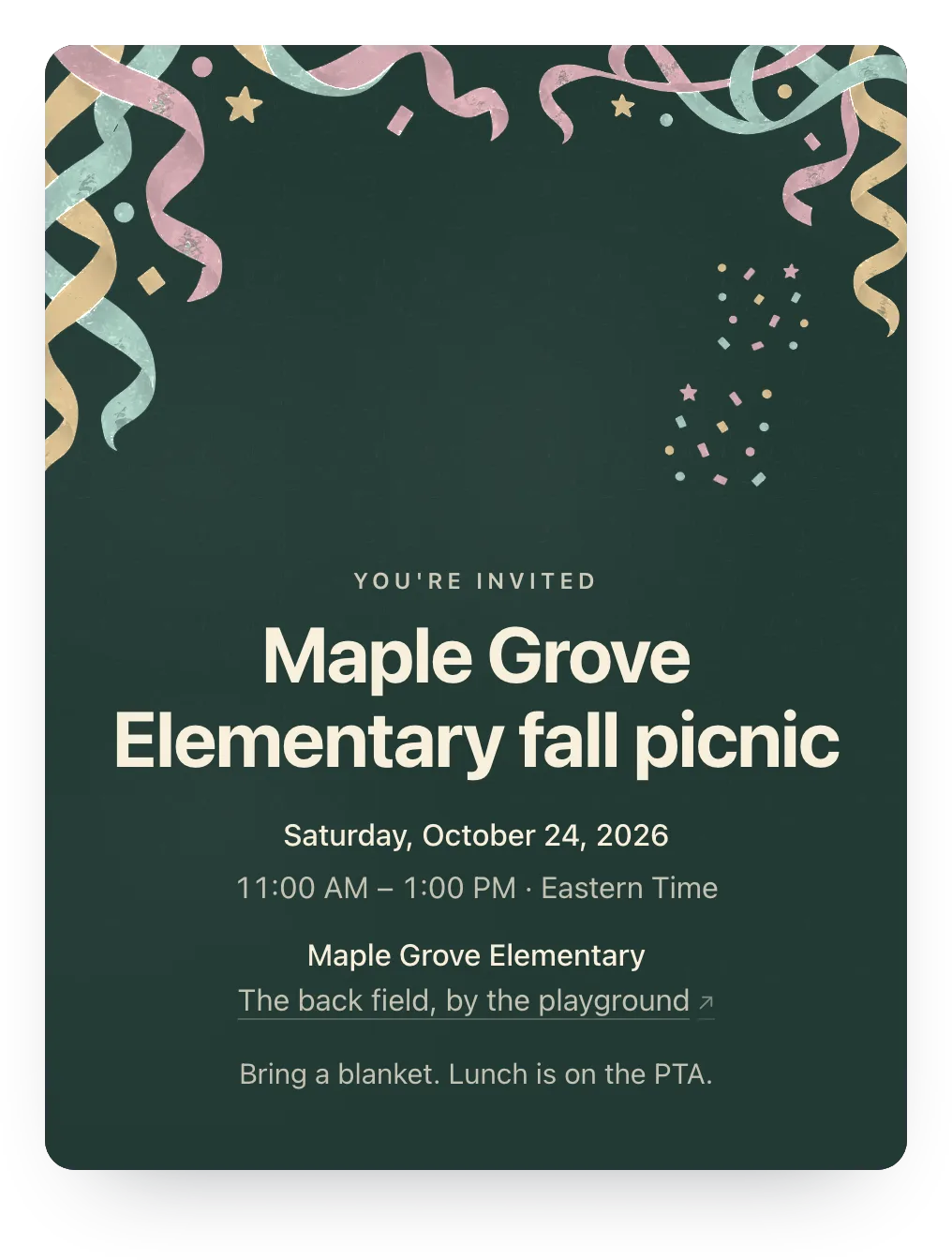
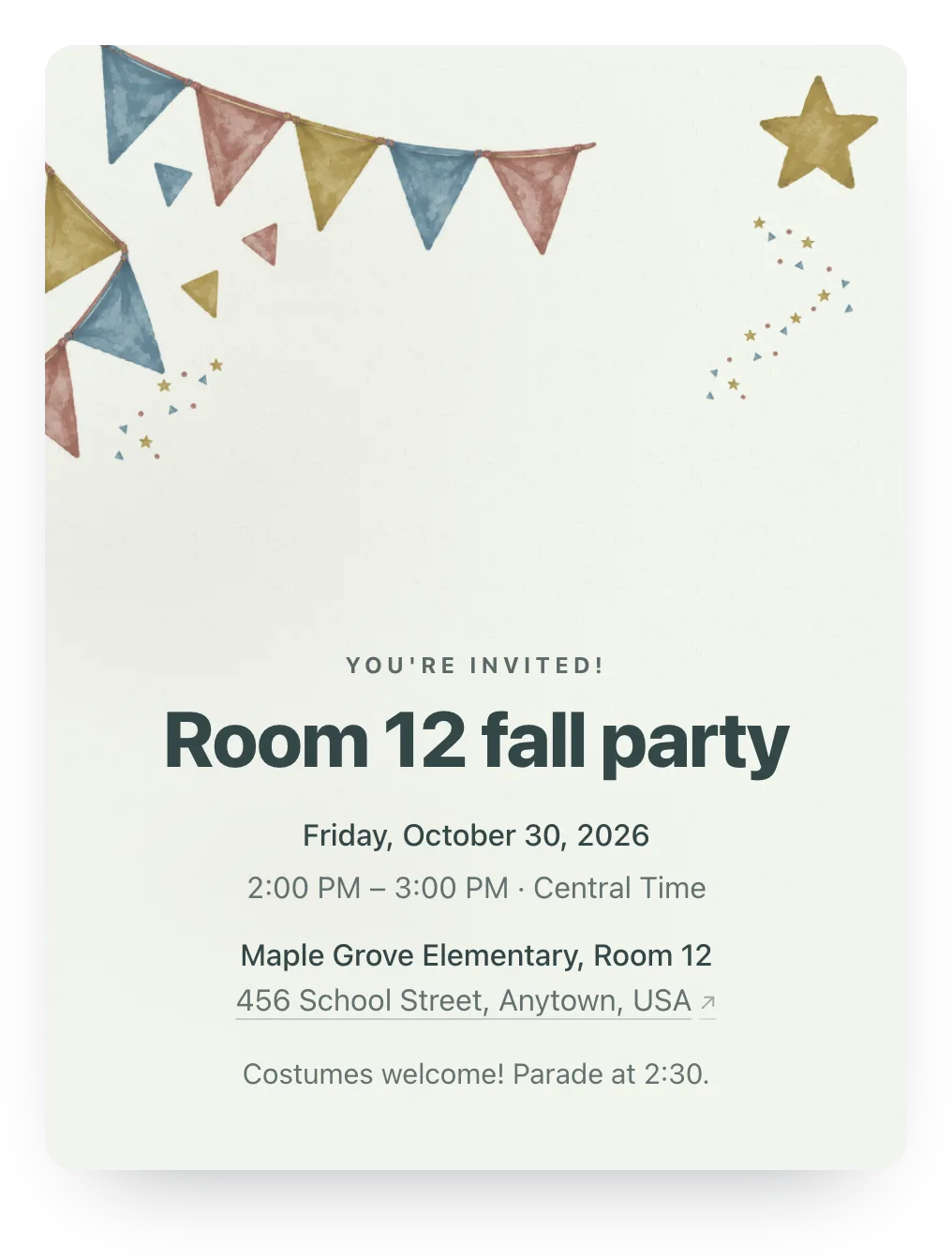
Designs for school nights and picnics
Try string lights, confetti, party flags, or any other painted design free; families see it once the event has Plus ($12).
Made for the parent doing the organizing
Family replies, ready-to-send nudges, and reusable guest lists. No guest accounts.
- Family nights and school picnics
- Keep attendance and practical notes together for welcome events, community picnics, and parent-led socials.
- Easy on new families
- A shared link lets families add themselves without an account. Private links work for a family list you already have.
- A count the committee can share
- Give co-hosts access to the same dashboard so planning doesn't depend on forwarded screenshots.
Ask about food before the school picnic
Turn the optional note into a question about a useful planning detail. The same question appears on private family invites and on the shared link.
One RSVP question is free. Families can answer or skip it.
Anything we should know when planning the food?
Optional
A family's answer
We'll bring our own picnic food, thanks!
Paste this in the school newsletter or parent chat
School communities already have a channel. Use it to share links, not to reconstruct a count from scattered yeses.
Join us for our school family night! Please RSVP here: [shared link]. Add the people in your household who are responding so we can plan the count. The invite has arrival details, and there's an optional note if you'd like to add anything.
Questions
Common questions from parents and school organizers.
Can we put one RSVP link in the school newsletter?
Yes. Use the shared link, and families add their own names and responses without seeing anyone else's. Your dashboard shows who's joined through it, not everyone who got the newsletter.
How can we see which families haven't replied?
Add the families you know and send each one its own private link. They show as No reply until they answer, and you can copy a nudge to send yourself. A shared newsletter link can't tell you who read it and didn't reply.
Can multiple organizers see the dashboard?
Yes. Add co-hosts so committee members can manage the event and see responses.
Can guests add extra family members?
Yes. With the shared link, families enter the names of the people coming. With a private family link, they answer for the people you listed and can add extra guests, up to the limit you set.
Run this event, then reuse the guest list for the next one
Free for unlimited events. Plus is $12 per event, or if you host often, Host Pass puts Plus on every event you create for $19/year.
Free · No ads · No guest accounts