Online potluck sign-up with the RSVP built in
List the dishes and supplies you need, and each family taps what they'll bring when they say yes. You get the headcount and the menu in one place.
Free · No ads · No guest accounts
How do you run an online potluck sign-up?
Create the event, add a sign-up list (Main dish ×4, Salad ×2, Plates and cups), and share the link. When a family says yes, they tap what they'll bring, with no account. Each item shows how many are still needed, so nobody brings the fifth dessert.
Six “we're in” replies, and still no idea who's bringing the main
Every potluck reply hides two questions: how many of you are coming, and what are you bringing? Group chats answer neither cleanly.
“We're in!” might mean two adults or a family of five, and the dish arrives three days later, right after someone else's. So you keep one list for heads and one for food, and both are wrong by Thursday.
A sign-up list on the RSVP answers both at once. Families say who's coming and take an item in the same reply, and the list shows everyone what's still open.
- Main dish1 still neededThe Okafors, Dana & Chris
- Salad or sideCoveredThe Parks, The Okafors
- Dessert1 still neededDana & Chris
- Drinks and iceCoveredThe Parks
- Plates and cups1 still needed
Four steps from invite to a full table
One link does the RSVP and the sign-up sheet.
Create the event and list what you need
Add the date, time, and address, then a sign-up list with how many of each item you need, like Main dish ×4 or Ice ×1. Start from the suggested rows or type your own.
Share one link, or one per household
Post the event's shared link in the group chat and let people add themselves. Or add couples and families with the people named, and each gets a private link.
Families say yes and tap what they'll bring
Guests mark who's coming, then tap any item that's still open; full items show as covered. Allergies go in the note, with no account or app.
Watch the list fill and nudge the gaps
Your dashboard shows the headcount and every item: who took it and how many are still needed. Copy a nudge for anyone who hasn't replied, and mention what's still open.
Designs for a shared table
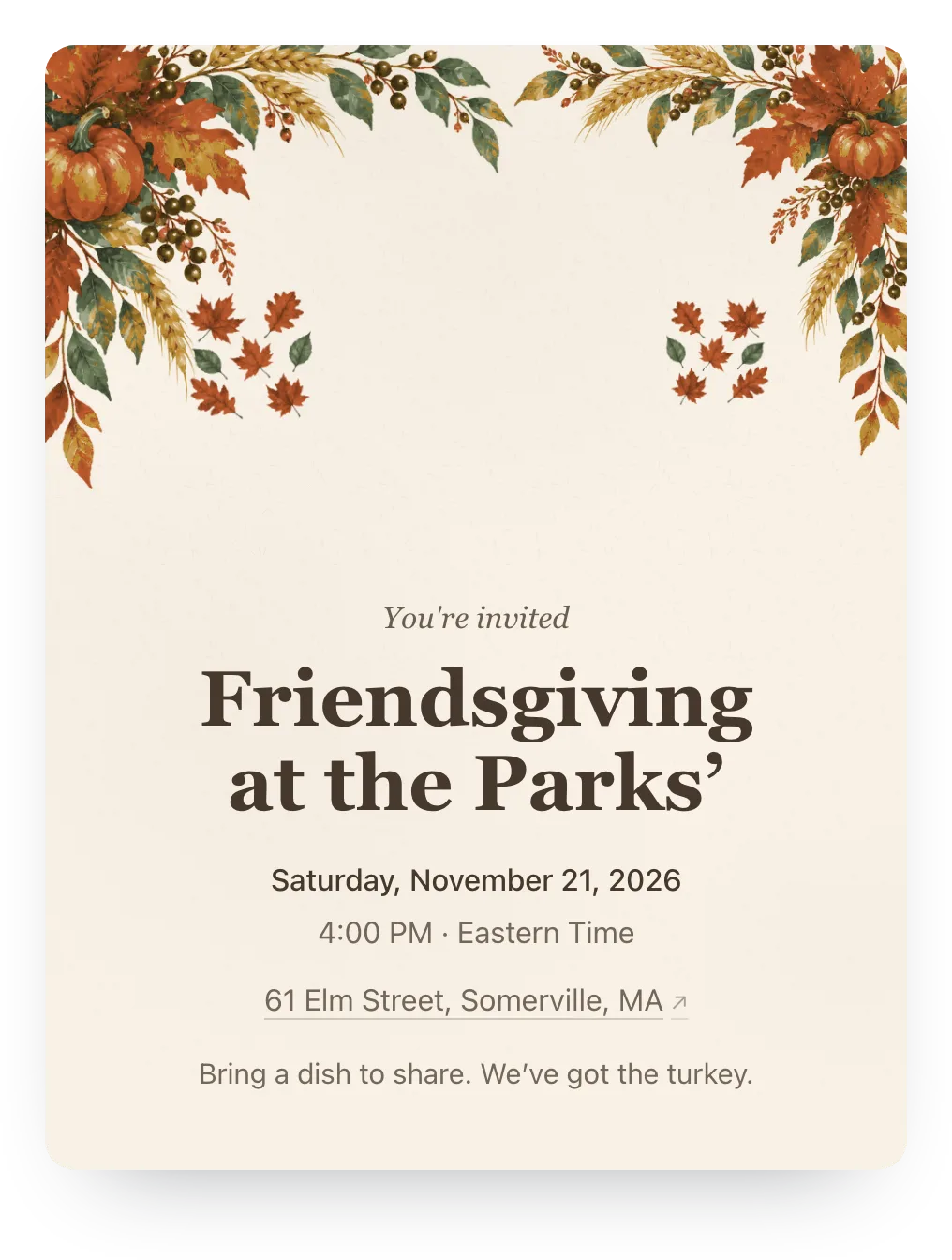
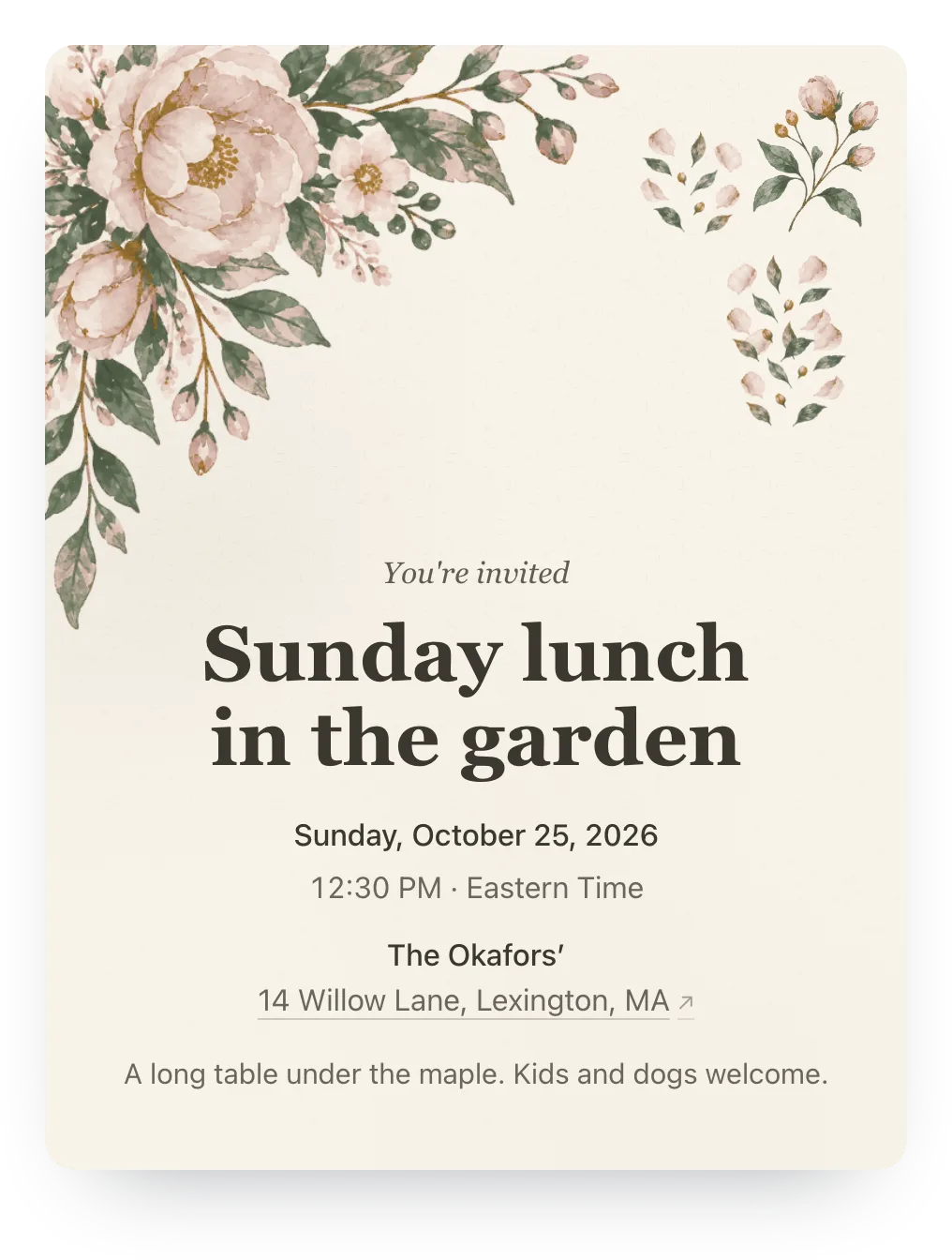
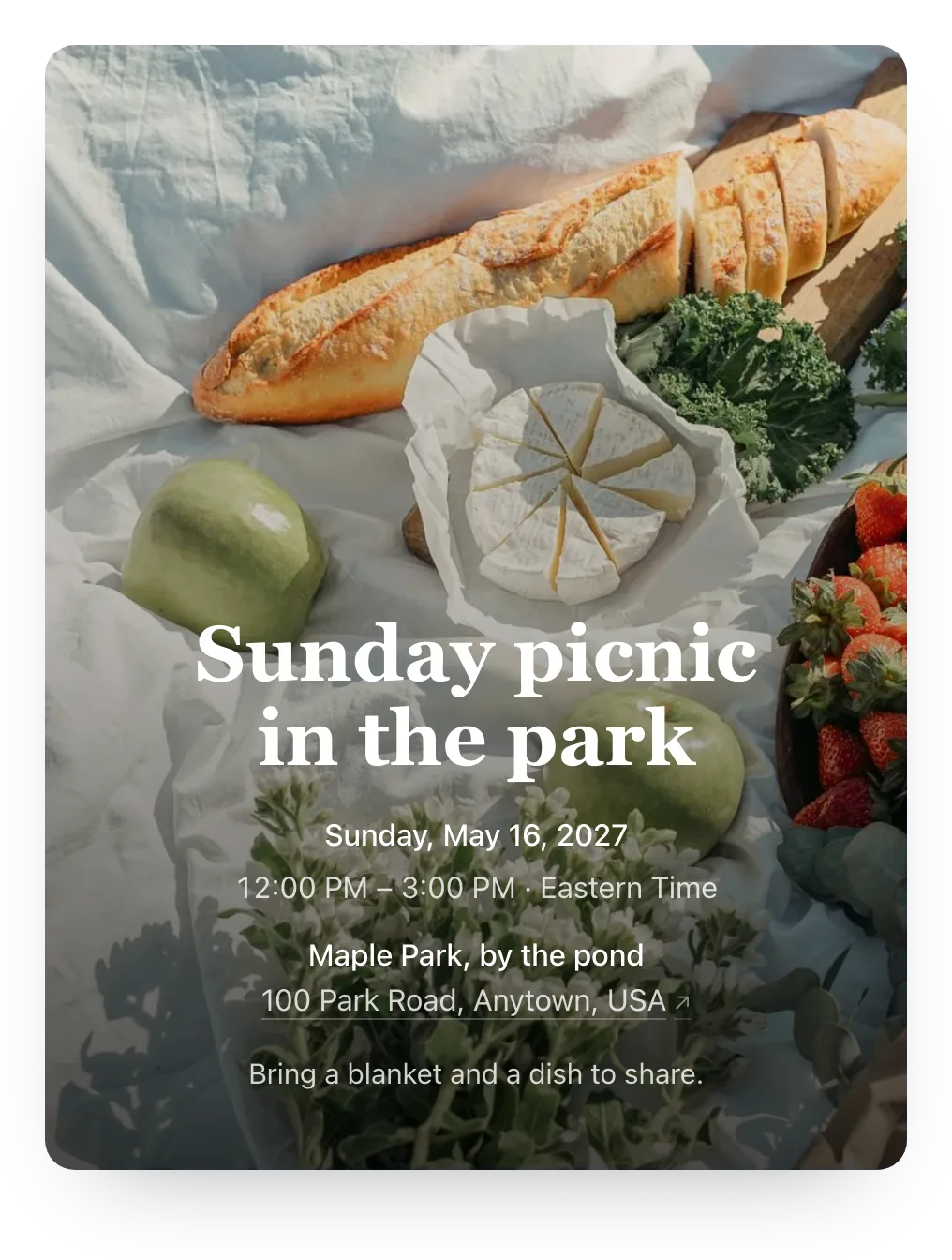
Try harvest, garden, or any other painted design free, or use your own photo. Guests see it once the potluck has Plus ($12).
Paste this in the group chat with your link
Written to get a headcount and a dish in one reply. Swap in your details and send.
Potluck at ours on [date], food's on the table at [time]! I'm covering the main and drinks. Tap the link, mark who's coming from your house, and grab something from the sign-up list (allergies go in the note): [link]. Takes ten seconds, no account.
Reminder message for the potluck
Hejmo shows you who hasn't replied and what's still open on the list. Copy this reminder and adapt it to your list.
Quick reminder for [day]! Still need a headcount from a few households so I know how many chairs to borrow. We still need a couple of sides and someone on plates and cups. Tap the link and grab one: [link].
What to put on a potluck sign-up list
Name each item plainly and say how many you need. Families scan the list in seconds.
Food
- Main dishes, with how many you need
- Salads and sides
- Desserts
- Something kid-friendly or vegetarian
Drinks and supplies
- Drinks and ice
- Plates, cups, and napkins
- Serving spoons and foil
- Containers for leftovers
Help on the day
- Setup and folding tables
- Extra chairs
- Grill or kitchen help
- Cleanup crew
In the invite and the note
- Full address, parking, and start time
- Whether kids and partners are welcome
- Allergies or dietary needs, in the RSVP note
- RSVP deadline, a few days before shopping
Built for the way potlucks are answered
Families reply together, and the dish is part of the reply.
- A sign-up list with counts
- Ask for four mains and one bag of ice. Each item shows how many are still needed, and a full item can't be taken twice.
- One reply per household
- Name the people in each couple or family. Whoever opens the link answers for all of them and takes their items in the same reply.
- Items go with a yes
- Only a yes can take an item. If a family changes to Maybe or No, what they took opens up again for everyone else.
- Private by default
- Guests see what's still needed, not who took what or who's coming. You and your co-hosts see the names.
- Reuse it for the next one
- Reuse the event for a monthly supper club or the yearly holiday potluck. The guest list and sign-up list come with it, with every item open again.
Who it's for
- Potlucks, class parties, and shared dinners where families sign up to bring something
- Hosts who need an exact count for chairs, plates, and the main
- Friend groups and families who won't fill in a spreadsheet
- Co-hosted dinners with one shared guest list
- Recurring suppers that reuse the same guest list
Easy on your guests.
They open the link and tap an answer, and that's the whole ask. No account, app, or phone number, never an ad, and it works on any phone.
Questions
Common questions about potluck RSVPs and headcounts.
How do I make an online potluck sign-up?
Create the event and add a sign-up list with how many of each item you need, like Main dish ×4 or Ice ×1. Families who say yes tap what they'll bring, and your dashboard shows the headcount and who took what.
Can two families sign up for the same dish?
Only if you ask for more than one. Once an item is fully taken, it shows as covered and nobody else can claim it. If two families tap the last one at once, the other is asked to pick again, and their RSVP still goes through.
Can a family sign up for more than one thing?
Yes. A household can take as many items as they like, one of each. A family bringing a main and the ice taps both.
Can guests add their own dish instead of picking from my list?
Yes, if you turn it on. Guests who say yes type up to three items, everyone sees what's coming without names, and Hejmo flags a dish that's already listed. Use it alone for an open potluck or cookie exchange, or next to your list.
What happens if someone changes their RSVP?
Items go with a yes. If a family changes to Maybe or No, the items they took open up again for everyone else. A Maybe can't claim an item, so nobody skips a dish that might not show up.
Can guests see who's bringing what?
Guests see each item and how many are still needed, not who took it. You and your co-hosts see the names on your dashboard.
Can I change the list after people sign up?
Yes. Add, rename, or reorder items, or change how many you need, any time. If you remove an item a family already took, Hejmo asks first, and you let them know.
Do guests need an account or an app?
No. The link opens in any phone browser, with no signup or phone verification. Guests tap Yes, No, or Maybe for their household, tap what they're bringing, and they're done.
Can one person reply for a couple or a whole family?
Yes. Whoever opens a household's link answers for everyone named in it, and can add extra guests if you've allowed them. A family of four is four on your count, not one.
How do I remind people who haven't replied?
Your dashboard shows who hasn't replied and who's still a maybe, with a ready-to-send nudge for each. You copy it into your own text or chat thread, so nobody needs to hand over a phone number.
Is the sign-up list free?
Yes. Sign-up lists are free for unlimited events, along with RSVP tracking, nudges, one RSVP question, and cover patterns, with no ads. Plus is optional: $12 for one event adds invitation styles, illustrated covers or your own cover photo, a custom link, a custom RSVP confirmation, and up to five RSVP questions.
Know how many chairs, and who's bringing the main
One link for the RSVP and the sign-up list. Free, private, and ready in two minutes.
Free · No ads · No guest accounts