Housewarming invitations with a headcount
Send the housewarming invite by text or group chat. Friends, neighbors, and family reply in two taps, partners and kids included, so you know how many glasses to set out. No guest accounts, no ads.
Free · No ads · No guest accounts
- 2 attendingJamie & AlexJamie, Alex
Bringing a plant for the new place
- MaybeThe HendersonsCarol, Bill
- No replyPriyaPriya
- 3 attendingThe Morales familyAna, Leo, Sofia
The kids want to see the yard
How do you send a housewarming invitation online?
Create the event, add the friends and households you're inviting, and send each one its own link by text or chat, or post one shared link in a group chat. Guests reply in two taps with no account, partners and kids included, and your dashboard shows the count. It's free, with no ads.
A housewarming mixes every part of your life
A housewarming invites people who don't usually overlap: coworkers, new neighbors, old friends, and family who want the tour. Some bring partners, some bring kids, and some reply on the day.
Send each friend or household its own link, or post the event's shared link in a group chat, where anyone who opens it can add their name. Allow extra guests if partners are welcome, and they come with the reply.
Put parking, the buzzer code, or gate instructions in the details. Guests see them on the invite and can add the party to their calendar or open directions from the same page.
Where housewarming RSVPs get messy
- Plus-ones are a mystery
- “See you there” doesn't say whether a partner or a roommate is coming too.
- Neighbors aren't in the chat
- The couple next door and your coworkers aren't in the friends' group chat, so their answers live somewhere else.
- Directions get asked ten times
- Which buzzer, where to park, and whether to use the side gate come up in every other reply.
- The count shifts the night before
- Maybes become yeses on the day, and you're short on chairs.
Three steps from invite to headcount
It works the way your friends already talk: by text and group chat.
Add your guests
Add each friend or household with the people you're inviting, or skip the list and use the shared link. Set whether extra guests are welcome.
Share the link
Text it, email it, or post it in a group chat. Guests read the address and parking notes, then tap Yes, No, or Maybe. No account, no app.
Watch the count, nudge the maybes
Your dashboard shows who's coming and who's still a maybe. Copy a nudge for anyone who hasn't answered and send it yourself.
Housewarming designs
Try string lights, party flags, or any other painted design free; guests see it once the event has Plus ($12).

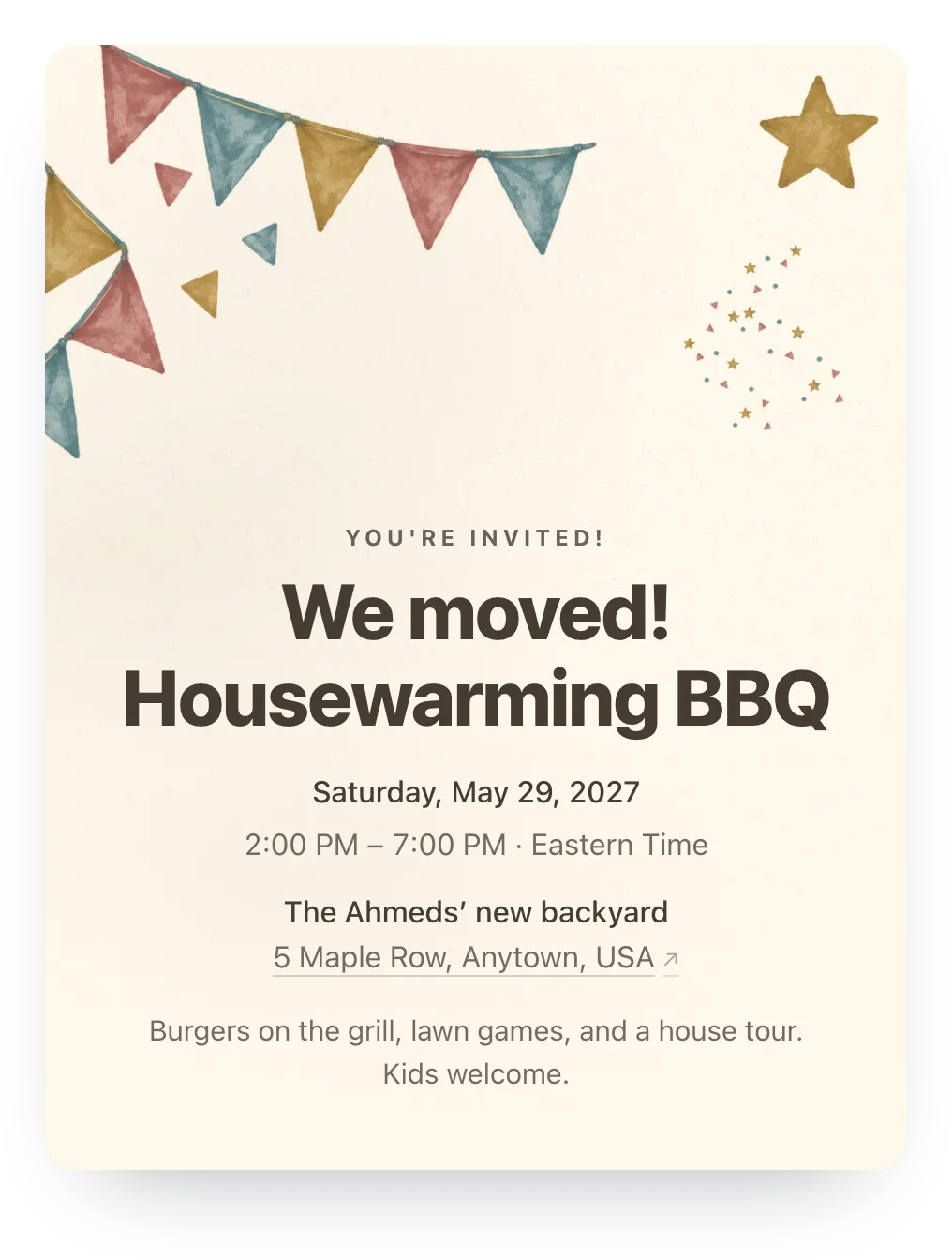
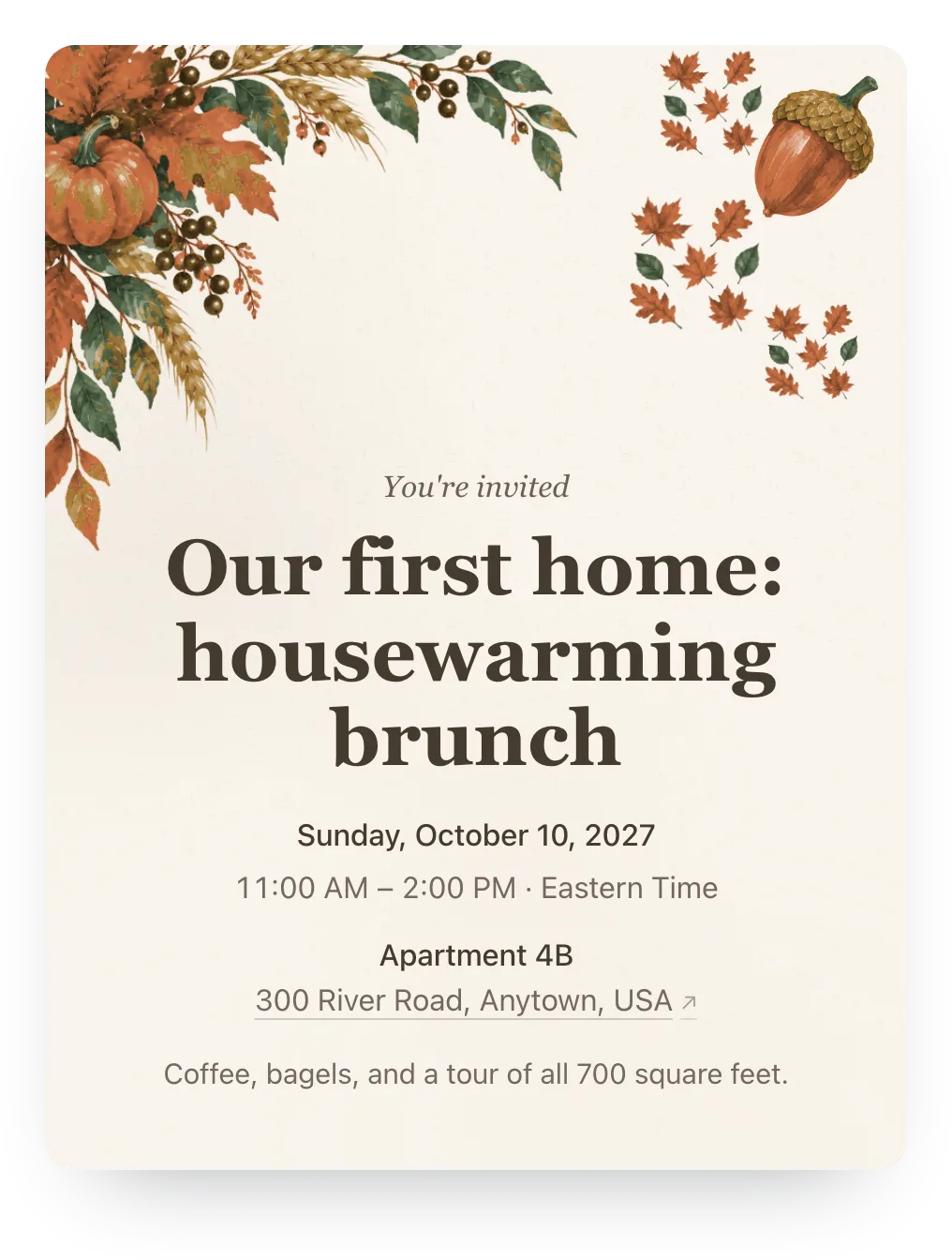
Made for your first party in the new place
Plus-ones counted, ready-to-send nudges, and co-hosts. No guest accounts.
- Plus-ones counted
- Allow extra guests, and a friend adds a partner's name on the same reply, so the count is right before you shop.
- Neighbors without the group chat
- A link works by text or email, so the couple next door can reply without joining anything.
- No ads, no guest accounts
- Guests open the link in any phone browser and reply in two taps. There are no ads on the invite, free or Plus.
Ask about food and drinks
Add an optional question guests answer with their RSVP, so you know about dietary needs before you shop. Hosting it potluck-style? Add a free sign-up list and guests claim a dish when they say yes.
One RSVP question is free. Families can answer or skip it.
Anything we should know about food or drinks?
Optional
A family's answer
We'll bring dessert! Mike doesn't drink, so anything sparkling is great.
Paste this in the group chat
The wording people actually reply to: the date, the place, and one link.
We moved! Come see the new place on [date] at [time], [address]. Tap the link to RSVP and add anyone you're bringing. Please reply by [date], no account needed.
Questions
Common questions about housewarming invitations.
Are these housewarming invitations free?
Yes. Hejmo is free for unlimited events, with RSVP tracking, private links, a shared link, nudges, co-hosts, and one RSVP question. There are no ads on the invite. Plus is optional: $12 for one event adds invitation styles, illustrated covers or your own cover photo, a custom link, a custom RSVP confirmation, and up to five RSVP questions.
What should a housewarming invitation say?
The date, the start time (and an end time if it's an open house), the address with parking or entry notes, whether partners and kids are welcome, and an RSVP date. Add a line about gifts if you'd rather people didn't bring any.
Can I host an open house instead of a set time?
Yes. Set a start and end time and say in the details that guests can drop by anytime. The count still tells you roughly how many people to expect.
Can I post one link in a group chat?
Yes. The event's shared link lets anyone who opens it add their name and reply. Send private links to anyone not in the chat, such as neighbors or family.
Do guests need an app or an account?
No. The link opens in any phone or computer browser, and guests reply in two taps.
Run this event, then reuse the guest list for the next one
Free for unlimited events. Plus ($12 per event) adds invitation styles, illustrated covers or your own cover photo, a custom link, a custom RSVP confirmation, and up to five RSVP questions. If you host often, Host Pass puts Plus on every event you create for $19/year.
Free · No ads · No guest accounts