Birthday invitations with your photo, and the RSVPs built in
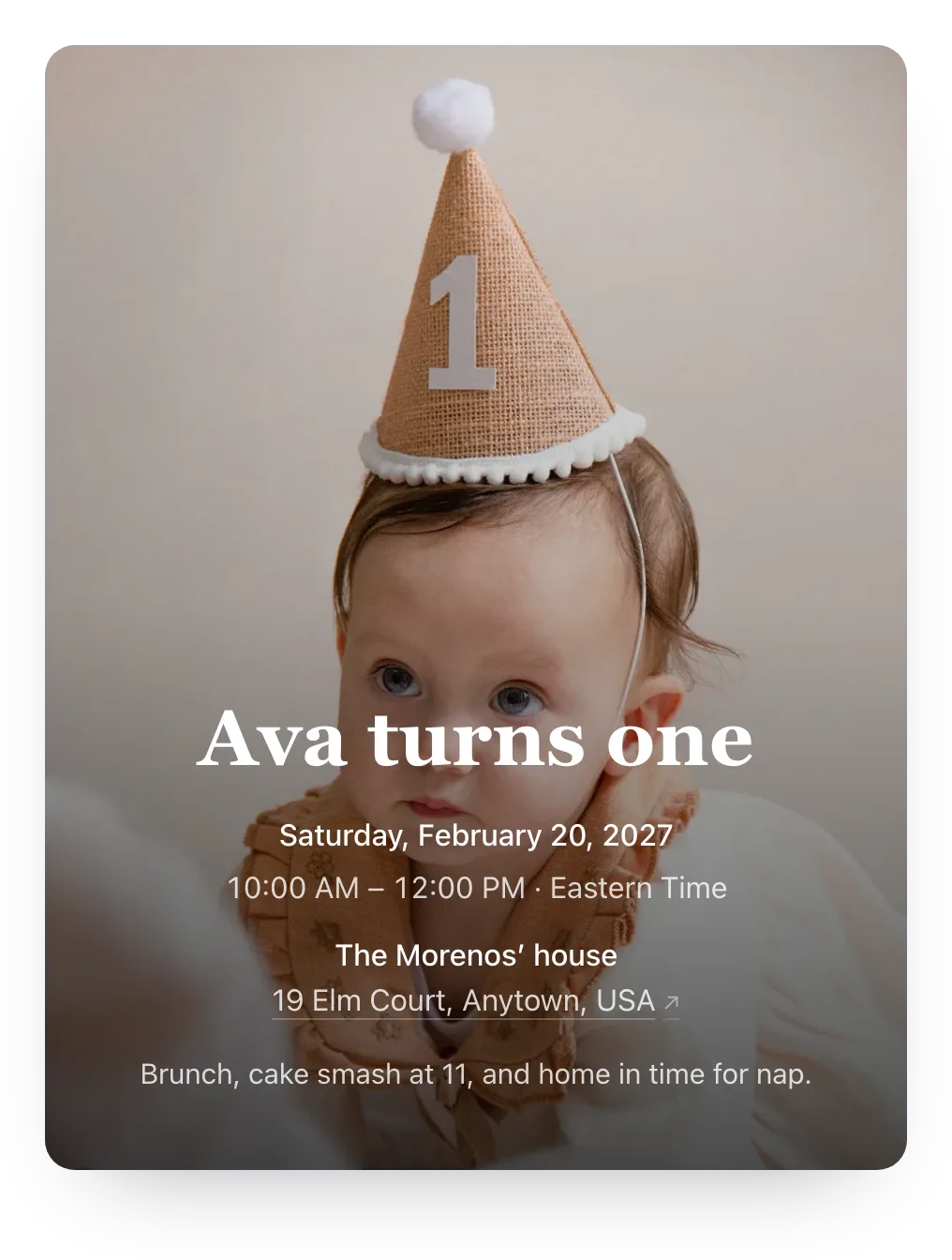
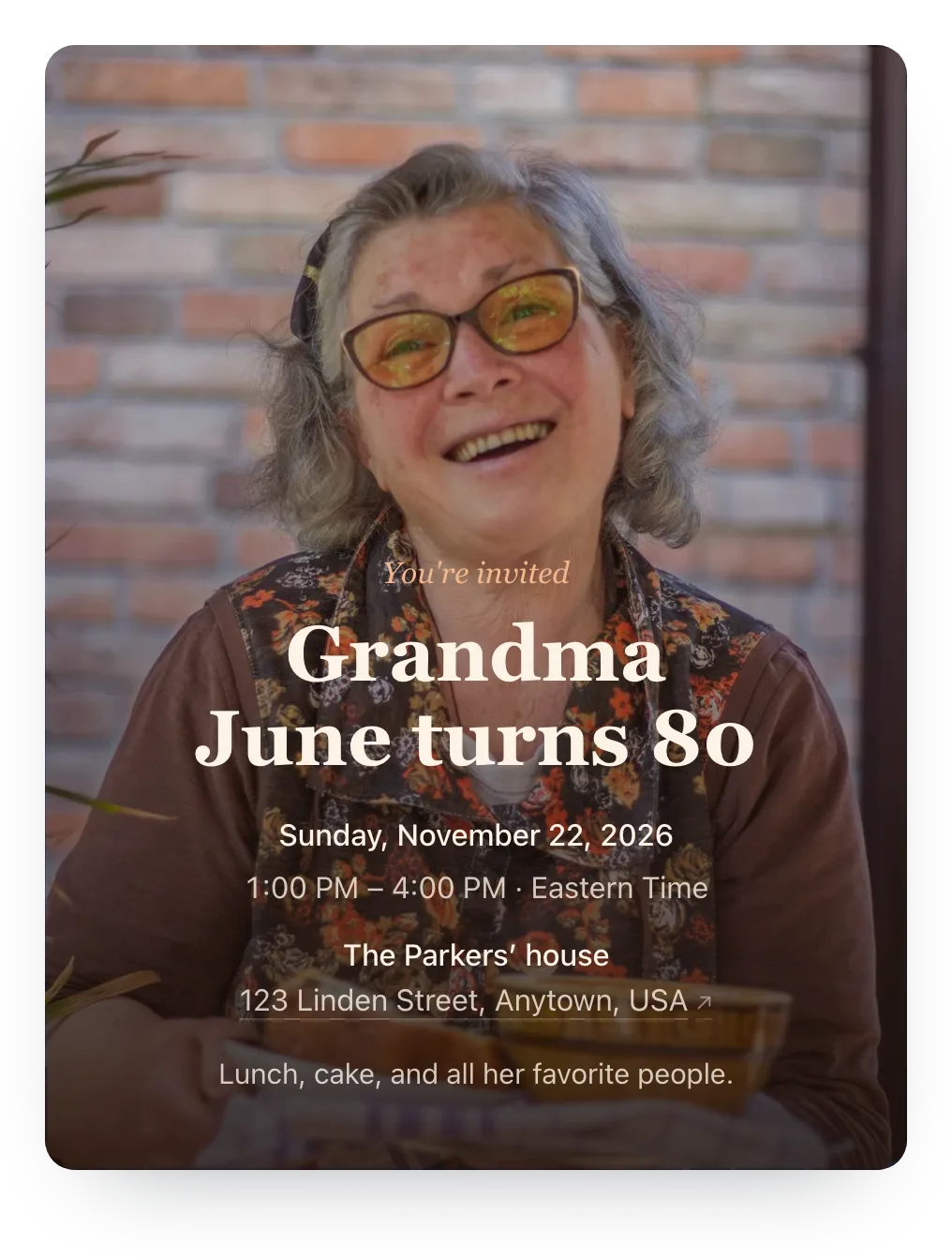
Put the birthday person's photo on the invitation, from a one-year-old in a party hat to Grandma at 80, and guests reply in two taps.
Free · No ads · No guest accounts
- 2 attendingGrandma & Grandpa LeeHelen, David
Love this photo!
- 3 attendingThe OkaforsAda, Ben, Zoe (6)
- MaybeMarcus HaleMarcus
- No replyThe GarciasAna, Luis
How do you make a birthday invitation with a photo?
Create the event, upload your photo as the cover, and text each household its own link. Guests see the photo and reply in two taps with no account. Trying a photo is free; guests see it with Plus ($12 per event, or Host Pass at $19 a year).
The photo is the invitation
A printed photo card looks great on the fridge, but you still chase every RSVP. An online photo invitation keeps the picture and adds the reply.
Upload any photo from your phone as the cover: a toddler covered in cake, a grandmother laughing, or a throwback from the year they were born.
Guests open the link on their phone, see the photo first, and reply in two taps.
Picking the photo
The cover is cropped to fit a phone screen, so a few simple rules go a long way.
- Portrait, with room at the top
- A vertical photo with some plain wall, sky, or background above the face leaves space for the title.
- One face beats a group
- On a phone, a single person or a close pair reads at a glance; a group of 12 turns into dots.
- Calm backgrounds
- Soft light and a simple backdrop make the title and details easy to read on top.
- Old photos work
- A scanned baby picture for a 50th or a wedding photo for an anniversary is often the favorite.
Where photo birthday invitations fall short
- Photo cards don't collect replies
- A printed or texted picture says when and where, then the RSVPs come back as scattered texts.
- A picture in a group chat gets buried
- The invite scrolls away under 40 messages, and late joiners never see it.
- Template sites want an account
- Guests are asked to sign up or install an app before they can say yes.
- Ads around your family photo
- Free invitation sites often put ads on the page your guests open.
Three steps from invite to headcount
It works the way people already share photos: by text, email, and group chat.
Add your photo
Create the event and upload a photo from your phone as the cover. See exactly how it looks before anyone else does.
Share the links
Text or email each household its own link, or post the shared link in a group chat. Guests reply in two taps, with no account.
Watch the count
Your dashboard shows each household's reply and note. Copy a nudge for anyone who hasn't answered and send it yourself.
Birthday invitations with a photo
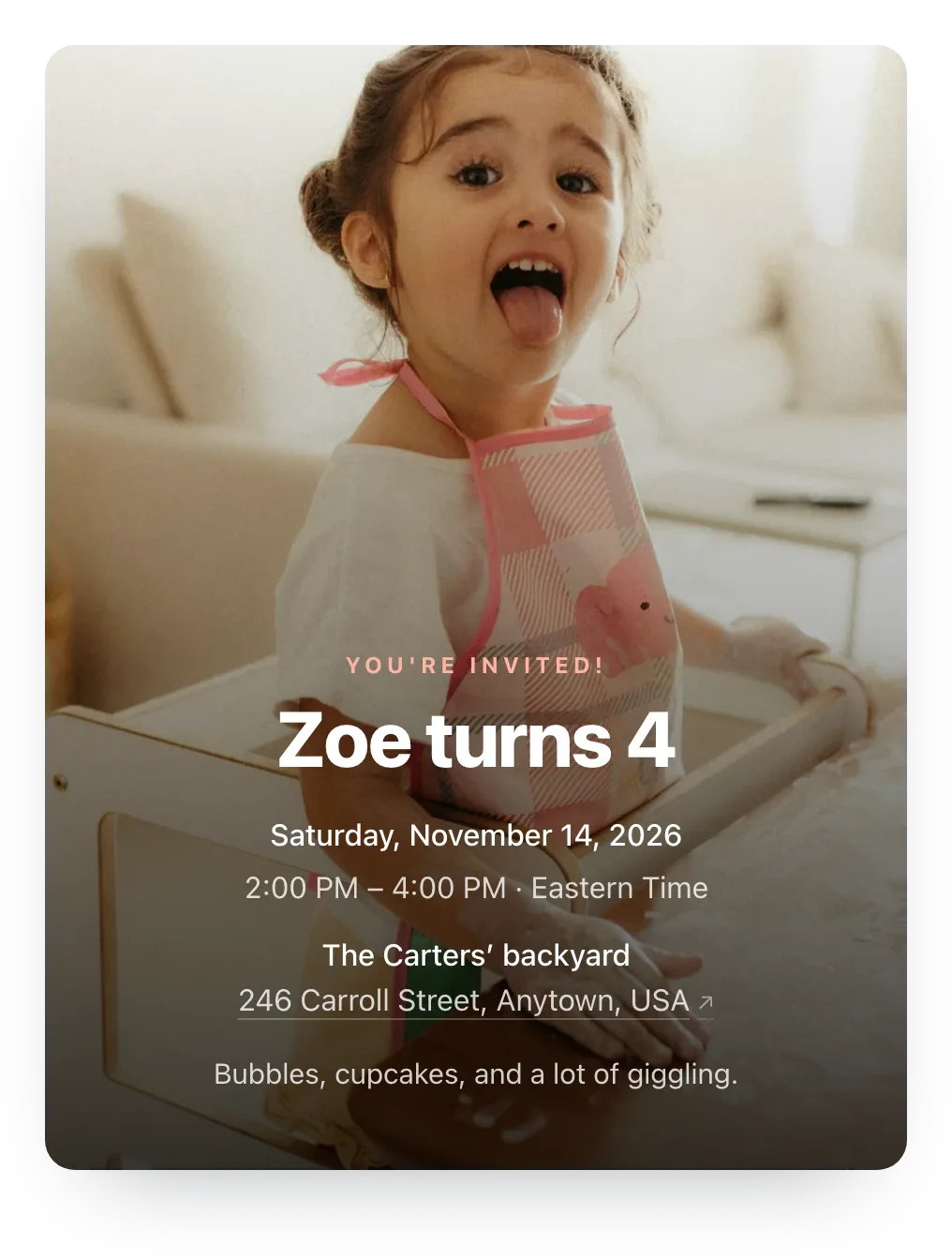
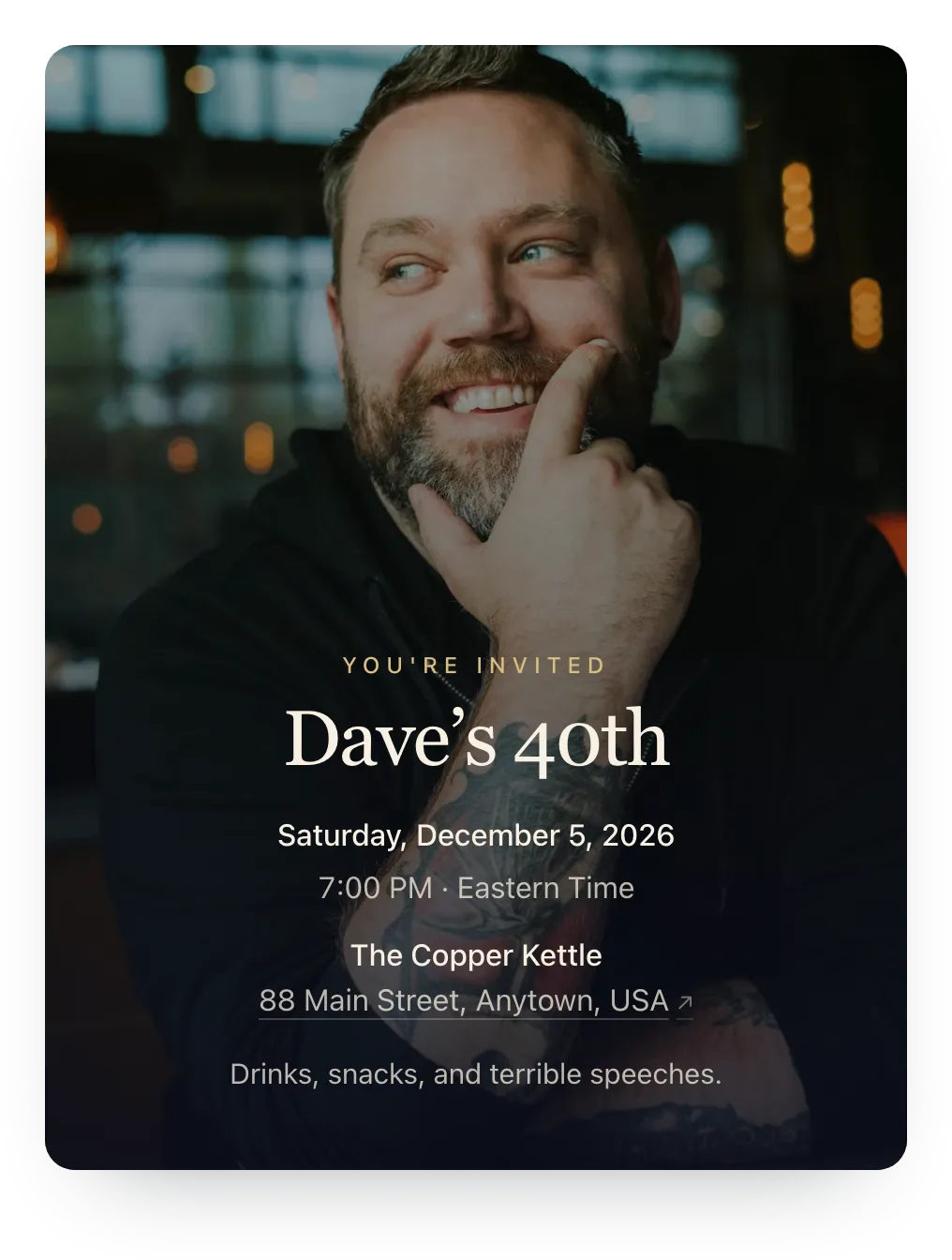
Real invites with the host's own photo as the cover, from a first birthday to an 80th. Tap one to start yours.
No photo? Try a painted design
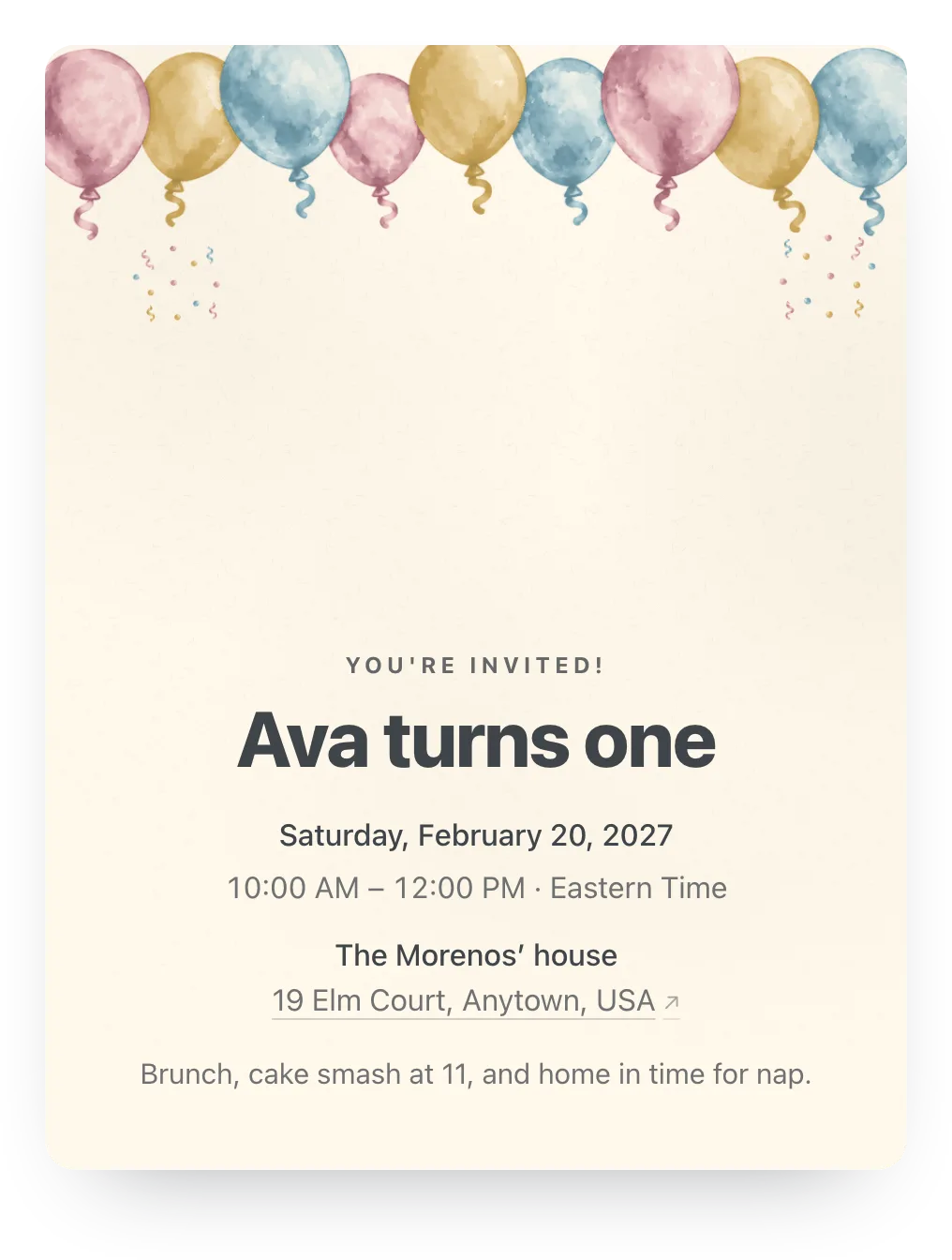
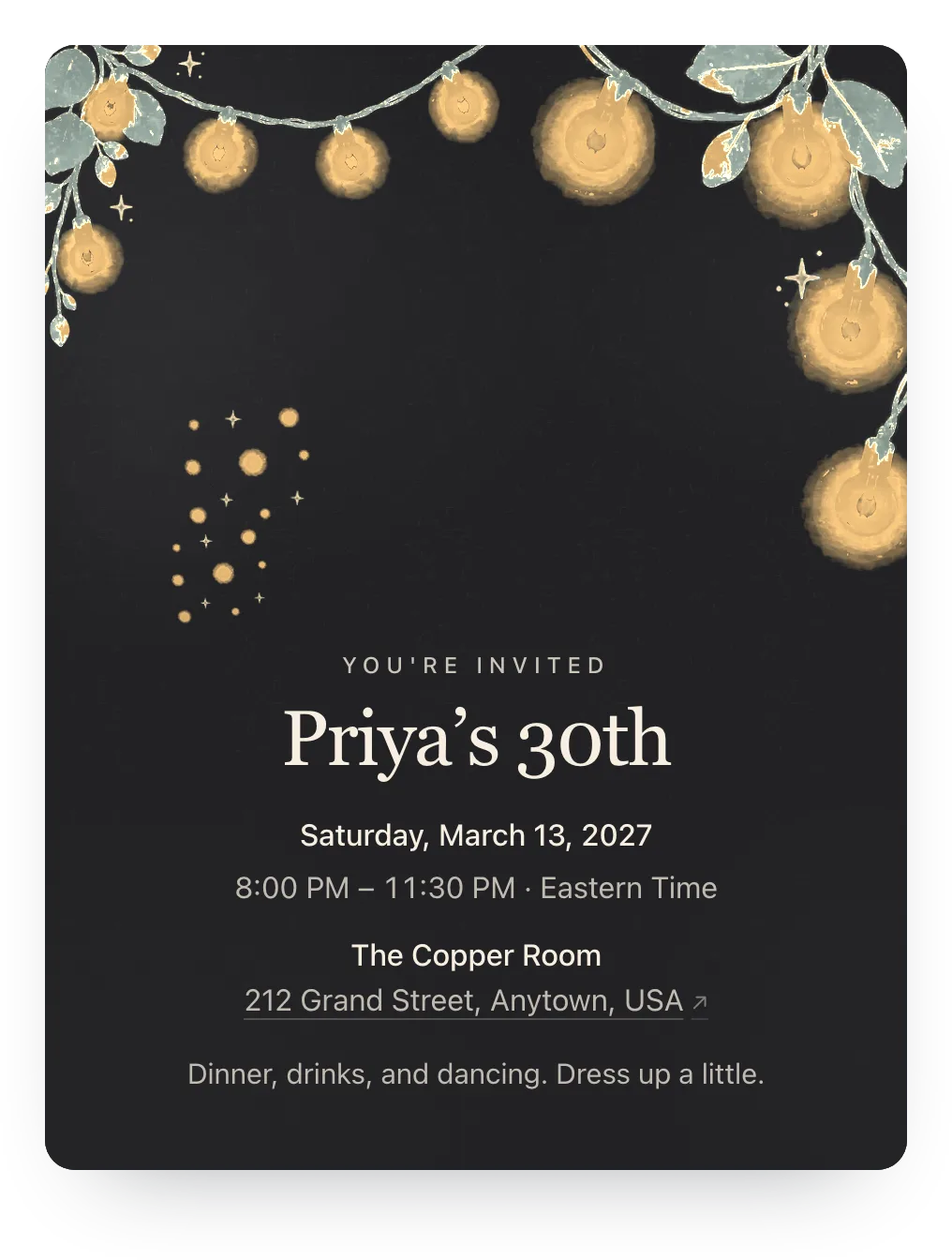
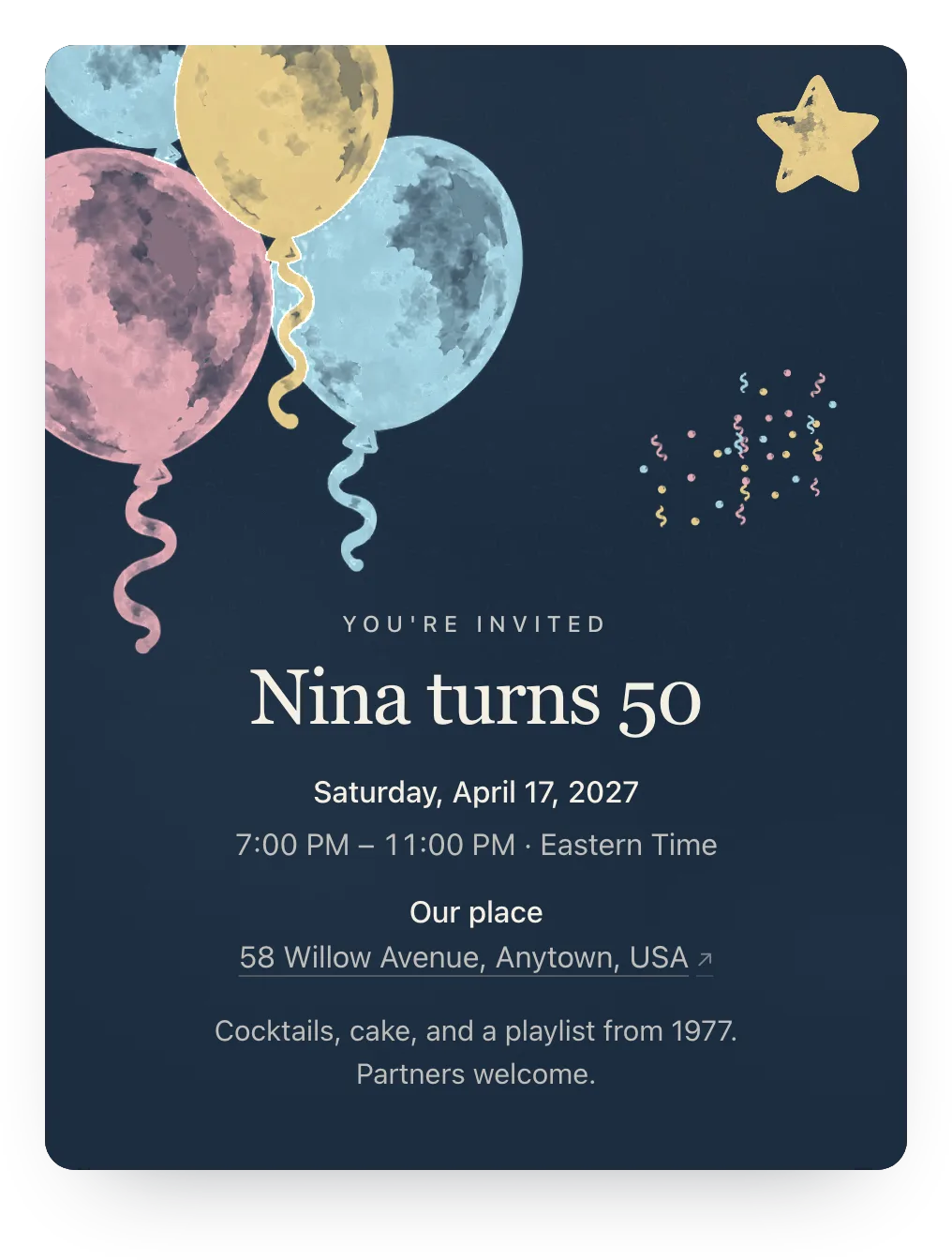
Each design comes in several palettes; try any of them free, and guests see it once the event has Plus ($12).
A photo card that collects the replies
Your photo on top, RSVPs underneath. No guest accounts, no ads.
- Your photo, full screen
- The cover is the first thing guests see when they open the link on a phone.
- RSVPs built in
- Each household answers for everyone in it, and your count updates on the spot.
- Easy on your guests
- Guests open the link in any browser and reply, with no account. There are no ads on your invite.
Ask one question with the RSVP
Add an optional question guests answer with their reply: a favorite memory, a song request, or an allergy.
One RSVP question is free. Families can answer or skip it.
Share a favorite memory with Grandma June
Optional
A family's answer
Every summer at the lake, and her famous blueberry pie. Happy 80th!
Paste this with the link
One message for a text or the group chat. The link preview shows the event.
You're invited to [event] on [date] at [place]! Tap the link to see the invite and tell us who's coming, no account needed. Please reply by [date].
Questions
Common questions about birthday invitations with a photo.
Are photo birthday invitations free?
RSVPs are free for unlimited events. Trying a photo is free too; guests see it with Plus: $12 for one event, or Host Pass at $19 a year for every event.
What kind of photo works best?
A vertical photo of one or two people, with some calm background above their faces for the title. Old scanned photos work too.
Can I use a photo for other events?
Yes. A cover photo works for any event, from a baby shower to a reunion or a celebration of life.
Can guests keep the photo invite?
Yes. Guests reopen the same link any time, and can add the event to their calendar from it.
Do guests need an app or an account?
No. The link opens in any phone or computer browser, and guests reply in two taps.
Run this event, then reuse the guest list for the next one
Free for unlimited events. Plus is $12 per event, or if you host often, Host Pass puts Plus on every event you create for $19/year.
Free · No ads · No guest accounts