Text wedding invitations: what to say, and how to get every reply
Wording to copy for a casual, courthouse, or small wedding, and a free RSVP link where each family answers for everyone in it.
Free · No ads · No guest accounts
- 1 attendingGrandma LupeLupe
Wouldn't miss it, mija
- 3 attendingThe ParksMin, Daniel, Joy
Fish for Daniel, kids' meal for Joy
- MaybeAunt Carol & JimCarol, Jim
- 2 attendingSamSam, Sam's guest
Bringing Priya!
- No replyThe OkaforsAda, Chidi
Is it okay to send wedding invitations by text?
Yes, especially for a small, casual, or courthouse wedding. Text each household its own invitation instead of posting it in a group chat. Include the date, time, place, and a link to reply, and call the grandparents who'd rather hear it from you.
Text wedding invitation wording
Fill in the brackets and send. Each one is a single message.
Short and casual
For close friends and cousins who'd text you back anyway.
[Name]! We're getting married on Saturday, [date], at [time] at [place], and we'd love for you to be there. Here's the invite and RSVP: [link]. Please reply by [date]. Love, [your names]
Courthouse wedding, then dinner
When the ceremony is short and the meal is the main event.
We're making it official at the [city] courthouse on [date], then celebrating with dinner at [restaurant] at [time]. We'd love to have [names] there with us. Details and RSVP: [link]. Please reply by [date] so we can book the table.
Small or backyard wedding
When you're keeping the list short and want people to know it.
We're keeping it small: [your names] are getting married in [place] on [date] at [time], with dinner after. You're on our short list, and it wouldn't be the same without you. Details and RSVP: [link]
For grandparents and older relatives
A little more formal, and it tells them nothing needs installing.
Dear [name], [partner] and I are getting married on Saturday, [date], at [time] at [place]. It would mean so much to have you there. You can reply on this page, with no app or password: [link]. Or just call me and I'll put you down.
Classic wording, sent by text
The formal invitation register, short enough for a message.
Together with their families, [Name] and [Name] invite you to celebrate their marriage on Saturday, [date], at [time], [place]. Kindly reply by [date]: [link]
Family-only ceremony, party for everyone
When the vows are small but the celebration isn't.
Our ceremony on [date] will be just immediate family, but we'd love for you to celebrate with us afterward: [time] at [place]. Details and RSVP: [link]. Please reply by [date].
Short notice
For a wedding planned in weeks, not months.
We know it's short notice! We're getting married on [date], just a few weeks away, at [place]. No pressure if you can't make it, but we'd love to see you. Please reply by [date]: [link]
For the family group chat
Only when everyone in the chat is invited. Each family adds its own names on the link.
Hi everyone! [Your names] are getting married on [date] at [place], and you're all invited. Tap the link, add everyone in your family who's coming, and reply by [date]: [link]
Reminder for anyone who hasn't replied
Send it a few days before your RSVP date.
Hi [name]! Just checking: can you make it to our wedding on [date]? We're giving [the restaurant] a final count on [date]. You can reply here: [link]
What to put in a text wedding invitation
Six things, and the RSVP page can hold the rest.
- Who's getting married
- Your names as the family knows you. “Maria and Dev” reads warmer than full legal names.
- The date and time
- With the day of the week: “Saturday, June 14, at 4pm.”
- The place
- The venue and address, or the plan: “the courthouse at 11, then lunch at Rosa's.”
- Who's invited
- Name everyone in the household you're inviting, so “you” doesn't quietly become five cousins.
- How to reply, and by when
- A link to RSVP and a date with a reason: “by May 20, so we can give the restaurant a count.”
- Anything they'd ask you
- Dress code, kids or adults only, parking, and “no gifts, please” if you mean it.
Text invitation etiquette
- One message per household
- A text to each family feels personal, and nobody has to guess whether a group chat invite includes them.
- Call the closest people first
- Parents and grandparents should hear it from you before the texts go out.
- Names say who's invited
- “Tom and Ana” means two. Add “kids welcome” or “adults only” so nobody has to ask.
- Give a date and a reason
- “We're booking the restaurant on May 20” gets answers faster than “RSVP soon.”
- Time it like paper
- Six to eight weeks ahead, or sooner for a short-notice wedding. Months away? Send a save the date first.
- Print one if it matters
- Mail a card to anyone who'd treasure it, with a QR code of their own RSVP link.
Printing a few cards? Turn each family's own link into a code with the free RSVP QR code generator. Still months out? Start with a digital save the date.
Send it with a free RSVP link
A group chat gets you congratulations, not a count. Send a link instead, and the replies sort themselves.
Make the page
Add your names, the date, time, and place, and a reply-by date. Ask one question free, like meal choice.
Text each family its link
Add each household with the people invited, and text each its own link. Or post one shared link in a family chat, where each family adds its own names.
Watch one headcount
Every reply lands in one list with the total. For anyone quiet, copy a ready-made nudge and send it from your phone.
What the free RSVP link does
Free for unlimited events, with no ads. Want it to look like a wedding invitation? Plus ($12 once) adds your engagement photo or a painted design as the cover.
- Replies by family
- One person answers for everyone invited in their household, by name, in two taps.
- Nothing for guests to set up
- No account, app, or password. It opens from the text on any phone, Grandma's included.
- Meal choice on the RSVP
- Ask one question free: meal choice, allergies, or a song request.
- Plus-ones on your terms
- Add “Sam's guest” to the one household getting a plus-one, and nobody else wonders if they have one.
- Change plans, keep the link
- Edit the time or place anytime, and the link guests already have shows the update.
- A QR code for printing
- The shared link comes with a QR code for a sign or a card going to everyone.
Wedding invitation designs
Try your own photo or a painted design free; guests see it once the event has Plus ($12).
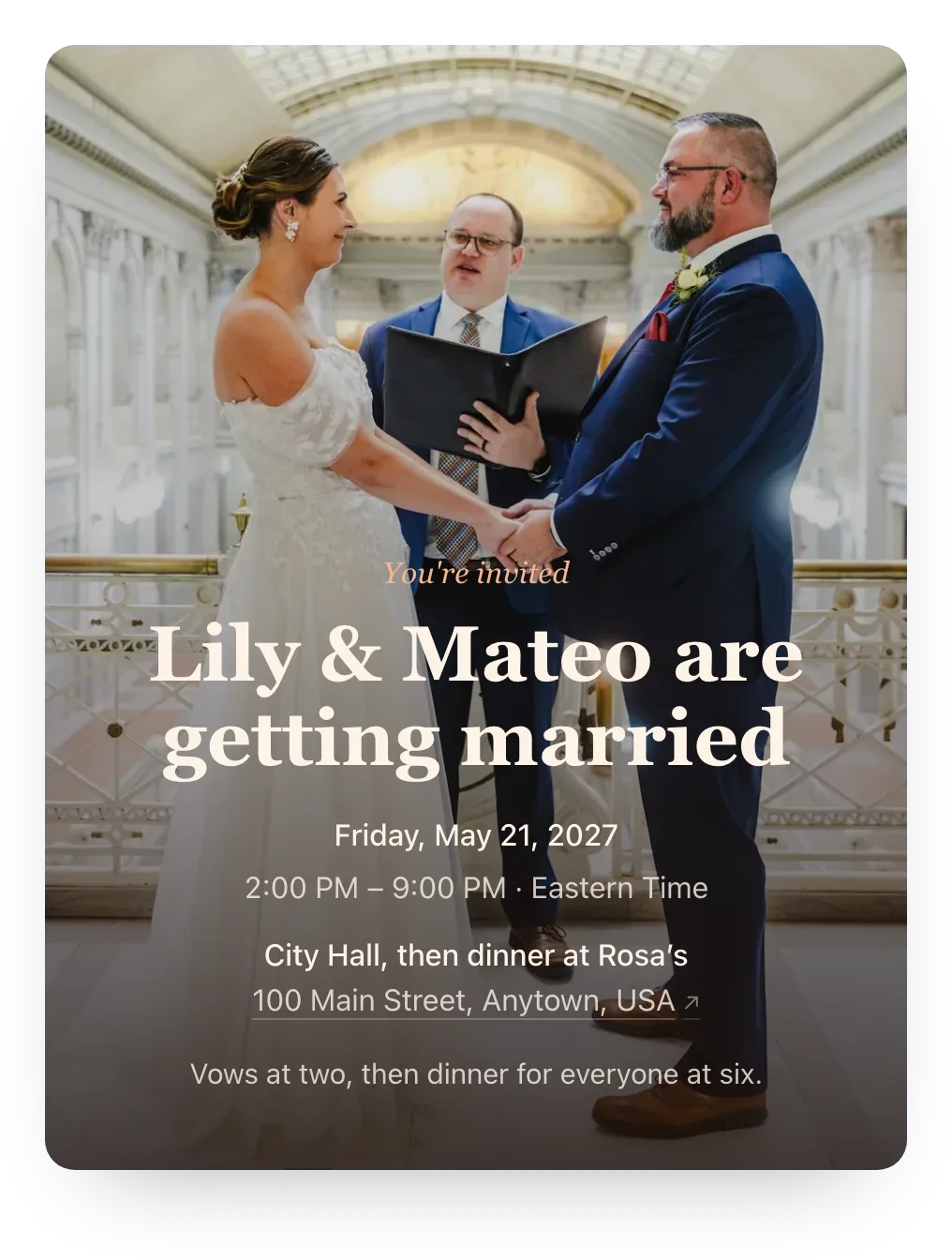 Your own photo · City hall vows
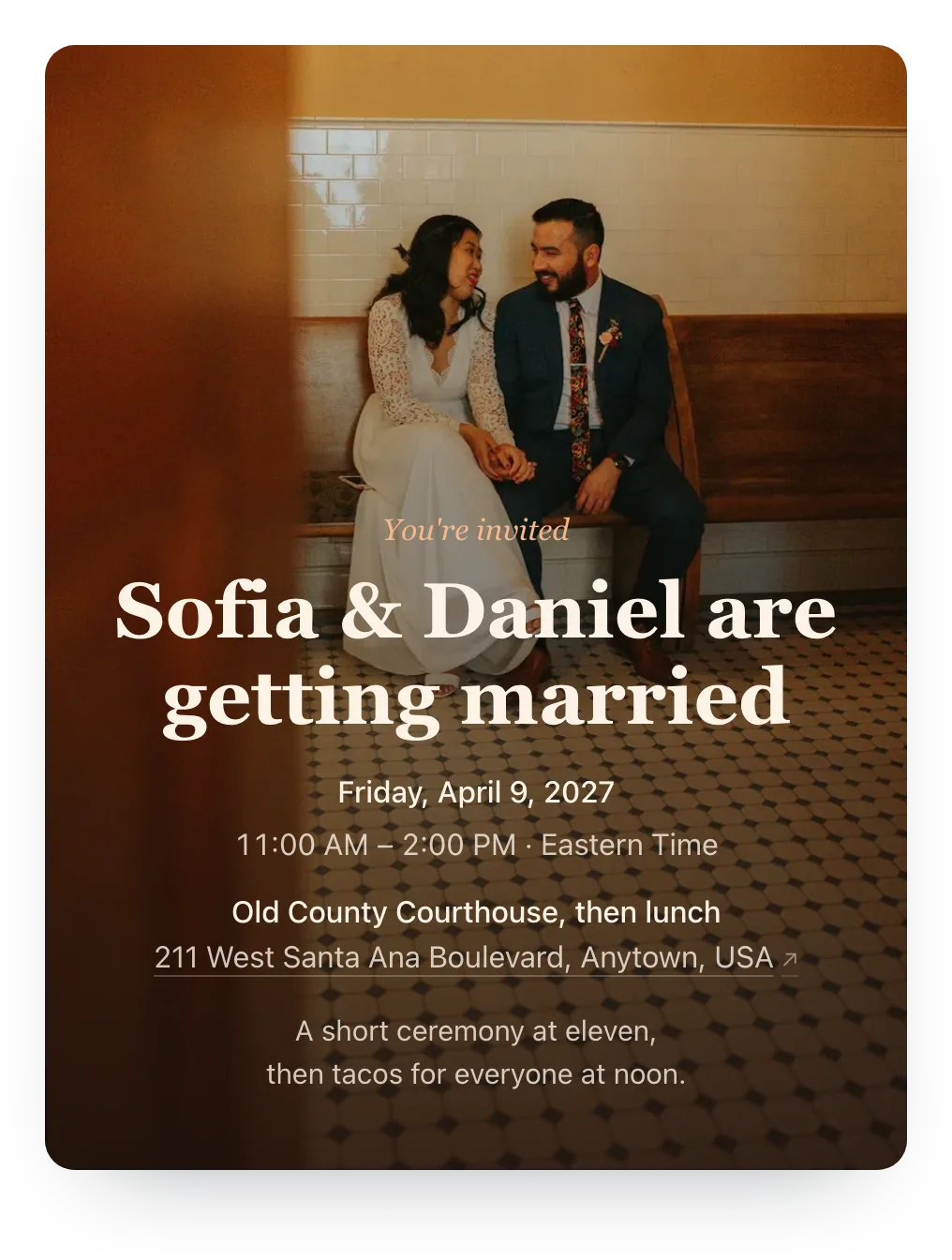 Your own photo · Courthouse bench
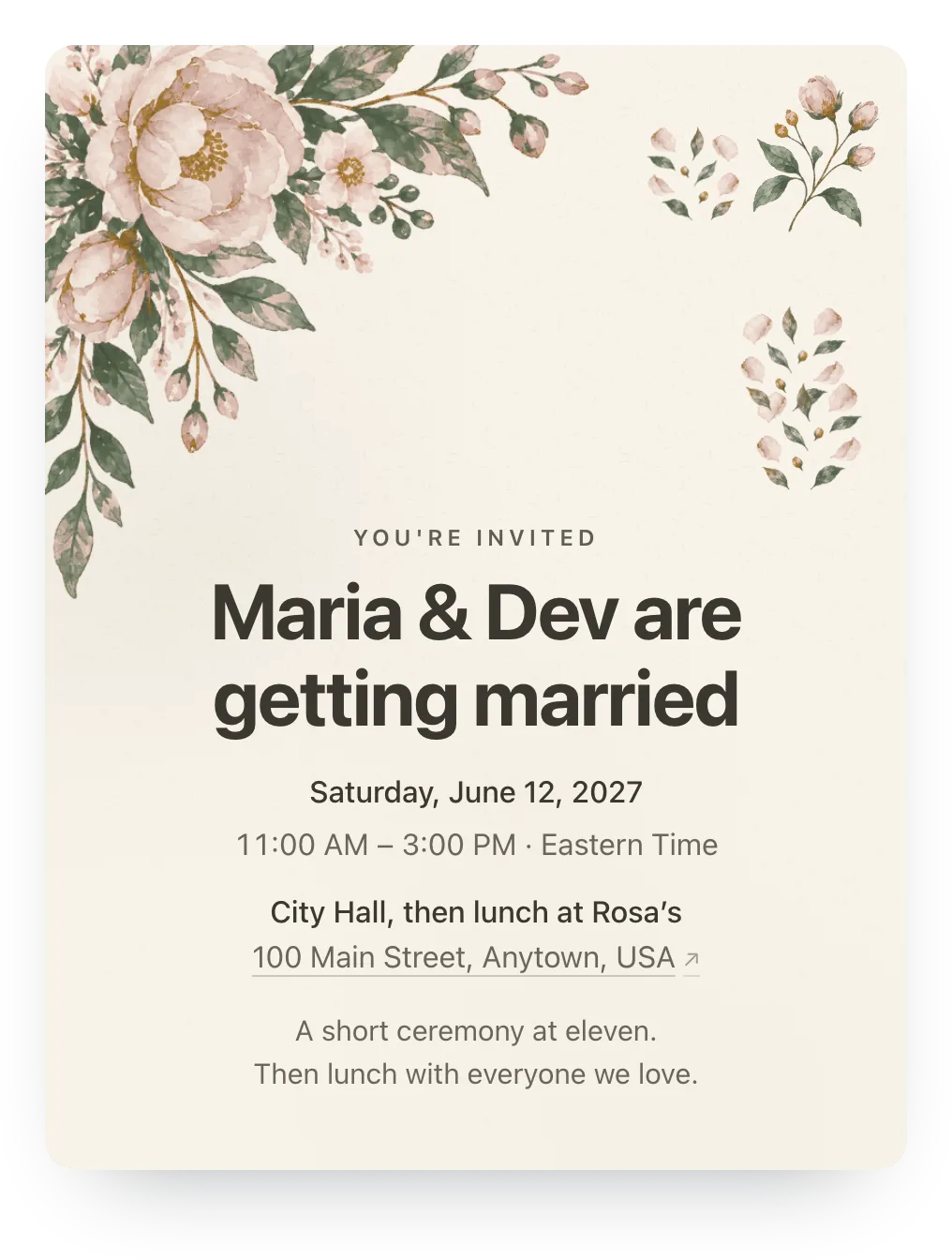 Garden · Blush & Sage
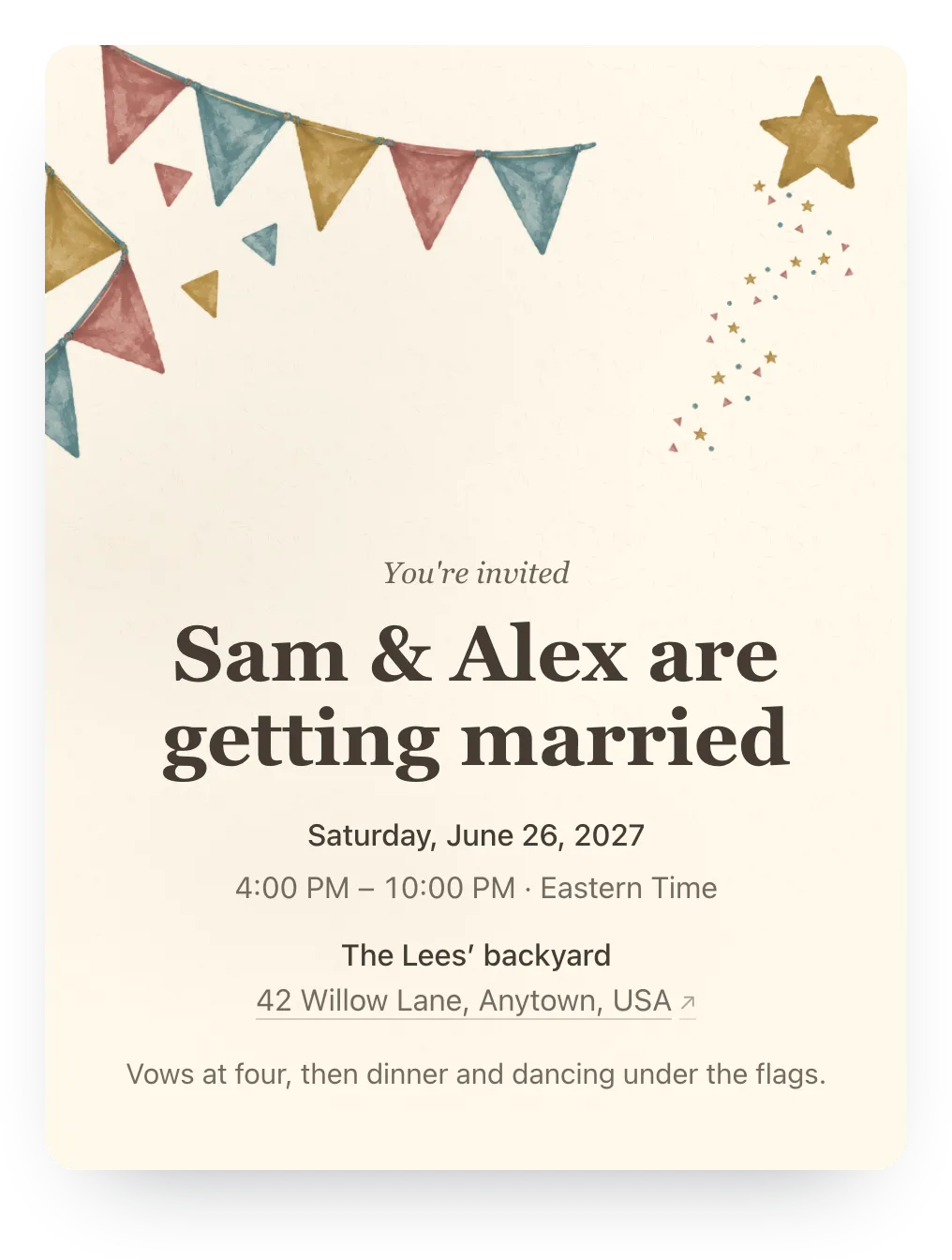 Party flags · Garden Party
Who it's for
- Courthouse weddings with a dinner or party after
- Small, backyard, and restaurant weddings
- Guest lists full of relatives who live in the family chat
- Couples who'd rather text than mail invitations
Questions
Common questions about text wedding invitations.
Is it tacky to send wedding invitations by text?
No, not for a small, casual, or courthouse wedding, and plenty of couples do it. What feels personal is the message, not the paper: text each household directly, name who's invited, and call anyone who'd rather hear it from you.
How do I text a wedding invite?
Make a free RSVP page with the date, time, place, and a reply-by date. Then text each household a short message with its link. Guests open it on their phone, tap yes or no for each person, and you see the headcount in one list.
Does Hejmo send the texts for me?
No. You send the link from your own phone, so it arrives from you, in the thread your family already uses, not from an unknown number. With Plus, Hejmo can also email the invitation to addresses you type in.
What should a wedding invitation text message say?
Your names, the date and time, the place, who's invited, and how to reply by when. Keep it short and warm, and put the details on the RSVP page so the text doesn't turn into a paragraph. Copy any of the examples above.
How far in advance should I text wedding invitations?
Six to eight weeks before the wedding, the same as paper. For a short-notice courthouse wedding, send them as soon as the date is set. If guests need to travel, send a save the date months ahead and the invitation later.
How do I address a text wedding invitation?
Start the message with the names of everyone invited, like “Tom and Ana” or “The Garcia family.” On Hejmo, list those names in the household, and each one shows up on the RSVP. Offering a plus-one? Add it to that household as “Sam's guest.”
Can I send wedding invitations on WhatsApp?
Yes. The RSVP link works the same in WhatsApp, iMessage, Messenger, or email. Send it to each family directly, or post the shared link in a family group where everyone is invited.
What about relatives who don't text?
Call them, and add their answer to the list yourself. Or mail a printed card with a QR code of their household's own link, made with the free QR code generator, so their answer still lands in your list.
Do guests need an app or account to RSVP?
No. The link opens in any phone browser. Guests tap yes, no, or maybe for each person, answer your question if you asked one, and they're done.
Can guests choose their meal when they RSVP?
Yes. Add one RSVP question for free, such as “Chicken, fish, or vegetarian? Tell us for each person.” Guests type their answer with their reply, and you read the answers beside the headcount. Plus ($12 once) allows up to five questions.
Is it free?
Yes. Unlimited events and guests, private family links, a shared link, the headcount, nudges, and one RSVP question are free, with no ads. Plus is optional: $12 once adds your own cover photo or a painted design, a custom link, and more questions.
Can I include our registry?
You can paste the registry address into the event details. It shows as plain text, not a button, so guests copy it into their browser. Many couples leave the registry out of the text itself.
Text the invitation. Get one headcount.
Make a free RSVP page in a few minutes, text each family its link, and see who's coming in one list. Nobody you invite needs an app or account.
Free · No ads · No guest accounts