Google Forms RSVP Template: Fields to Use and What to Skip
A good Google Forms RSVP template is short: name, attendance, headcount, notes, and contact only if needed. More fields usually mean fewer replies.
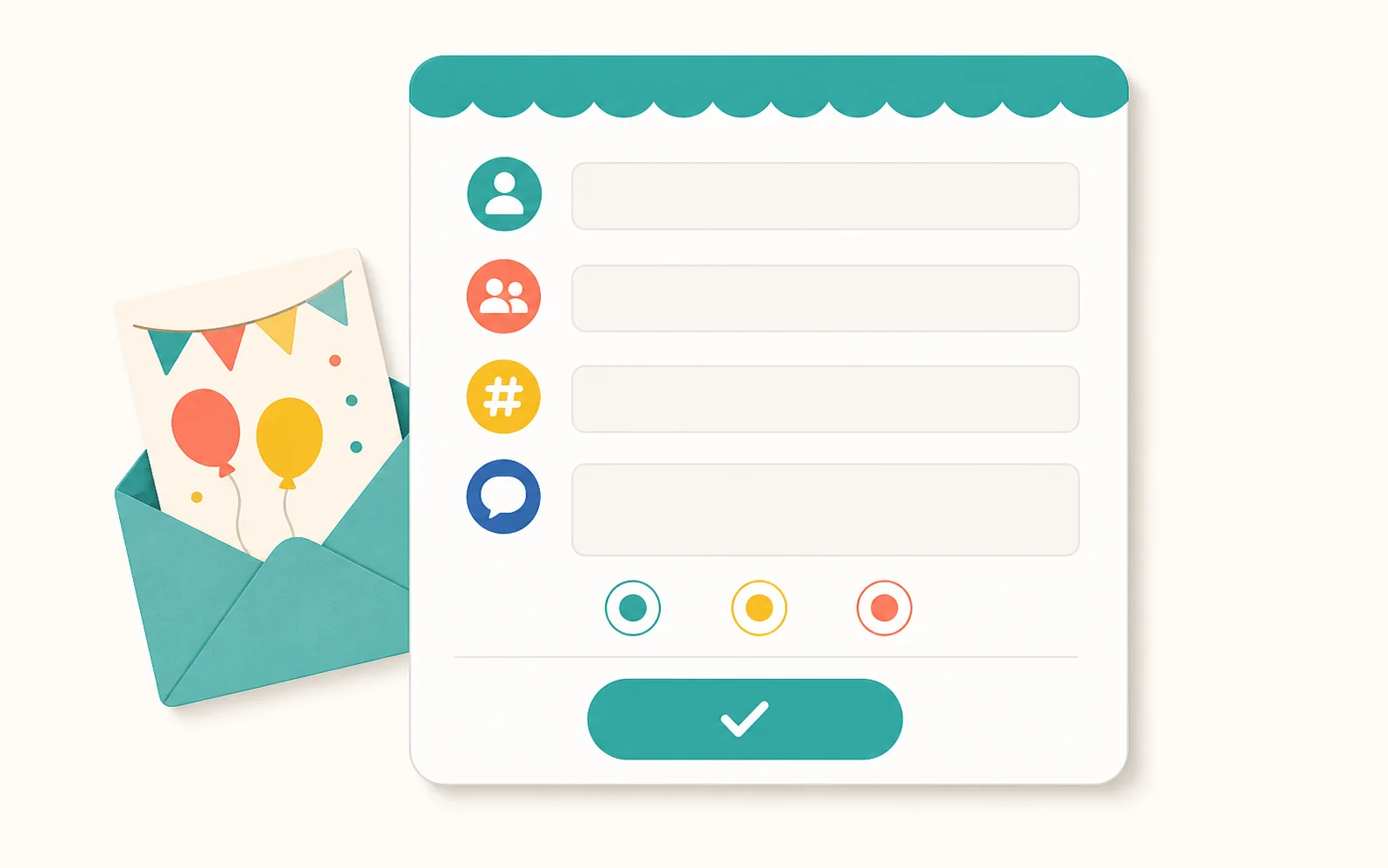
The simplest Google Forms RSVP template uses five fields: guest name, attending status, how many people the reply covers, an optional note, and contact info only if you need follow-up. That's enough for simple events. Switch to an RSVP website when guests should see a real invitation page, families need to answer together, and you want a live headcount instead of form rows to interpret.
Copy this RSVP template structure
Here's the whole template: five short fields. Start with the event name and one line that tells guests what they're answering for, then keep everything else minimal.
- Name: short answer.
- Can you attend?: multiple choice with Yes, No, and Maybe.
- How many people does this RSVP include?: number or dropdown.
- Any notes, allergies, or timing details?: optional paragraph.
- Email or phone: optional, only if you need a separate follow-up channel.
If a question doesn't change food, space, timing, safety, or follow-up, leave it out of the form.
Useful Google Forms settings for RSVPs
Google Forms can collect responses, show summaries, and connect replies to a spreadsheet. Those basics are usually enough for small events.
Review the sharing and response settings before you send the link. The wrong one can make the form hard for guests to open, or leave you with replies that are hard to read later.
- Turn on response collection before you share the link.
- Use a confirmation message that tells guests what happens next.
- Link responses to a Google Sheet if you want a spreadsheet view.
- Avoid requiring sign-in unless the event truly needs it.
- Close responses after your RSVP deadline if late replies would throw off planning.
Common RSVP template mistakes
The most common mistake is asking for one name and one status, then expecting that row to represent a whole family. That works until a parent writes 'yes' and you still don't know how many kids are coming.
The second mistake is treating Maybe as a final answer. A Maybe is useful only if you follow up before the food, venue, or supply decision is due.
- No field for how many people the response covers.
- No way to collect allergy or sibling notes.
- Too many required questions.
- No RSVP deadline in the form title or description.
- No plan for duplicate responses or changed answers.
How to read the response spreadsheet
A Google Forms RSVP spreadsheet is useful, but it isn't a guest-list dashboard. You still have to translate rows into people.
Before you trust the count, scan for duplicate names, unclear family counts, Maybe responses, and notes that affect attendance.

- Confirm each row maps to one guest, one family, or one group.
- Separate yes, no, maybe, and unanswered.
- Make a follow-up list for missing or unclear counts.
- Keep notes attached to the right person or family.
When to switch to an RSVP website
Switch when the form is doing too much event-management work. If you need a public-facing invite, family replies, private links, or a live headcount, a purpose-built RSVP website is simpler.
Hejmo replaces the event RSVP use case, not every form. Use Google Forms for flexible surveys. Use Hejmo when the invitation and RSVP need to work together.
- Guests should see a real invitation before answering.
- Each family or group should have its own private link.
- One person needs to answer for multiple people.
- You need a live headcount without spreadsheet formulas.
Sources checked
We keep comparison and advice content grounded in primary or reputable sources, then write from Hejmo's product point of view.
Checked Google's positioning around custom forms and response data.
Verified response collection and response viewing behavior.
Verified form sharing and confirmation-message options.
FAQ
How do I make a Google Forms RSVP template?
What questions should an RSVP form ask?
Can Google Forms track RSVPs?
What is a better alternative to a Google Forms RSVP template?
Need more than an RSVP form?
Send each family its own private link, let guests reply in two taps with no account, and watch the headcount update live: no spreadsheet to clean up.
More RSVP guides
Google Forms RSVP: How to Set It Up, and When to Use an RSVP Website
Google Forms can collect RSVP-style responses. The gaps show up when you need a real invitation page, replies from whole families, and a headcount you can trust.
RSVP Tracker: Spreadsheet Columns, Common Mistakes, and Easier Options
A spreadsheet can track RSVPs, but only with the right columns: invited group, people, status, headcount, notes, and follow-up. Here's the setup, the mistakes to skip, and when to upgrade.
Free RSVP Website: What to Look For Before You Send the Link
A free RSVP website should do more than collect names. It should carry the invitation, make the reply obvious on mobile, and give the host a count they can trust.