GuidesRSVP guides
Online RSVP: The Simple Way to Collect Replies Without Chasing Texts
Online RSVP works best when guests can answer from the same link that holds the invitation, and hosts can see a live count without manual cleanup.
By Hejmo7 min read
Short answer
- Online RSVP
- Guests answer through a web link, not a card, text thread, or call.
- A form
- Covers simple data collection.
- An RSVP website
- Also shows the invitation and feeds a live headcount.
- Private events
- One link per family keeps the count accurate.
What online RSVP means
Online RSVP is the digital version of a reply card. Guests open a link and say whether they're coming, instead of texting the host back.
The link can be a basic form, a wedding RSVP site, an event registration page, or a private invitation page. Pick by the event and how precise the count needs to be.
- Use a form when you need flexible questions more than an invitation experience.
- Use an RSVP website when the invite page and reply flow should live together.
- Use private RSVP links when each family or group should answer only for itself.
Form, spreadsheet, or RSVP website?
Use a form or spreadsheet when simple data is enough, and an RSVP website when guests need the invitation and you need a live count.
Google Forms collects responses into Forms or a linked Google Sheet. That fits surveys, volunteer signups, and simple events where a row of data is enough.
An RSVP website fits better when guests need the invitation, replies should stay private, families answer together, and the count should update without spreadsheet formulas.
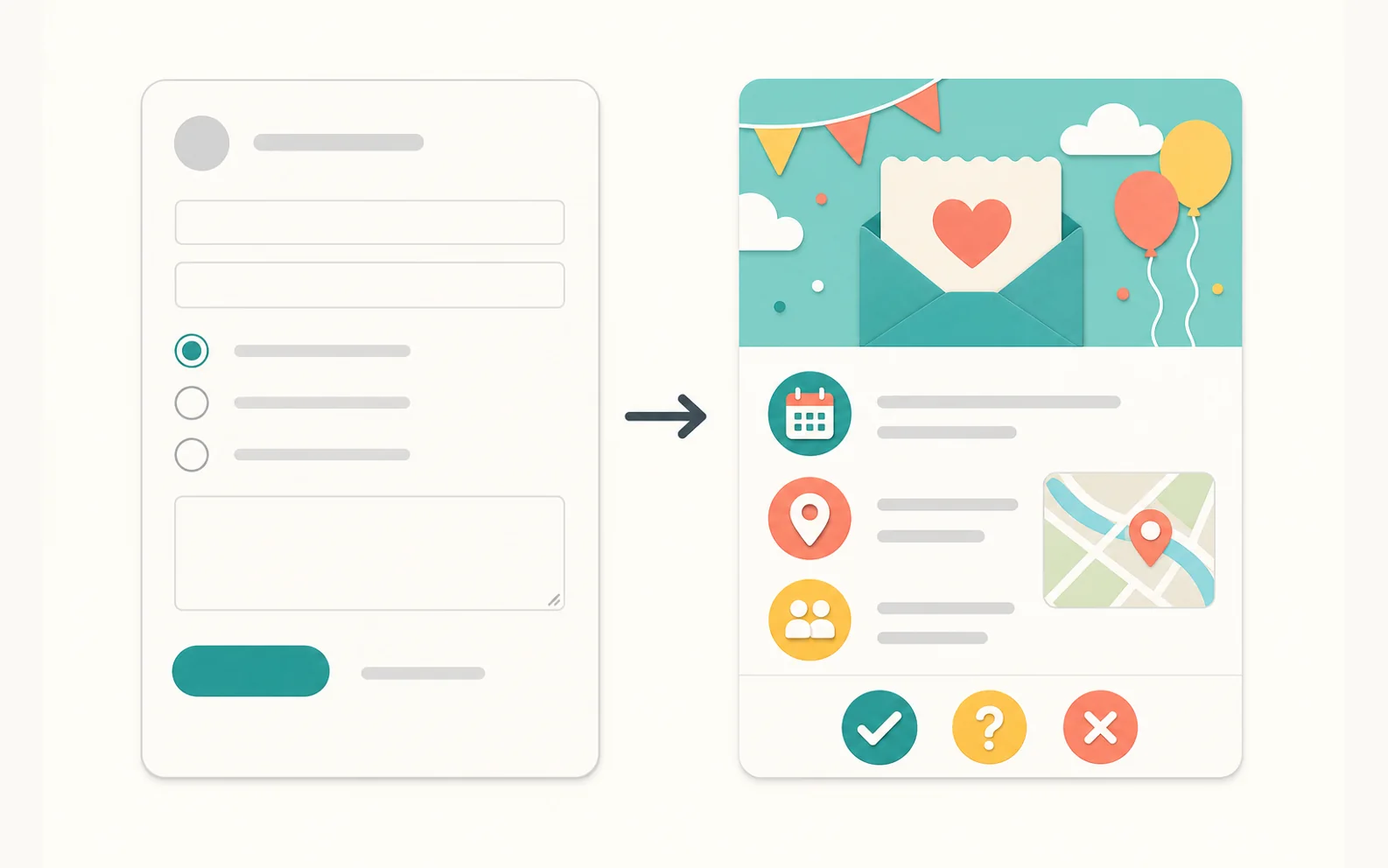
- Forms: flexible to build, but generic for guests.
- Spreadsheets: fine for storing answers, but you interpret them yourself.
- RSVP websites: built for the invitation, the replies, and the headcount.
Why private RSVP links improve accuracy
Private links keep it clear who's responding, because each opens to one specific guest, family, or group. A single shared link is easy to send, but it can blur that.
That matters for everyday events: one parent answers for two kids, one adult for the household, one organizer for the group they're bringing.
- Each guest sees only the people on their link.
- The host sees each reply attached to the right group.
- The headcount reflects real people, not free-text guesses.
- You can replace a forwarded link without affecting anyone else.
What to ask in an online RSVP
Ask only what you need to make the event happen. Extra questions lower your response rate and make the page feel like a survey.
- Are you coming? Yes, No, or Maybe.
- Who in your family or group is attending?
- Any allergies, timing, or accessibility needs?
- Phone or email only if you need to reach guests outside the link.
How Hejmo handles online RSVP
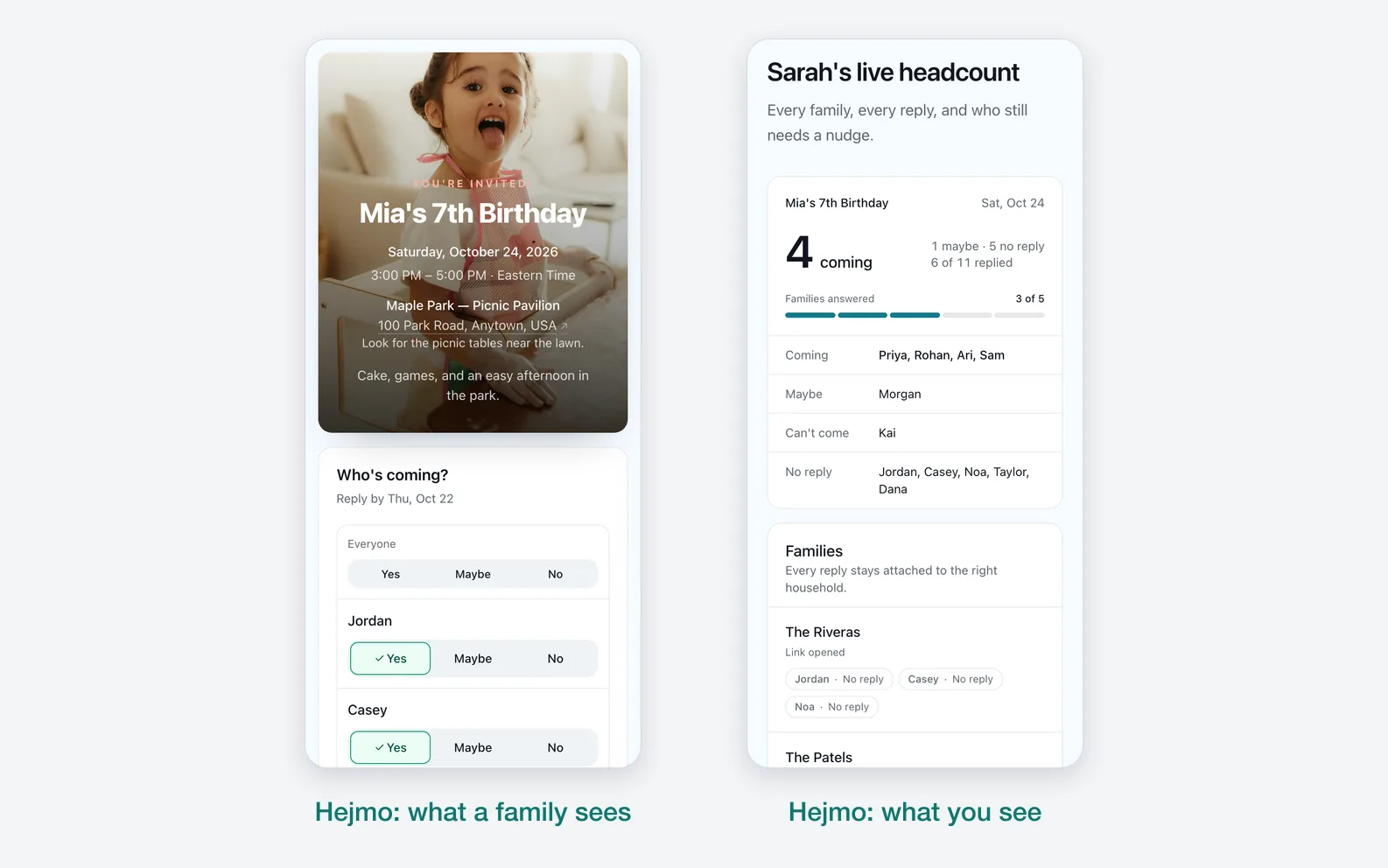
In Hejmo, each family or group gets its own private invite link, and the headcount adds itself up.
- Create the event and add each family or group. Each one gets its own private invite link.
- Guests open the link, see the event details, and answer for everyone in their family in two taps.
- From there they can add the event to their calendar or open the location in maps.
- Your dashboard shows who said yes, no, or maybe, who hasn't replied, and the total headcount, with no spreadsheet to build.
- For families who haven't answered, Hejmo writes a ready-to-send nudge you paste into your own text or chat.
Prefer one link for a class or family chat?
Every event also has a shared link. Anyone who opens it adds their own name and answers.
Sources checked (3)Official help and pricing pages, read before writing.
- Google Forms product page · Checked Google Forms positioning around custom forms and response data.
- Google Forms response help · Verified that creators can view form responses and manage response collection.
- Google Forms publish and share help · Verified common form sharing and confirmation-message options.
Questions
What is online RSVP?
Online RSVP lets guests answer through a web link instead of replying by mail, phone, or scattered text messages.
Can I collect RSVPs online for free?
Yes. A free form works for simple replies. Hejmo is free for unlimited events, with private RSVP links, a live headcount, and no ads.
Is Google Forms good for online RSVP?
Google Forms works for simple RSVP data collection. Use an RSVP website when you want an invitation page, private links, and a live headcount.
Should I ask for phone numbers in an online RSVP?
Only if you plan to call or text guests yourself. Guests shouldn't need to hand over a phone number or enter a verification code just to answer.
Collect online RSVPs without spreadsheet cleanup
Send each family a private link, let guests answer in two taps, and watch your headcount update live.
Free · No ads · No guest accounts